8 Best Dictation Software for Mac in 2026 — Honest Picks
Dictation Software for Mac compared in 2026: 8 honest picks. See offline vs cloud, accuracy, pricing, and use cases to find your best fit.

TL;DR
Apple’s built-in dictation is fine for quick notes, but it falls apart on anything longer than a few sentences. The best dictation software for Mac depends on your workflow: Syneli stands out for users who need translation and text rewriting alongside voice-to-text, Wispr Flow offers the most polished AI cleanup, Superwhisper gives power users deep control over local models, and VoiceInk is the best budget pick at $25 one-time. Accuracy differences between top tools are now razor-thin, so the real decision comes down to how you work, not which app transcribes 0.2% better.
Why Mac Users Are Switching to Dictation
Most people speak around 150 words per minute and type closer to 40. That gap is not trivial. Over a 30-minute writing session, you could speak 3,000+ words or type roughly 800 to 1,000. For anyone who writes extensively on a Mac, dictation software is one of the few tools that delivers a genuine, measurable productivity gain.
Apple Silicon changed what’s possible here. On-device speech processing that used to require cloud round-trips now runs locally on M-series chips with low latency and solid accuracy. A wave of Mac-native dictation apps followed, and the category has matured fast.
But here’s what most comparison articles get wrong: they rank tools by accuracy, as if that’s the deciding factor. In reality, the top dictation apps cluster tightly around 3.1% to 3.4% word error rate on English text. Apple’s built-in dictation trails at roughly 6.8%, but among third-party tools, accuracy has converged. The question that actually matters is which workflow fits you. Do you need plain voice-to-text? AI cleanup? Translation? The ability to rewrite text you’ve already written?
Try Syneli free if you want dictation plus translation and text styling in one app.
This article covers eight tools, organized by use case so you can skip straight to the category that matches your needs.
At-a-Glance Comparison Table
| Tool | Best For | Local/Cloud | Free Tier | Starting Price | Key Differentiator | Translation |
|---|---|---|---|---|---|---|
| Syneli | Dictation + text actions | Local core, cloud AI optional | Local dictation + 10 AI actions/day | $9.99/mo Pro | Selected-text translate/rewrite via shortcuts | Yes, before insertion or on selected text |
| Apple Dictation | Quick, zero-cost notes | Local (Apple Silicon) | Fully free | Free | Built into macOS | No |
| Wispr Flow | Polished AI dictation | Cloud | 2,000 words/week | $15/mo | AI cleanup, cross-platform | Limited |
| Superwhisper | Power user customization | Local-first | Small models, unlimited | ~$8.49/mo | Per-app mode switching | Post-transcription only |
| VoiceInk | Budget-conscious users | Local | Build from source (GPL) | $25 one-time | Open-source, Whisper-based | No |
| Voibe | Developers | Local or zero-retention cloud | Free trial | ~$4.90/mo | Developer Mode for code | No |
| Spokenly | Free unlimited dictation | Local + BYOK cloud | Unlimited | Free / $9.99/mo Pro | MCP server for AI agents | Via BYOK |
| MacWhisper | File transcription | Local | Basic free | ~€59 one-time | Batch audio-to-text | No |
How We Evaluated
Each tool was assessed across real Mac workflows, including writing in browsers, email clients, Slack, and code editors. Pricing was verified against current listings. Community sentiment from Reddit threads in r/macapps, r/mac, and r/productivity was factored in, since practitioners on Reddit consistently point out that Google results for “best dictation tool” are dominated by affiliate sites. The priorities that keep surfacing in those discussions: local vs. cloud processing, system-wide text insertion, and honest pricing.
1. Syneli
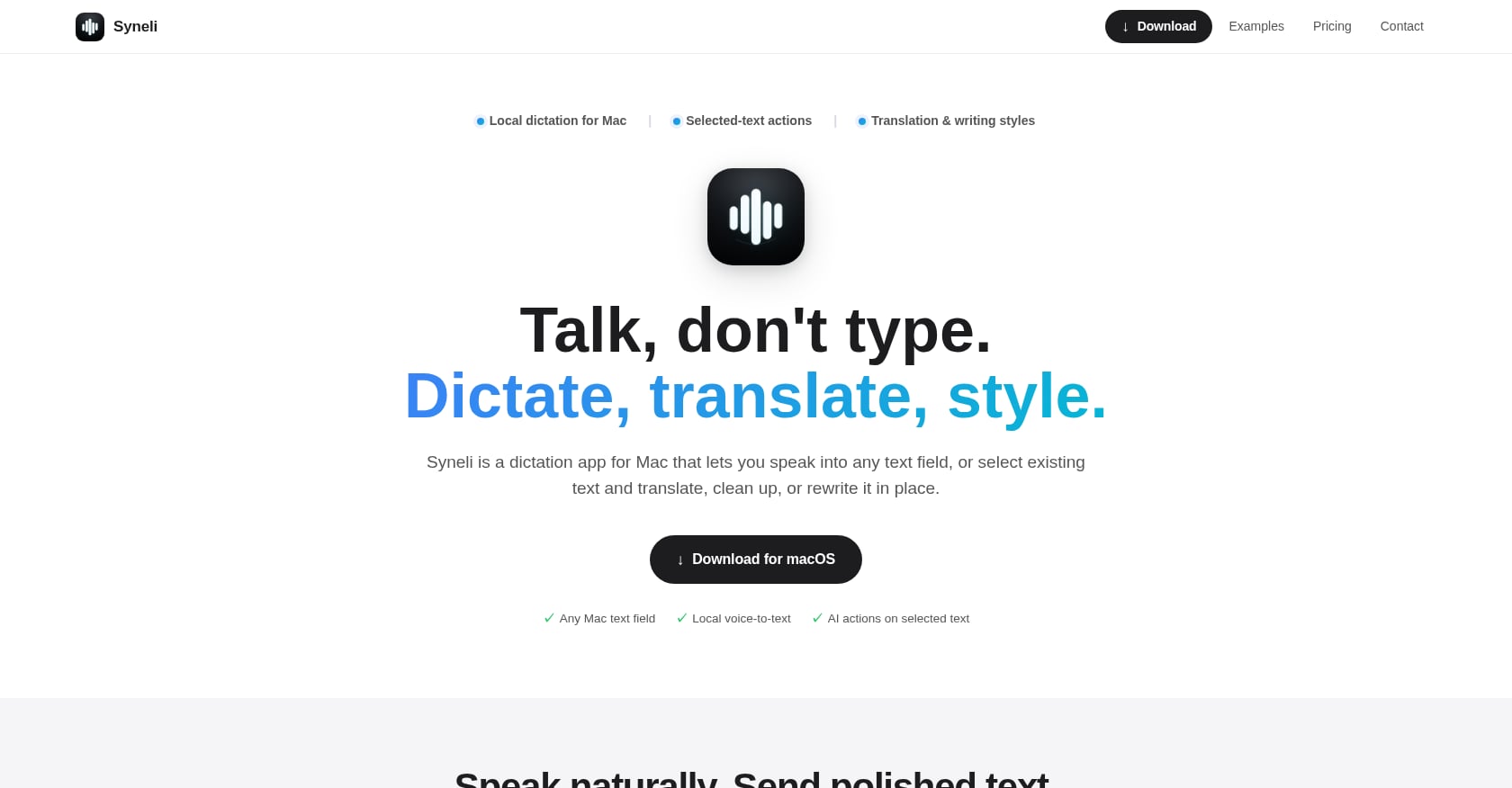
Best for: Dictation + translation + text rewriting in one shortcut-driven app
Most dictation software for Mac does one thing: convert speech to text. Syneli does that, but it also handles something no other tool in this category prioritizes: acting on text that’s already on screen.
Place your cursor in any Mac text field, press a shortcut, and speak. Syneli inserts the result exactly where you’re writing. That part works like any good dictation app. Where it separates itself is the selected-text workflow. Highlight existing text, hit a shortcut, and translate it or rewrite it in place. You can clean up rough notes, simplify a sentence, make a message more professional, or translate a passage, all without copy-pasting into a separate tool.
Key features:
- Local dictation runs on-device for privacy and low latency
- Separate keyboard shortcuts for dictation, translation, and text styling
- Preset tones: professional, concise, friendly, clear
- Dictate in one language and insert the translated result directly
- Works in any Mac text field (browser, IDE, notes, email, Slack)
- Translate or rewrite selected text on Mac with a shortcut
Pricing: Free tier includes local dictation plus 10 AI actions per day. Syneli Pro is $9.99/mo for unlimited dictation and AI actions.
Tradeoffs:
- Mac-only. No Windows, iOS, or Android apps.
- AI features (translation, styling) use cloud processing when activated, so pure offline users need to stick to local-only dictation mode.
- Newer product with limited third-party reviews and social proof compared to established competitors.
- No meeting recording or file transcription features.
Why it matters: Translation is the biggest feature gap in the dictation category. Most tools turn speech into text in the same language and stop there. For multilingual professionals, the ability to dictate in one language and insert the result in another, or highlight an email and translate it in place, eliminates an entire layer of app-switching. The shortcut-first UX means you stay on the keyboard. No menus, no prompts to type, just hotkeys.
2. Apple Dictation
Best for: Quick, free voice-to-text with zero setup
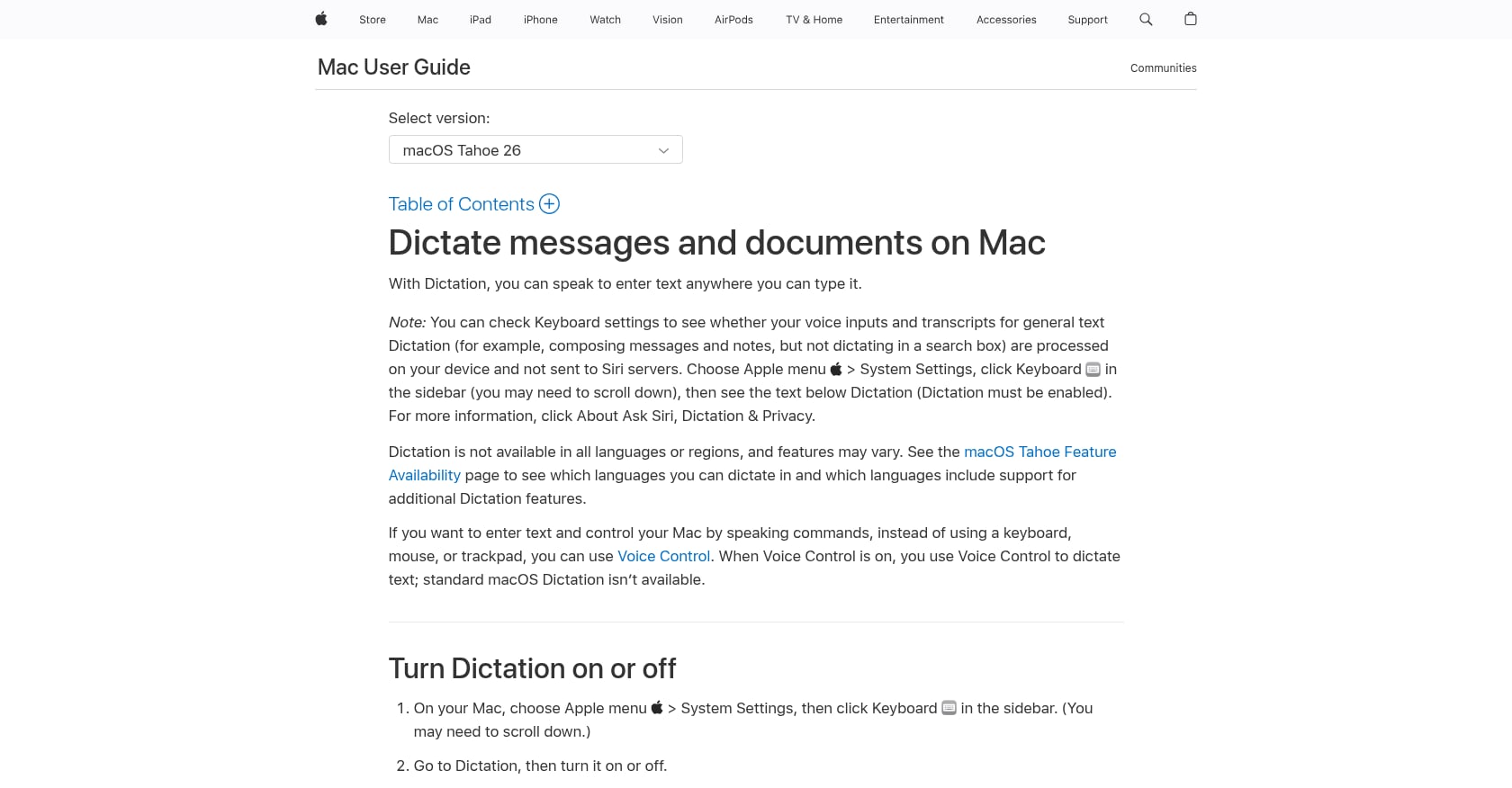
Apple’s built-in dictation is the baseline every other tool gets measured against. On Apple Silicon Macs, it processes speech on-device, which means it’s fast, private, and costs nothing.
Key features:
- Built into macOS, no download required
- On-device processing on Apple Silicon
- Works in most text fields system-wide
- Supports multiple languages
Pricing: Completely free.
Tradeoffs:
- Accuracy drops noticeably after a few sentences, with a roughly 6.8% word error rate in testing
- Auto-punctuation is inconsistent
- Has a 30-second silence timeout and approximately 50-word phrase cap
- No AI cleanup, no custom vocabulary, no tone matching
- Speed tops out around 100 to 120 WPM
Community perspective: The consistent Reddit sentiment is “start here, upgrade when you hit the limits.” And most regular dictators hit those limits fast.
For users who want privacy-focused offline dictation but need more capability than Apple provides, third-party local tools fill the gap.
3. Wispr Flow
Best for: Polished AI-powered dictation across platforms
Wispr Flow is the most well-funded player in this space, backed by $81 million and available on Mac, Windows, iOS, and Android. Its AI post-processing is genuinely impressive: it cleans filler words, adds punctuation, and restructures sentences on the fly. One tester reported saving 10 to 15 minutes per day in error correction from AI cleanup alone.
Key features:
- 184 WPM speed with 95%+ accuracy reported in testing
- AI cleanup that transforms rough speech into clean writing
- Whisper Mode for quiet dictation in shared spaces
- Supports over 100 languages
- Cross-platform sync
Pricing: Free tier at 2,000 words/week. Pro is $15/mo billed monthly or $144/yr.
Tradeoffs:
- Cloud-only processing. Your voice goes to third-party servers.
- Holds a 2.7 out of 5 Trustpilot rating as of April 2026
- The most-cited pattern in negative reviews: performance works well during the 14-day trial, then degrades after payment
- A Reddit user in r/ProductivityApps reported Wispr Flow uploading what appeared to be screenshots of the active window to third-party AI infrastructure, which created significant trust concerns in early 2026
- No offline mode
Community perspective: Practitioners on Reddit describe it as “best UI, but I don’t love sending my voice to the cloud.” For users who prioritize privacy, the cloud-only architecture is a dealbreaker.
If you’re weighing Wispr Flow against other options, you can compare Wispr Flow alternatives to see how local-first tools stack up.
4. Superwhisper
Best for: Technical users who want deep model control
Superwhisper is the power user’s dictation tool. It supports the full range of local Whisper models (Tiny through Large V3 Turbo), plus Parakeet V2 and V3, and lets you configure per-app modes so your dictation behavior changes automatically based on the application you’re using.
Key features:
- Local-first processing with customizable AI model selection
- Per-app modes for different workflows
- 3.2% word error rate in testing
- Free tier covers unlimited use of small AI models
- 100+ language support
- Meeting recording included
Pricing: Free tier with small models. Pro is approximately $8.49/mo, $84.99/yr, or $249.99 one-time lifetime.
Tradeoffs:
- Can feel overwhelming. One reviewer noted “all this flexibility comes with complexity that many users find overwhelming.”
- 680ms latency with local processing, noticeably slower than cloud alternatives
- Pro and Lifetime plans require you to bring your own API keys for cloud LLM post-processing, billed separately
- Pricing has been inconsistent: some sources report the lifetime plan jumping from $249 to $849, though others still list $249.99
Community perspective: Reddit’s summary is apt: “Great if you want to tinker.” A hands-on tester on Substack noted that “it’s less about models and more about workflow,” praising Superwhisper’s mode switching as the real value. But the setup cost is real for non-technical users.
For a broader look at what’s available in local dictation apps for macOS, including simpler alternatives, there are several options worth exploring.
5. VoiceInk
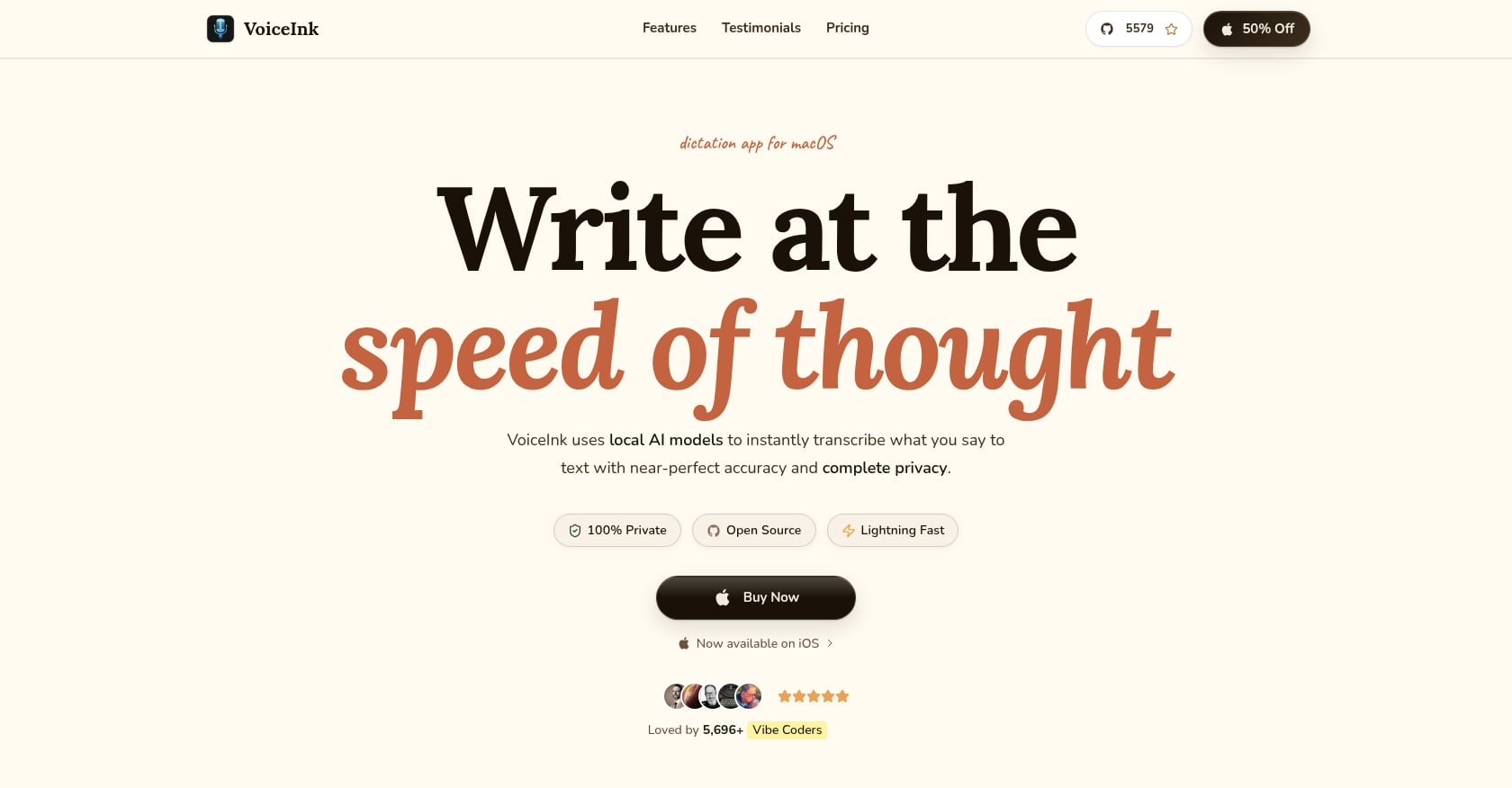
Best for: Budget-conscious Mac users who want local, open-source dictation
VoiceInk is the best value proposition in this category. It’s a fully open-source dictation app (GPLv3, 4,100+ GitHub stars) that processes speech entirely on your Mac using local Whisper models. And it costs $25. Once.
Key features:
- One-time purchase: $25 (Solo), $39 (two Macs), $49 (three Macs)
- Local Whisper AI processing, fully on-device
- Open-source with active community
- Works in any text field
Pricing: $25 to $49 one-time, depending on license tier. You can also build from source for free.
Tradeoffs:
- Requires Apple Silicon and macOS 14.4 or later. No Intel support.
- No developer IDE integration
- AI text enhancement depends on external API keys
- Solo developer project without formal support channels
- No translation features
Community perspective: One user put it simply: “This app is so good. I have been using Wispr Flow at $12 a month. This app does the same things.” For straightforward voice-to-text without subscriptions, VoiceInk is hard to beat.
6. Voibe
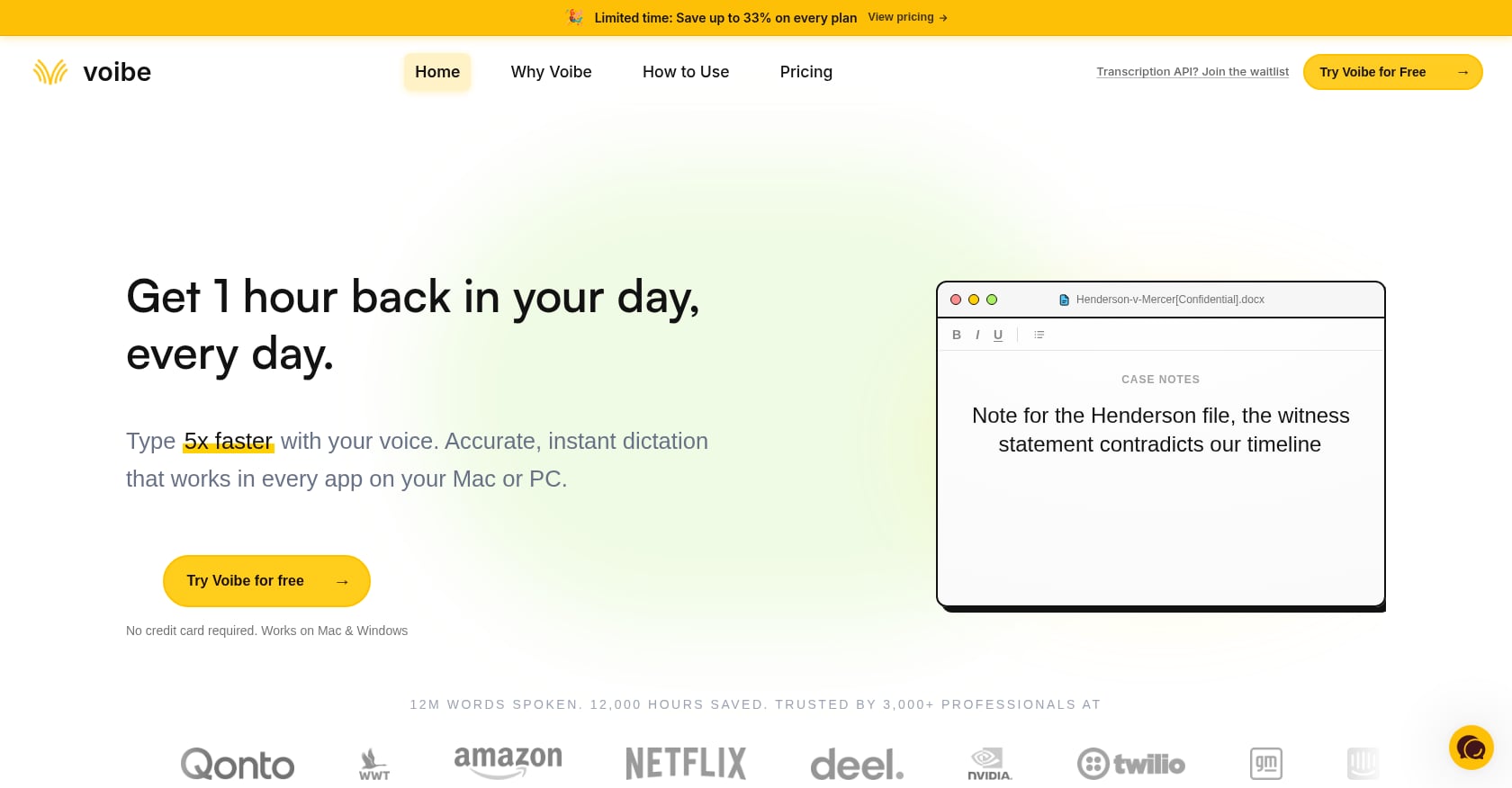
Best for: Software developers who dictate code and documentation
Voibe targets a niche that other dictation software for Mac ignores: writing code by voice. Its Developer Mode resolves file names, folder paths, and variable names, which is something no other dictation app currently offers.
Key features:
- Developer Mode for code dictation (resolves technical terms, paths, variables)
- 97%+ accuracy with sub-300ms latency on Apple Silicon
- On-device processing with zero-retention cloud option
- VS Code and Cursor integration
Pricing: Approximately $4.90/mo, $44.10/yr, or $149 one-time lifetime.
Tradeoffs:
- Mac-only
- $149 lifetime is significantly more than VoiceInk’s $25
- Newer to market with less community feedback
- No translation or text rewriting features
For developers evaluating dictation tools, Voibe’s Developer Mode is a genuine standout. The ability to dictate getUserById and have it resolve correctly (rather than “get user by ID” as plain English) saves real editing time.
7. Spokenly
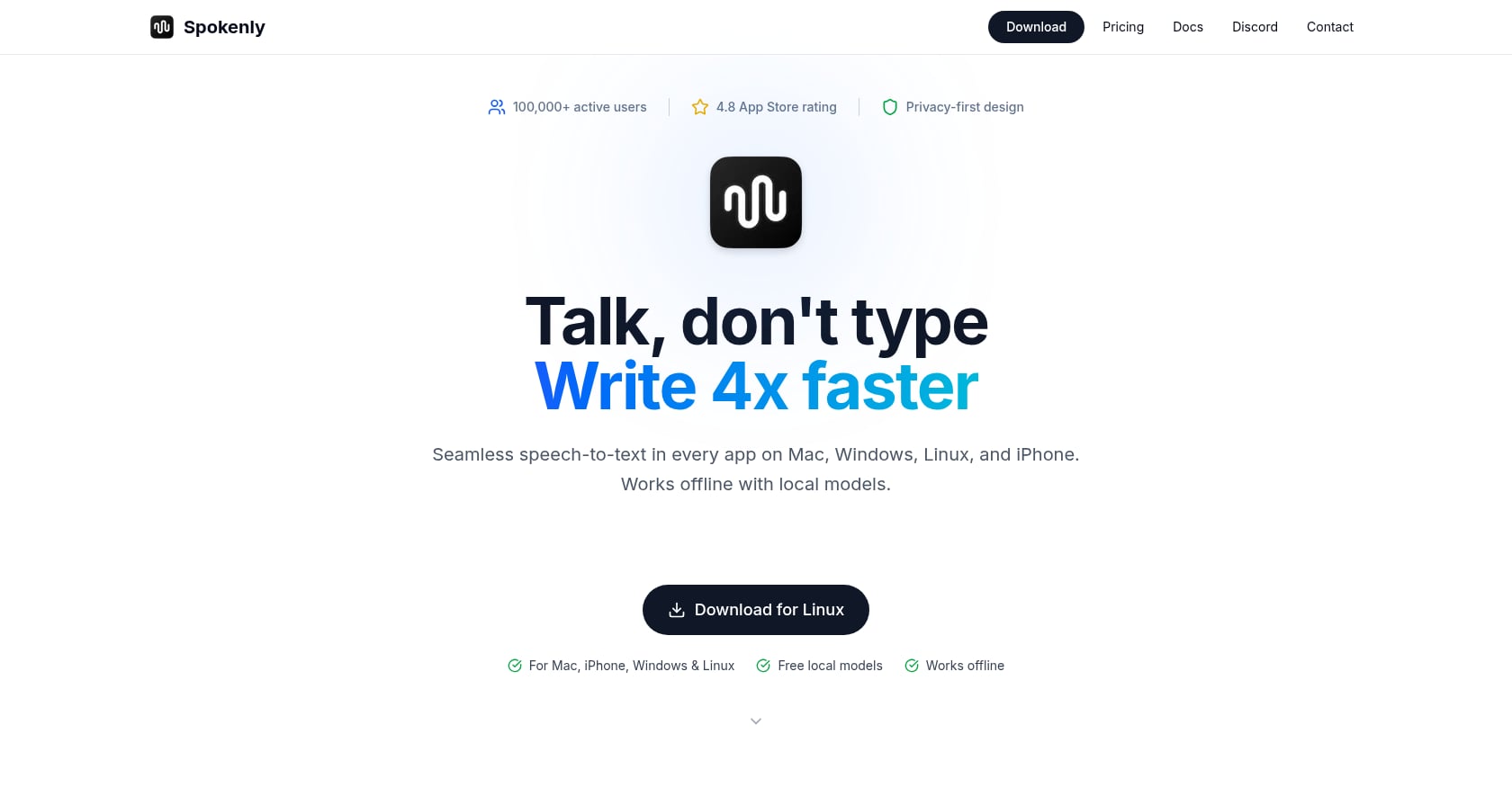
Best for: Free unlimited dictation with bring-your-own-key flexibility
Spokenly is the only dictation app in this roundup with a genuinely unlimited free tier for local models. It also supports a BYOK (bring your own key) setup for cloud AI, and it’s the only tool here with a built-in MCP server for AI agents.
Key features:
- Completely free local dictation with no word limits
- BYOK cloud AI for enhanced processing
- Cross-platform: Mac, Windows, Linux, iPhone
- MCP server for AI agent integration
Pricing: Free for local + BYOK. Optional Pro at $9.99/mo.
Tradeoffs:
- BYOK means you need your own API keys from OpenAI, Anthropic, or similar providers, which adds setup friction and separate billing
- Closed-source despite the free tier
- Less polished UI compared to Wispr Flow or Syneli
- Limited community discussion or reviews
Spokenly fills an interesting gap for technical users who already have API keys and want a free dictation front-end. For everyone else, the BYOK requirement is a barrier.
8. MacWhisper
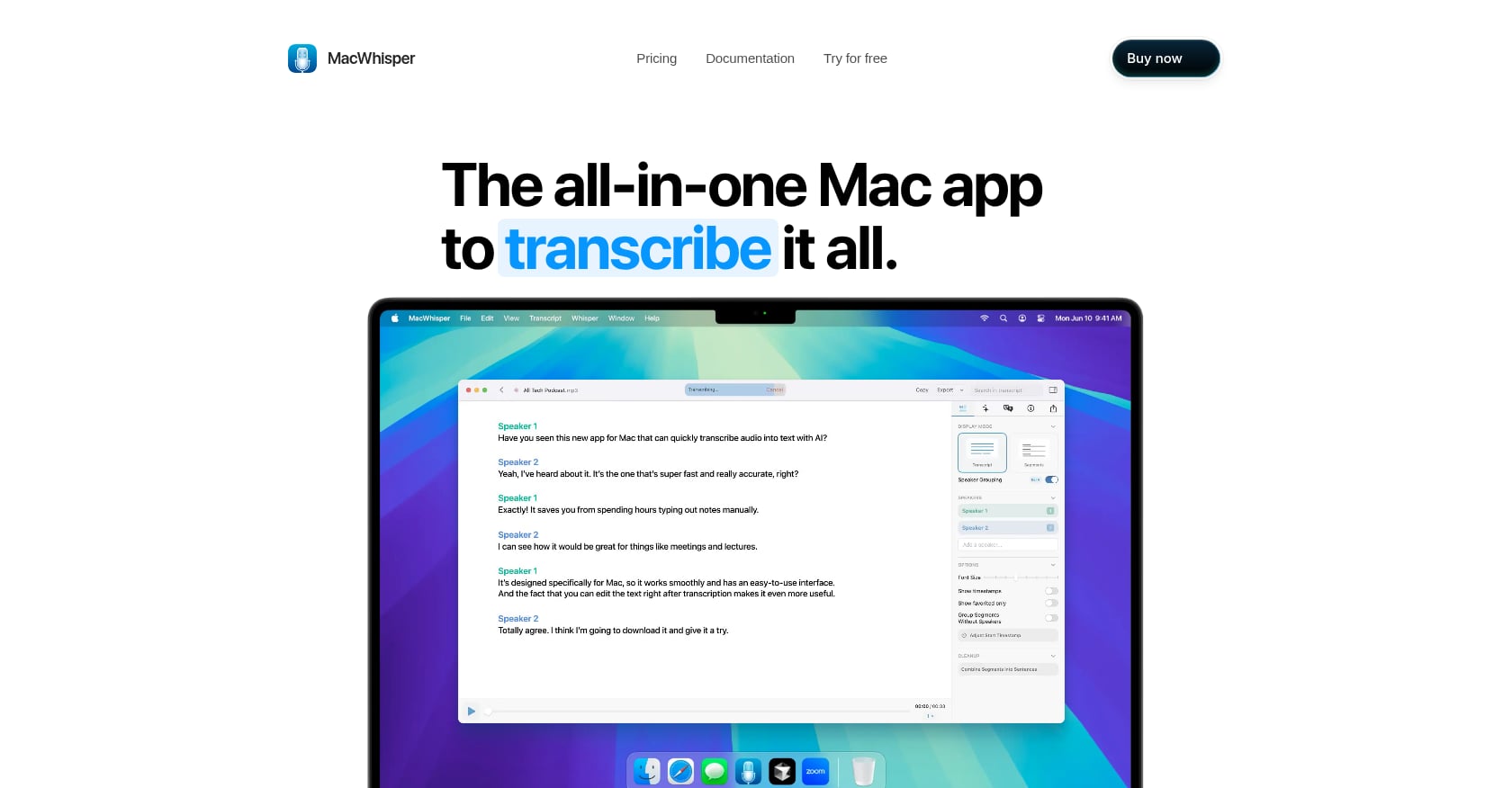
Best for: Transcribing audio files, not live dictation
MacWhisper needs to be on this list because it shows up in every “dictation software for Mac” search, but it’s important to be clear about what it does. MacWhisper is a file transcription tool. You feed it audio recordings (podcasts, interviews, meetings) and it produces text. It is not a cursor-insertion dictation tool.
Key features:
- Batch transcription of audio files
- Local Whisper model processing
- Supports multiple audio formats
- One-time purchase
Pricing: Basic free tier. Full version approximately €59 to €64 one-time.
Tradeoffs:
- No live dictation, no cursor insertion, no system-wide text input
- Not useful for real-time writing workflows
- Only relevant if your primary need is converting existing recordings to text
If your workflow is “transcribe yesterday’s meeting,” MacWhisper is excellent. If your workflow is “dictate today’s email,” look elsewhere.
What About macOS 27 Dictation?
Apple announced a significant upgrade to system-wide dictation at WWDC 2026, arriving with macOS 27 this fall. The improved version promises better speech recognition with automatic punctuation, capitalization, and formatting, along with higher overall accuracy.
There’s a catch. Improved dictation requires an M3 chip or later and at least 12GB of RAM. Users on M1 or M2 Macs won’t see the upgrade.
Even with the improvements, macOS 27 dictation still won’t offer custom vocabulary, tone matching, translation before insertion, selected-text rewriting, or cross-platform sync. It raises the floor for free dictation software for Mac, making Apple’s built-in option more competitive for casual users. But for anyone who needs AI text cleanup, multilingual workflows, or the ability to restyle existing text, dedicated tools remain necessary.
For a deeper comparison of what’s available outside Apple’s ecosystem, see this overview of best offline dictation apps for Mac.
How to Choose the Right Dictation App
Accuracy is no longer the differentiator. The top tools all land between 3.1% and 3.4% word error rate. The decision comes down to workflow.
Need to translate speech or rewrite existing text? Syneli is the only tool that combines dictation, translation before insertion, and selected-text rewriting into shortcut-driven workflows. If you regularly switch languages or polish text, this is the category to focus on.
Just need quick, free voice-to-text? Apple Dictation works fine for short bursts. Wait for macOS 27 if you have an M3+ Mac.
Want the best AI cleanup and work across platforms? Wispr Flow has the most polished post-processing, but you’re sending audio to the cloud and paying $15/mo. Read the best Wispr Flow alternatives if the privacy tradeoff concerns you.
Privacy maximalist who likes to tinker? Superwhisper gives you full control over local models and per-app modes. Expect a learning curve.
Tight budget, just want it to work? VoiceInk at $25 one-time is the best deal in the category.
Developer who dictates code? Voibe’s Developer Mode is unique. Nothing else resolves variable names and file paths.
Want free with no limits and already have API keys? Spokenly is genuinely free for local dictation.
Need to transcribe recordings, not dictate? MacWhisper. Different tool for a different problem.
One insight from a practitioner analysis worth highlighting: cloud-based apps have a real advantage for LLM post-processing. Local models like Whisper handle transcription well, but strong AI editing, tone control, and translation still rely on frontier models that don’t run efficiently on most Macs. The best architecture, arguably, is local dictation with optional cloud AI for enhancement, which is exactly the hybrid approach tools like Syneli use.
Download Syneli to try local dictation with AI translation and text styling, free.
What Happened to Dragon for Mac?
If you’re wondering why Dragon NaturallySpeaking isn’t on this list: Nuance discontinued Dragon Dictate for Mac in 2018. The only remaining option is Dragon Medical One, which runs in a web browser and targets healthcare professionals. For everyone else, the tools above are the current state of dictation software for Mac.
FAQ
Does Mac have built-in dictation software?
Yes. macOS includes free dictation that works system-wide. On Apple Silicon Macs, it processes speech on-device. It works well for short phrases but struggles with longer passages, hitting accuracy issues and a 30-second silence timeout. macOS 27 (fall 2026) will improve it significantly, though only on M3+ chips with 12GB+ RAM.
What is the best free dictation software for Mac?
For basic voice-to-text, Apple’s built-in dictation is the best free option. For unlimited free dictation with more flexibility, Spokenly offers a genuinely unrestricted free tier using local models. Syneli also provides a free tier with local dictation and 10 AI actions per day, which covers translation and text rewriting.
Is Wispr Flow worth $15 per month?
Wispr Flow’s AI cleanup is genuinely useful and its cross-platform support is a plus. However, its 2.7/5 Trustpilot rating and reports of post-trial performance degradation give pause. The cloud-only architecture is also a concern for privacy-conscious Mac users. At $15/mo, it’s the most expensive subscription option in this category. Several alternatives offer comparable or complementary features for less.
What is the best offline dictation app for Mac?
VoiceInk ($25 one-time) and Superwhisper (free tier available) both run Whisper models entirely on your Mac with no internet required. Apple’s built-in dictation also processes on-device on Apple Silicon. Syneli’s core dictation runs locally as well, with cloud processing only for optional AI features like translation and styling.
Can I translate speech to text in a different language on Mac?
This is where most dictation tools fall short. The typical workflow is dictate, then copy the text into a translation app. Syneli handles translation before insertion: you speak in one language and the translated result appears at your cursor. You can also select existing text and translate it in place with a shortcut.
Do I need Apple Silicon for Mac dictation software?
Most modern dictation tools require or strongly prefer Apple Silicon. VoiceInk and Superwhisper both require it. Apple’s macOS 27 dictation upgrade requires M3 or later. TAWK is one of the few options that still supports Intel Macs. If you’re on an older Mac, your options are limited.
Is dictation software actually faster than typing?
Substantially. Most people type around 40 words per minute and speak around 150. Even accounting for corrections, regular dictation users report significant time savings. The gap is especially large for first drafts, emails, and documentation, where getting ideas out quickly matters more than perfect formatting.
Can I use dictation software for Mac with any app?
The best dictation tools insert text wherever your cursor is: browser, email client, Slack, code editor, notes app. Tools locked to specific applications get criticized quickly in community discussions. Syneli, Wispr Flow, Superwhisper, and VoiceInk all work system-wide across Mac text fields.