Best macOS Local Dictation Apps in 2026: 9 Top Picks
Find the best macOS local dictation in 2026: 9 on-device apps for private, fast voice typing, with pros, pricing, and picks by use case. Compare now.

TL;DR
macOS local dictation means your speech is processed entirely on your Mac, with no audio sent to the cloud. Apple’s built-in dictation handles basics for free on Apple Silicon. For translation, text rewriting, and style control, Syneli offers local core dictation plus AI actions. Superwhisper suits tinkerers who want per-app model control. VoiceInk and SpeakMac are solid one-time purchase options for budget-conscious users.
Why Local Dictation on Mac Matters in 2026
Voice dictation lets you hit 150+ words per minute compared to roughly 40 WPM for average typing. That speed gap alone makes dictation worth considering. But the word “local” in the search query tells a bigger story.
Users searching for macOS local dictation have a specific requirement: audio that never leaves their machine. And they have good reason to care. In 2026, a privacy incident involving Wispr Flow, one of the most popular cloud dictation tools, made headlines when a user discovered the app was sending screenshots of active windows to cloud servers. The company banned that user’s account before later issuing a public apology confirming the concerns were legitimate. Practitioners on Reddit cite this incident regularly when explaining why they switched to on-device alternatives.
Beyond privacy, local processing eliminates network latency, works on airplanes and in areas with unreliable Wi-Fi, and keeps functioning during cloud provider outages. For anyone dealing with RSI or repetitive strain injuries, voice input reduces typing load significantly, making it an accessibility tool as much as a productivity one.
Three breakthroughs made all of this practical: OpenAI releasing its Whisper speech model under the MIT license in 2022, the whisper.cpp project porting it to efficient C/C++, and Apple Silicon’s Neural Engine delivering enough on-device compute to run these models in real time.
What “Local” Actually Means (and What It Doesn’t)
On-device dictation means the speech recognition model runs on your Mac’s Neural Engine or GPU. Audio is processed locally, transcribed locally, and never transmitted over the internet.
This is different from a “privacy mode” toggle on a cloud app. Some tools offer privacy settings that still route audio through external servers for processing, just with promises not to store it. That’s not the same thing. True local dictation works with your Wi-Fi turned off.
Every tool in this list processes core dictation on-device. Some offer optional cloud features (AI rewriting, translation) that you can choose to enable. Where that’s the case, it’s noted clearly. You can review Syneli’s privacy policy as one example of how a local-first app documents this distinction.
Comparison Table: macOS Local Dictation Apps at a Glance
Tool | Local? | Starting Price | AI Cleanup | Translation | Cursor Insert | Free Tier | Best For |
|---|---|---|---|---|---|---|---|
Syneli | ✅ core | $0 / $9.99/mo | ✅ | ✅ | ✅ | 10 AI actions/day | Multilingual + rewriting |
Apple Dictation | ✅ (M1+) | Free | ❌ | ❌ | ✅ | Built-in | Casual/basic |
Superwhisper | ✅ | $0 / $8.49/mo | ✅ | ✅ (to English) | ✅ | Small models | Power users |
VoiceInk | ✅ | $25 one-time | Via API keys | ❌ | ✅ | 7-day trial | Budget/open-source |
Spokenly | ✅ | Free / $9.99/mo | ✅ | Via BYOK | ✅ | Unlimited local | Devs/agents |
Voibe | ✅ | $7.50/mo | ❌ native | ❌ | ✅ | 7-day trial | IDE integration |
SpeakMac | ✅ | $29 one-time | ❌ | ❌ | ✅ | Free tier | Simple/affordable |
MacWhisper | ✅ | €64 one-time | ❌ | ❌ | ❌ (file-based) | Free tier | File transcription |
Wispr Flow | ❌ cloud | $15/mo | ✅ | ✅ | ✅ | 2k words/wk | Cloud-comfortable users |
Now, the detailed breakdown.
1. Syneli
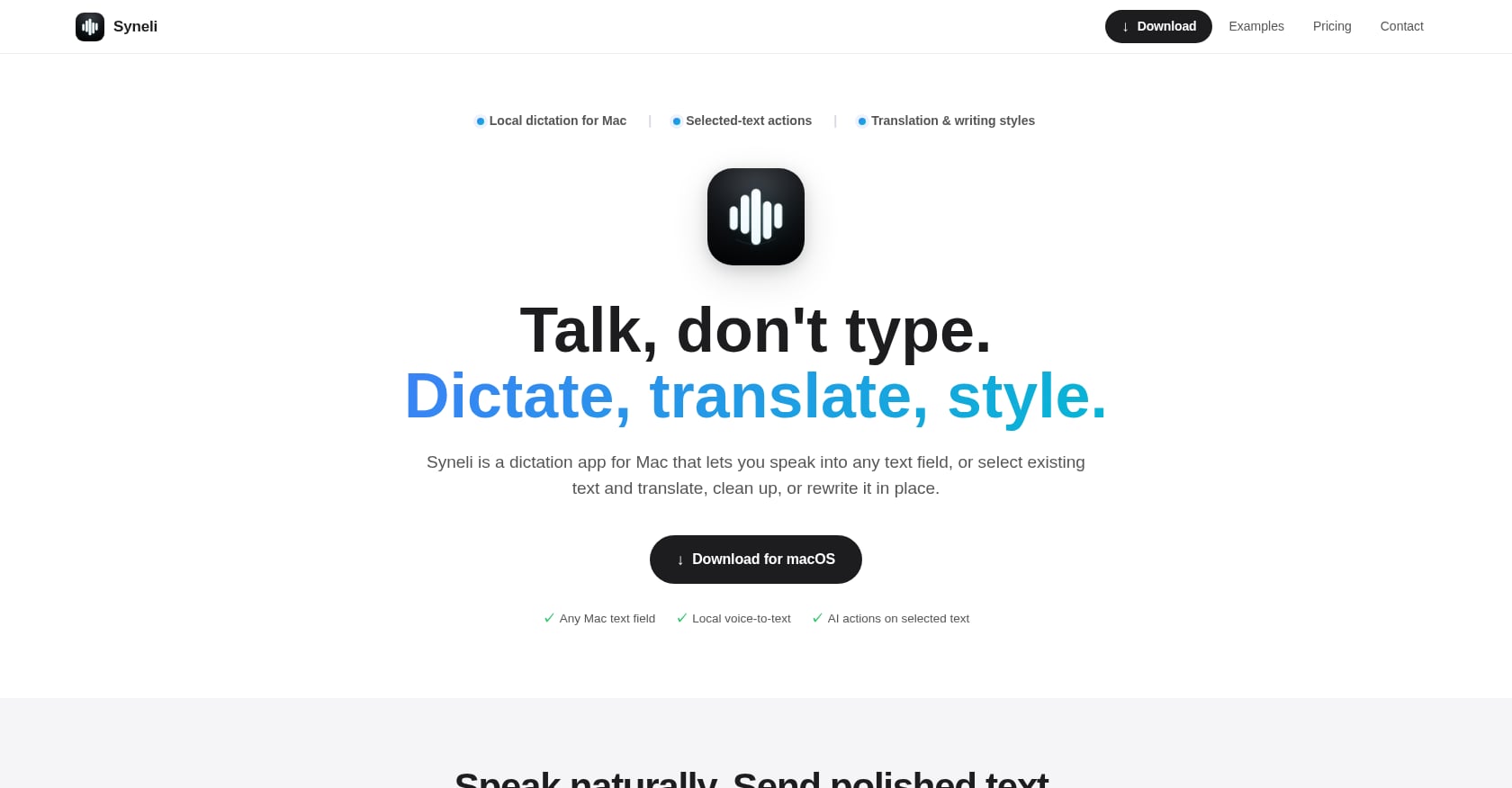
Best for: Mac users who need local dictation plus translation and in-place text rewriting.
Pricing: Free plan includes local dictation and 10 AI actions per day. Syneli Pro costs $9.99/month for unlimited dictation plus AI translation and styling.
Key features:
Core dictation runs locally on your Mac with no audio sent to the cloud
Dictates directly into any Mac text field at the cursor, whether that’s a browser, IDE, email client, Slack, or notes app
Select existing text and translate or rewrite it in place without switching apps
Separate keyboard shortcuts for dictation, translation, and text styling (e.g., Right Option for translate, Right Command for cleanup)
Writing style presets: professional, concise, friendly, clear
Dictate in one language and have the translated result inserted directly
What makes Syneli unusual in the macOS local dictation category is the selected-text workflow. Most dictation apps only create new text. Syneli lets you highlight text that’s already on the page and translate or rewrite it in place. That turns it into something closer to a writing assistant that happens to start with voice.
Limitations:
Mac-only, no Windows or iOS apps
Translation and restyling use cloud AI processing (core dictation stays local)
No meeting recording, speaker diarization, or file transcription
Newer product with limited third-party reviews so far
Verdict: If your workflow involves multiple languages or you frequently need to clean up, restyle, or translate text after dictating it, Syneli combines those steps into keyboard shortcuts rather than separate apps. The free tier is generous enough to test real workflows.
Try Syneli’s local dictation free →
2. Apple Dictation
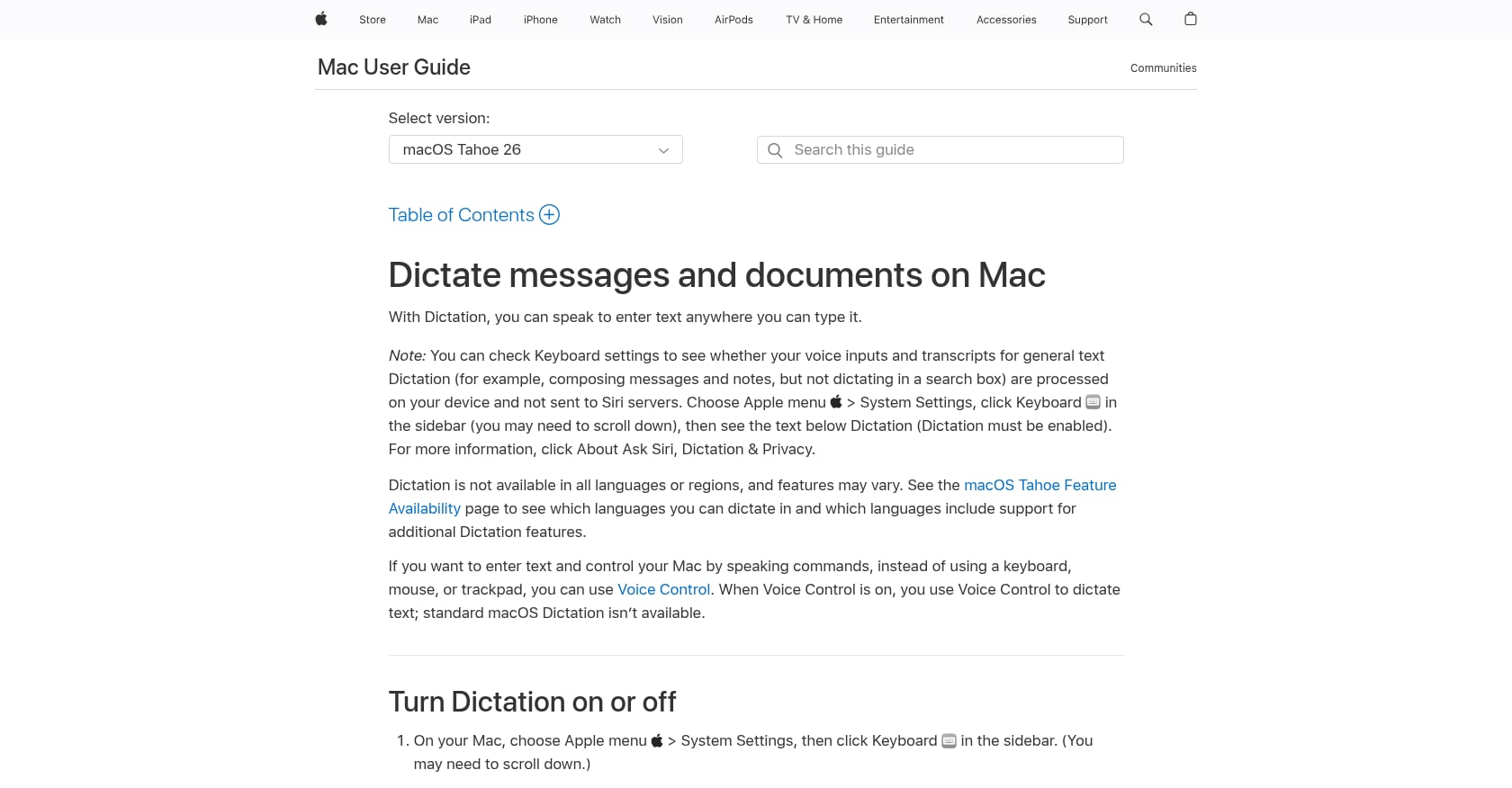
Best for: Casual use with zero setup on Apple Silicon Macs.
Pricing: Free, built into macOS.
Key features:
On-device dictation is the default on M1+ Macs, no internet required
Dictate text of any length without a timeout
Automatic punctuation (question marks, commas, periods)
Customizable keyboard shortcut to start/stop
Works system-wide in any text field
Limitations:
Accuracy is inconsistent with technical vocabulary, proper nouns, and accented speech. Several Redditors note it struggles with homophones.
Dictation stops when no speech is detected for 30 seconds
No AI cleanup, no filler-word removal, no tone or style options
No translation capability
No custom vocabulary support
Intel Macs send audio to Apple’s servers, so “local” only applies to Apple Silicon
User perspective: Common Reddit sentiment runs along the lines of “surprisingly decent for free, but don’t expect it to keep up with serious dictation.”
Verdict: The obvious starting point. If you’re on an M1 or newer Mac and just need basic voice typing, Apple Dictation costs nothing and requires no installation. You’ll feel its limits quickly if you dictate technical content or need any post-processing.
3. Superwhisper
Best for: Power users who want full model control and per-app customization.
Pricing: Free tier covers small models and basic dictation. Pro costs roughly $8.49/month, $84.99/year, or $249.99 as a one-time lifetime license. Note: Superwhisper raised the lifetime price significantly during 2026, so verify current pricing on their site before purchasing.
Key features:
Covers the full local model lineup: Whisper Tiny through Large V3 Turbo, Parakeet V2 and V3
Custom Modes system lets you save per-app configurations with a hotkey, transcription model, optional LLM prompt, and auto-activation rules
All transcription and processing happens on-device
Cross-platform: Mac, Windows, iOS
100+ languages, meeting recording and transcription on free tier
Limitations:
Steep learning curve. Practitioners on Reddit consistently describe it as “powerful if you don’t mind tinkering with settings.”
Setup has privacy defaults worth reviewing: audio saved to disk by default, API keys stored in plaintext
The lifetime price doesn’t cover cloud LLM modes. Budget an additional $5 to $40/month in API fees if you use those features.
Windows and iOS apps lag behind the Mac version
15-minute Pro trial is too short to evaluate the depth of features
User perspective: Superwhisper holds a 4.9/5 on Product Hunt. Reddit discussions on r/macapps generally position it as the go-to for advanced users who want privacy and customization in their macOS local dictation setup.
Verdict: The most configurable option in this list. If you want to pick specific Whisper models for different apps and build custom processing pipelines, Superwhisper is the tool. Just know that the setup investment is real.
4. VoiceInk
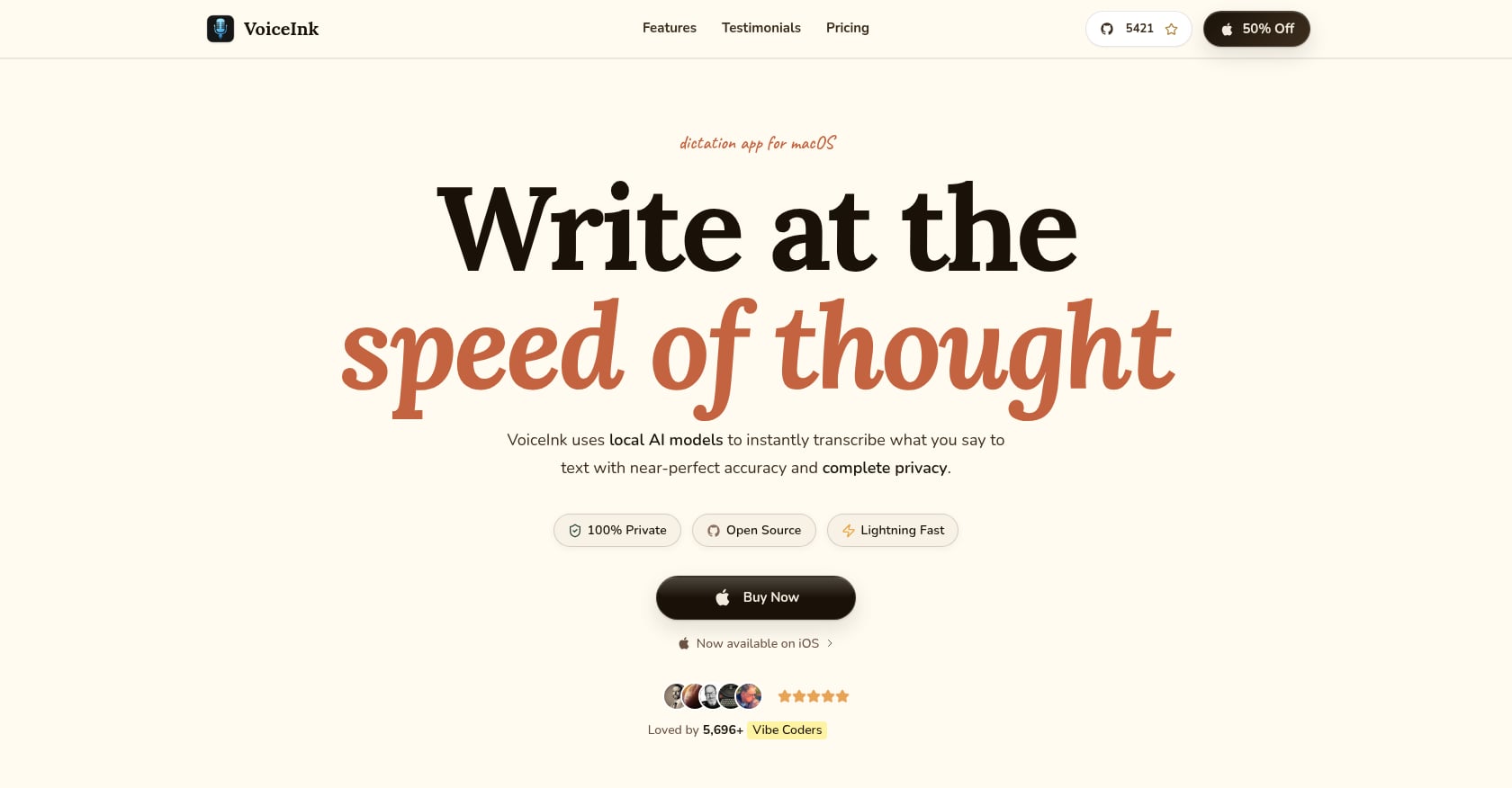
Best for: Budget-conscious users and open-source advocates.
Pricing: One-time purchase: $25 (Solo, 1 Mac), $39 (Personal, 2 Macs), or $49 (Extended, 3 Macs). Also available to build from source for free under GPLv3.
Key features:
Uses local Whisper AI models via whisper.cpp, all audio processed on your Mac
Power Mode automatically applies configurations based on active app or URL
Open-source with over 4,300 GitHub stars and 570 forks
Custom dictionary for specialized terms
Optional AI enhancement via your own API keys
Limitations:
Requires Apple Silicon, no Intel Mac support
No built-in translation or text rewriting
No developer IDE integration
Solo developer project with community-only support
Requires macOS 14+
User perspective: One user testimonial captures the appeal: “This app is so good. I have been using Wispr Flow at $12 a month. This app does the same things.”
Verdict: The best value proposition for pure local dictation on Mac. If you don’t need translation or AI text actions and prefer a one-time payment, VoiceInk is hard to beat. The open-source codebase means you can audit exactly what it does with your audio.
5. Spokenly
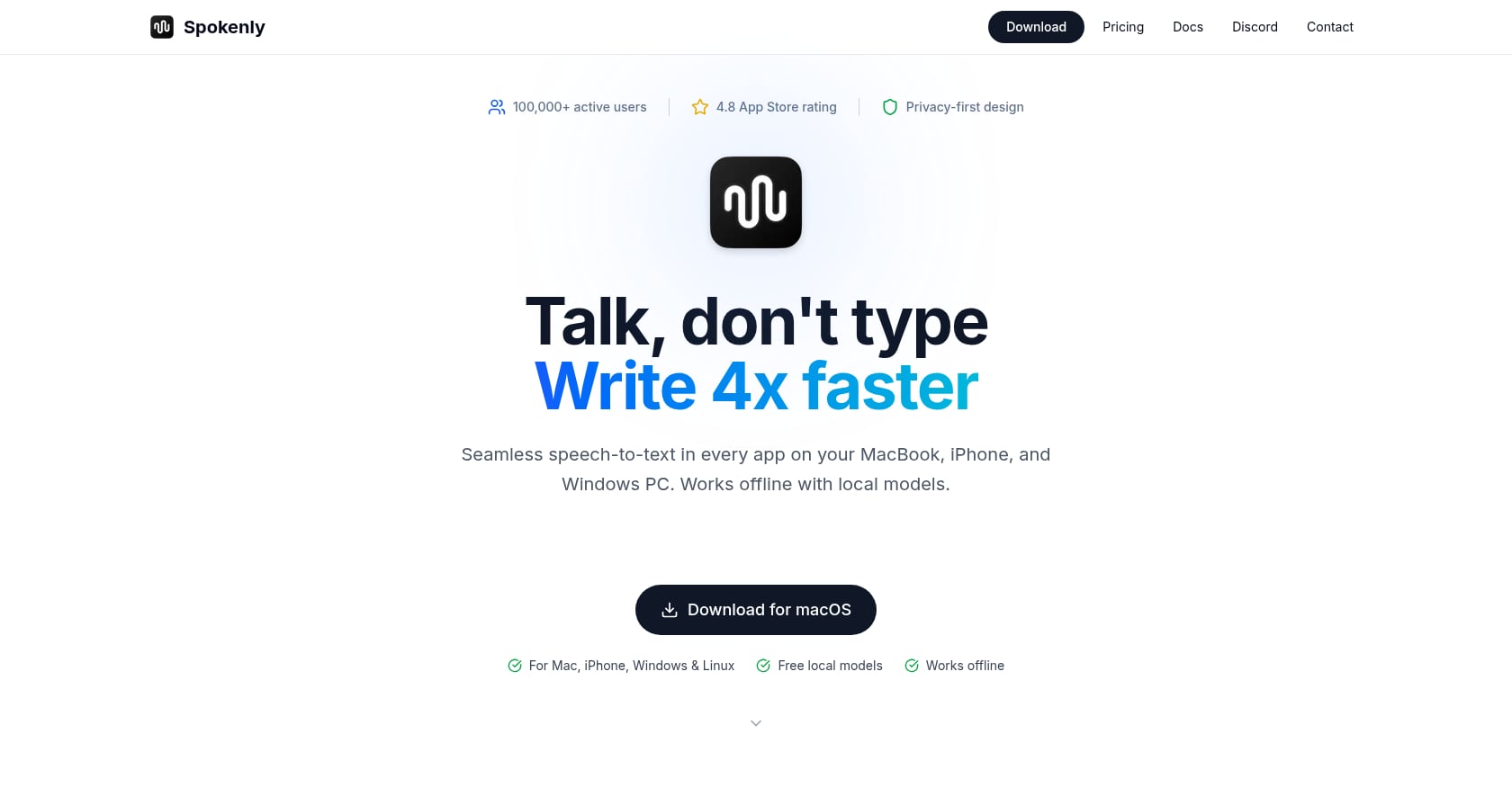
Best for: Developers who want free local dictation with AI agent integration.
Pricing: Completely free for local models and bring-your-own API keys. Spokenly Pro at $9.99/month covers both Mac and iPhone with managed cloud transcription.
Key features:
Local-only mode blocks every network request, so your voice never leaves your Mac
Uses Whisper and Parakeet models that handle technical terms, accents, and non-English languages better than Apple’s built-in dictation
Ships an MCP server that coding agents can call, letting you talk to your coding tools instead of typing
AI Instructions fix grammar, strip filler words, and format text for the active app
100+ languages with auto-detection
Limitations:
Pro subscription needed for managed cloud transcription without bringing your own API keys
Relatively new entrant with less long-term track record
User perspective: Users note that “the offline models are absolutely brilliant, and so much faster than Apple’s built-in dictation.”
Verdict: The strongest free macOS local dictation option for developers. The MCP server integration makes it particularly interesting as voice-driven development workflows gain traction. Claude Code shipped a built-in voice mode in March 2026, signaling that developer voice adoption is going mainstream.
6. Voibe
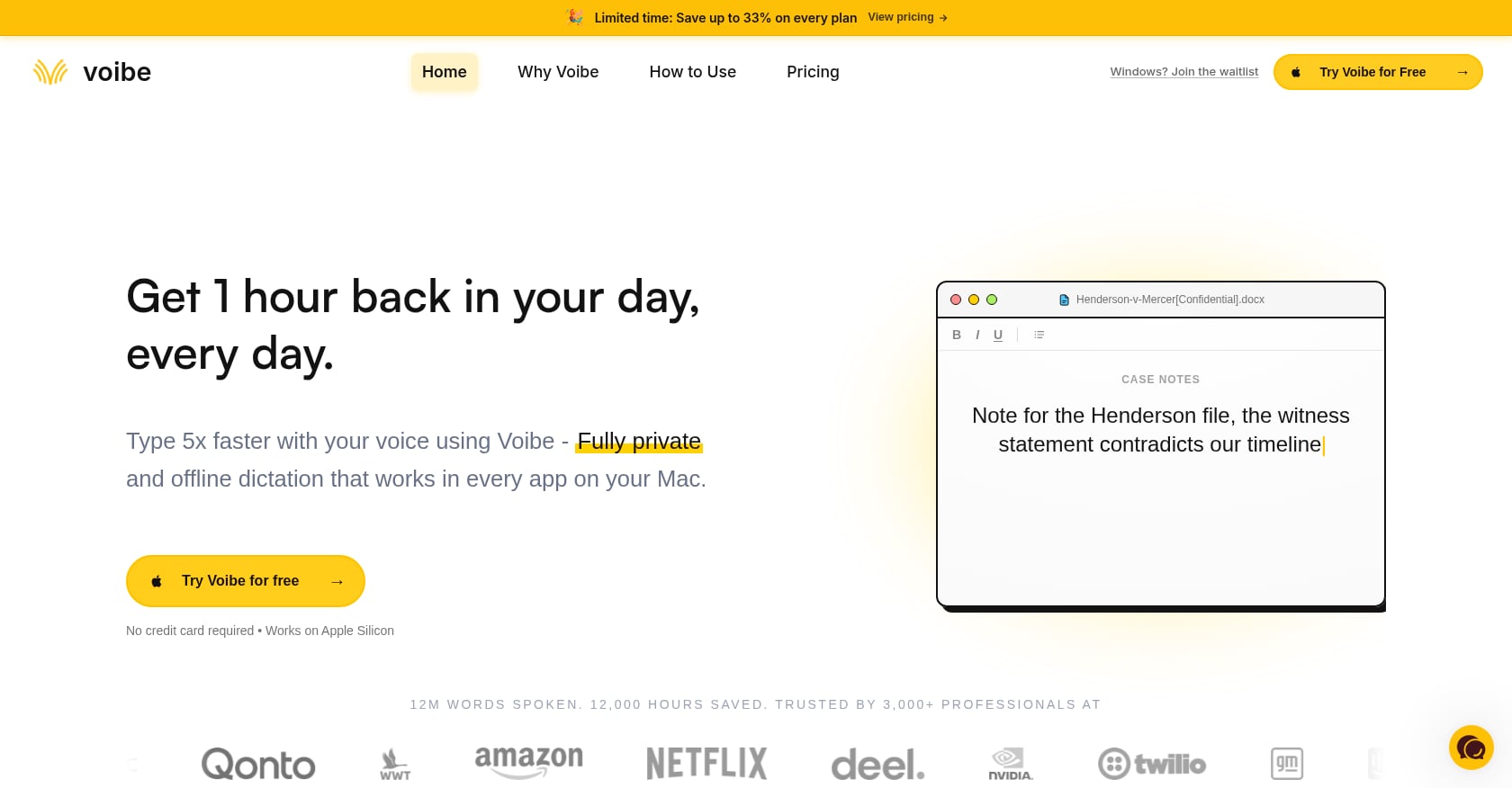
Best for: Developers who dictate code comments, prompts, and documentation inside their IDE.
Pricing: $7.50/month, $59/year, or $149 lifetime. Seven-day free trial available.
Key features:
100% on-device processing, zero cloud transmission
Dedicated VS Code and Cursor IDE integration that resolves file names, folder names, and workspace-specific terminology
Speed vs. Accuracy modes with hardware-matched model recommendations
Commits to never training AI on user dictation data
Limitations:
Mac-only
Higher recurring cost than VoiceInk’s one-time purchase
No translation or text rewriting features
IDE integration is the main differentiator, so non-developers may not see enough value
Verdict: If you spend your day in VS Code or Cursor and want dictation that understands your project context, Voibe is purpose-built for that. For general macOS local dictation outside of development workflows, other options offer more versatility.
7. SpeakMac
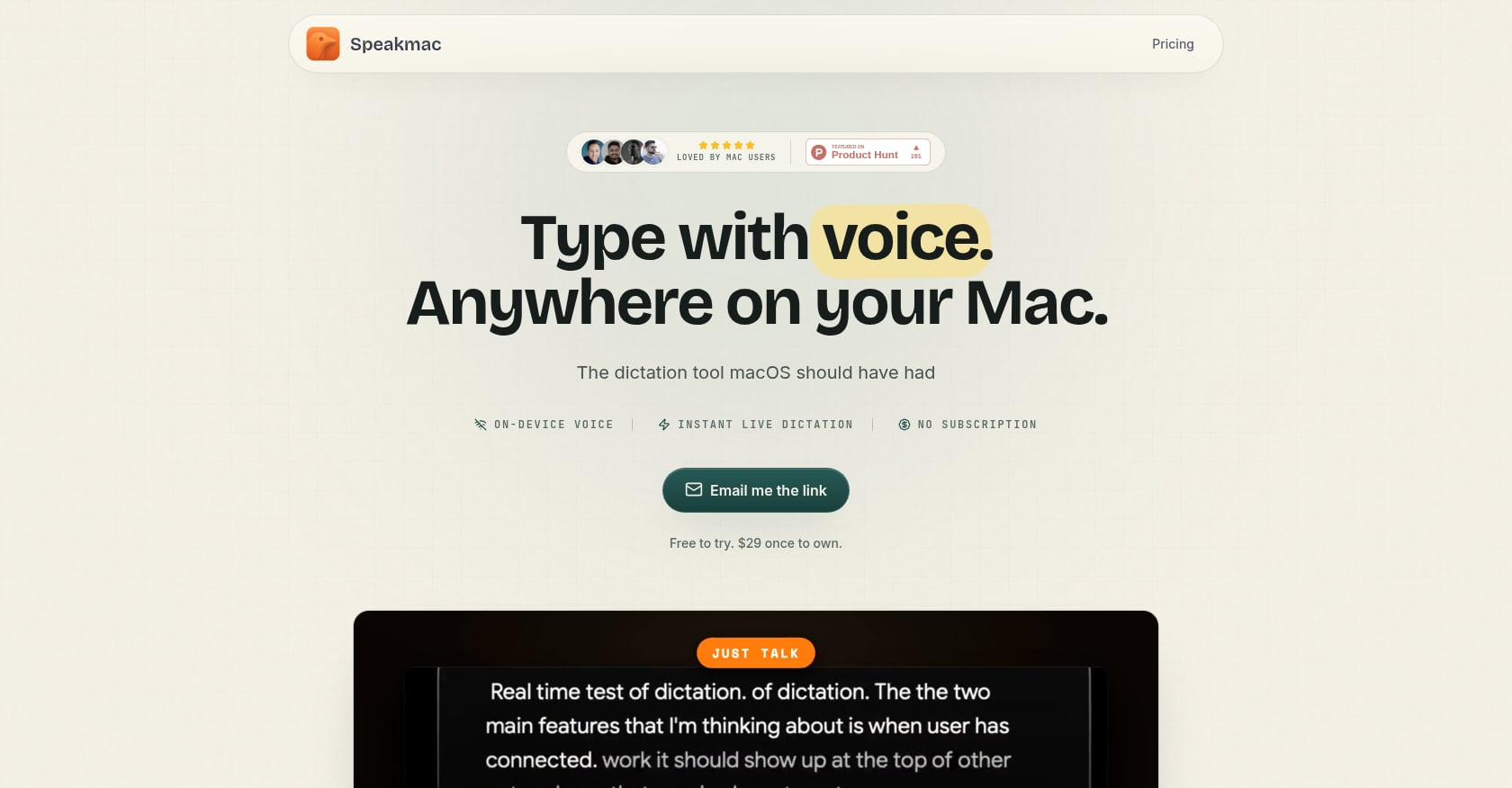
Best for: Users who want simple, affordable on-device dictation without a subscription.
Pricing: $29 one-time for 2 Macs after the free tier.
Key features:
Private, offline dictation that runs locally after a one-time model download
No account required for dictation
Choice between keeping local history or using privacy mode
Insert at cursor in any text field
Limitations:
Fewer features than Syneli or Superwhisper (no translation, no AI rewriting, no style presets)
Smaller product with a simpler feature surface
Limited community and ecosystem compared to open-source alternatives
Verdict: SpeakMac is for people who want local Mac dictation without a subscription becoming part of the workflow. It does one thing, does it privately, and gets out of your way.
8. MacWhisper
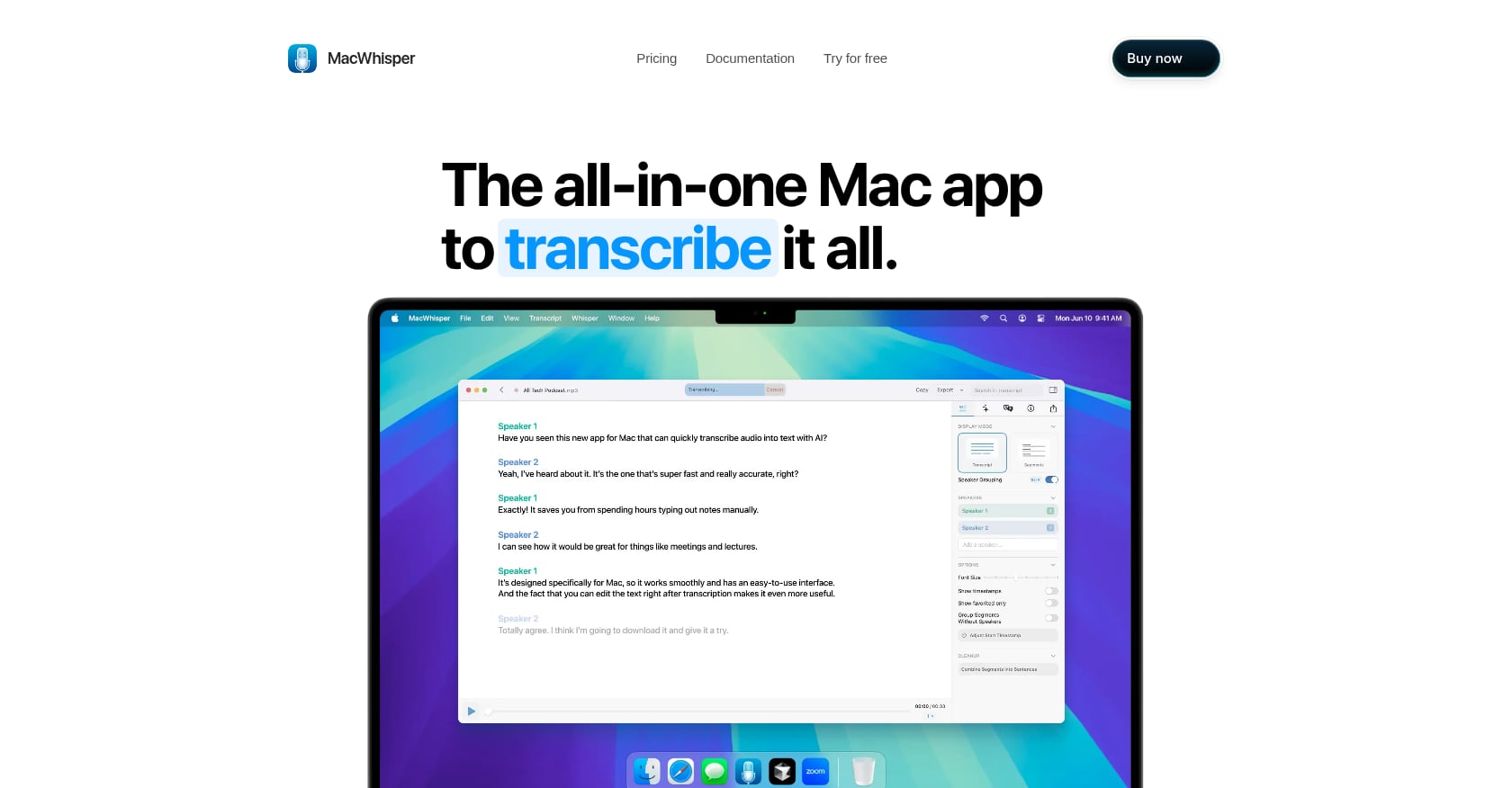
Best for: Transcribing audio files, podcasts, and meeting recordings locally.
Pricing: Pro version at €64 (roughly $70 USD) as a one-time purchase. Free tier available with limited models.
Key features:
Brings OpenAI’s Whisper model to your Mac for completely private, offline audio transcription
Reports roughly 12x realtime speed on M4, transcribing a 1-hour recording in about 5 minutes
Multiple model sizes for different accuracy/speed tradeoffs
Limitations:
Designed for transcribing audio files, not live dictation at your cursor. If you want to talk into the blinking cursor in Mail or a browser, MacWhisper is not the natural first choice.
Not system-wide cursor dictation
Performance on Intel Macs is significantly slower than on Apple Silicon
User perspective: Users describe it as “one of the best value for money tools” and praise “fast, accurate, and private on-device transcription.”
Verdict: Including MacWhisper here with a clear caveat: it’s a file transcription tool, not a cursor dictation app. If you record meetings, interviews, or podcasts and need to transcribe them locally on your Mac, it’s excellent. For live macOS local dictation into text fields, look at the other entries on this list.
9. Wispr Flow (Cloud, Included for Comparison)
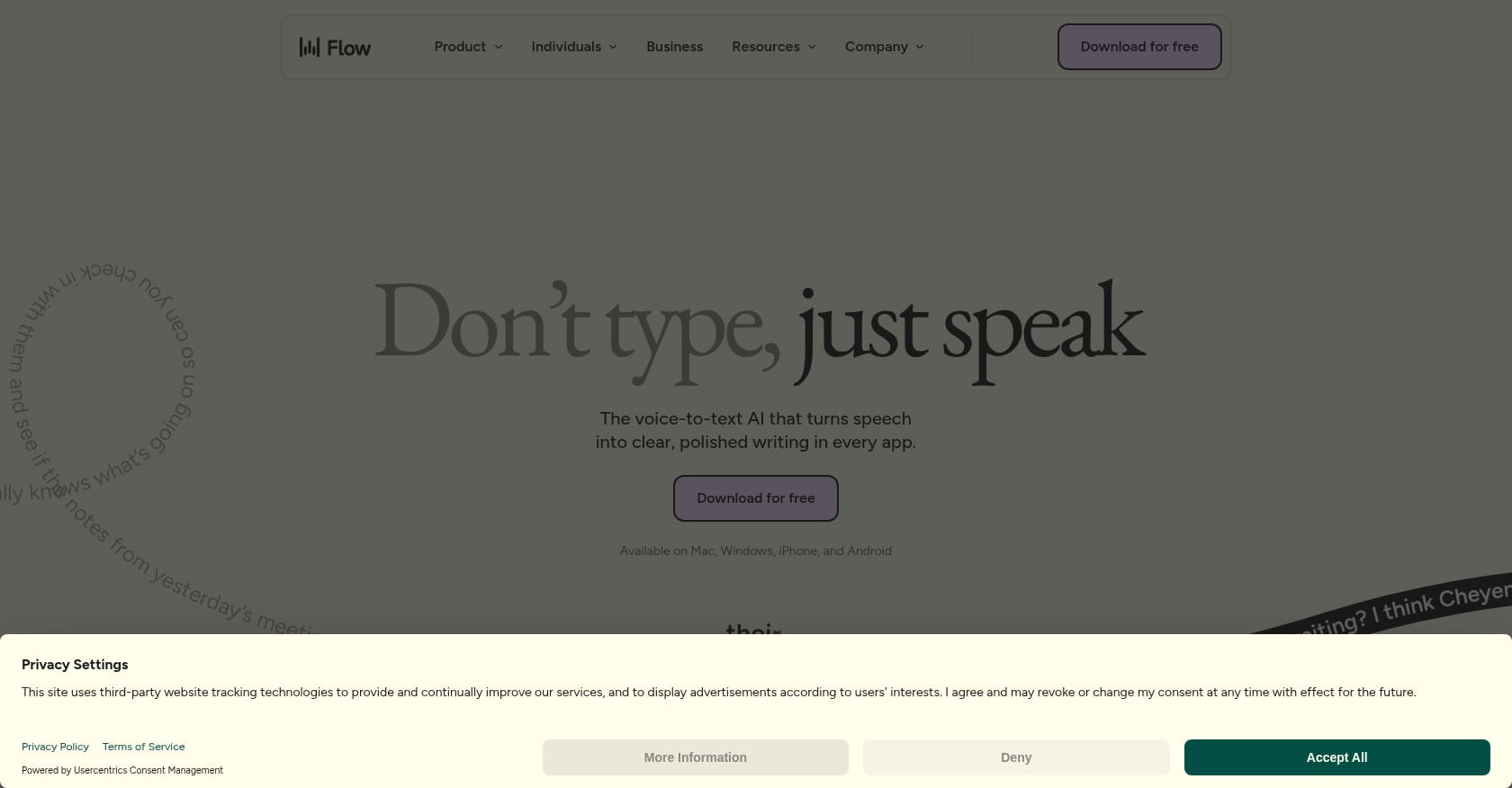
Best for: Users who prioritize AI polish and cross-platform support over privacy.
Pricing: $15/month billed monthly, $12/month billed annually ($144/year). Free Basic plan with a 2,000 word per week cap. No lifetime plan.
Key features:
Cross-platform: Mac, Windows, iPhone, Android
AI-powered formatting and cleanup
Context-aware dictation that adapts tone to the active app
100+ languages
Command mode for AI instructions mid-dictation
Critical note: Wispr Flow is not local dictation. Transcription always occurs in the cloud. The company states this is “the best way to provide accurate, low latency transcription.” Including it here because it appears in every comparison, but it does not match the core intent of this article.
Privacy concerns: Wispr Flow’s context-awareness feature captures screenshots of your active window and transmits them to cloud servers. The aforementioned incident, where a user was banned for surfacing evidence of this behavior, damaged trust in the product. Wispr Flow holds a 2.7/5 on Trustpilot as of April 2026. Privacy Mode is off by default, and when disabled, dictation data may be used to improve the service.
For a detailed breakdown of local vs. cloud dictation trade-offs, see how Syneli compares to Wispr Flow.
Verdict: If you don’t care about local processing and want the most polished AI dictation experience across every platform, Wispr Flow delivers. But the pricing ($144/year with no lifetime option), the privacy concerns, and the cloud dependency make it a poor fit for anyone specifically searching for macOS local dictation.
How to Choose: A Quick Decision Guide
The right tool depends on what you actually need. Here’s a routing guide:
“I just want free, basic dictation.” Start with Apple Dictation. It’s already on your Mac if you have Apple Silicon.
“I need to translate or rewrite text, not just dictate it.” Syneli is the only local dictation app that combines dictation, translation, and selected-text rewriting through keyboard shortcuts. If multilingual work is part of your day, it handles a workflow that would otherwise require multiple apps. You can also use it as a Grammarly alternative on Mac for quick text polishing.
“I want maximum control and don’t mind setup complexity.” Superwhisper gives you per-app modes, model selection, and custom LLM prompts.
“I want a one-time purchase, no subscription.” VoiceInk ($25) or SpeakMac ($29). Both are local, both are affordable, and neither will bill you again.
“I’m a developer and want IDE-aware dictation.” Voibe for VS Code/Cursor integration. Spokenly if you want MCP server support for AI coding agents.
“I need to transcribe recordings, not dictate live.” MacWhisper.
“I don’t care about local processing.” Wispr Flow, understanding the privacy trade-offs.
On-Device Accuracy: What to Expect
Free offline tools using Whisper Small or Medium models reach 88 to 94% accuracy in clean audio conditions. Paid tools running Whisper Large-v3 with custom prompts and noise suppression typically score 95 to 98%. The gap matters most with technical vocabulary, proper nouns, and accented speech.
Apple Silicon’s Neural Engine is what makes this viable. Running a Large-v3 model on an M1 or newer chip produces near-real-time transcription without fans spinning up or battery draining quickly. Intel Macs can run smaller models but with noticeably slower performance.
The price and privacy discussion on Reddit consistently frames dictation as utility-grade software. As one Redditor put it, concerns come down to two things: price and privacy. At $10/month or more, the recurring cost feels steep for what should be a basic function. That sentiment explains why one-time purchase tools like VoiceInk and SpeakMac, and generous free tiers like those from Apple Dictation and Spokenly, attract so much interest.
FAQ
Does macOS dictation work offline?
Yes, on Apple Silicon Macs (M1 and newer). Apple processes dictation on-device by default, so it works without an internet connection. Older Intel Macs may still route audio to Apple’s servers. Third-party tools like Syneli, Superwhisper, and VoiceInk also run their core dictation models locally on Apple Silicon.
Is Whisper-based dictation accurate enough for professional use?
With Large-v3 models, accuracy typically reaches 95 to 98% in clean audio conditions. That’s comparable to cloud services. Smaller models (Tiny, Small) are faster but less accurate, landing around 88 to 94%. For most professional writing, the larger models are accurate enough that you’ll spend less time correcting errors than you would typing.
Can I dictate into any app on my Mac?
It depends on the tool. Apple Dictation, Syneli, Superwhisper, VoiceInk, Spokenly, Voibe, and SpeakMac all insert text at your cursor in any standard Mac text field. Practitioners on Reddit specifically flag cursor insertion as the core requirement, noting that tools which dictate into a separate window and require copy-pasting break the workflow. MacWhisper is the exception here since it’s designed for file transcription, not live cursor dictation.
What’s the difference between local dictation and “privacy mode” in cloud apps?
Local dictation processes audio entirely on your Mac’s hardware. The audio data never touches the internet. A “privacy mode” toggle in a cloud app typically still sends audio to remote servers for processing but promises not to store or use it for training. These are fundamentally different privacy guarantees. If your Mac is in airplane mode and dictation still works, it’s truly local.
Can I dictate in one language and get the text in another?
Yes, but only certain tools support this. Syneli lets you dictate in one language and insert the translated result directly into your text field. Superwhisper supports translation to English. Most other local dictation apps transcribe in the language you speak without translation. For multilingual workflows, check whether selected text actions like in-place translation are available.
Is Apple’s built-in dictation good enough, or do I need a third-party app?
For casual use like short emails, quick notes, and text messages, Apple Dictation is perfectly fine and costs nothing. You’ll hit its limits when you need custom vocabulary, filler-word removal, AI cleanup, translation, or consistent accuracy with technical terms. Third-party tools start where Apple Dictation stops.
Are there any fully free local dictation options?
Apple Dictation is free and built in. Spokenly offers unlimited free local dictation with Whisper and Parakeet models. VoiceInk can be built from source for free since it’s open-source under GPLv3. Syneli’s free tier includes local dictation plus 10 AI actions per day, which covers light use of translation and rewriting features.
Why did local dictation become so popular in 2026?
Three converging factors. First, privacy incidents with cloud dictation tools (notably Wispr Flow’s screenshot transmission controversy) pushed users toward on-device alternatives. Second, Apple Silicon matured enough that running large speech models locally became fast and power-efficient. Third, developer voice adoption surged as tools like Claude Code added built-in voice modes, creating a new user segment that values both privacy and productivity.