Wispr Flow Alternative Mac (2026): 8 Top Options (Guide)
Looking for a Wispr Flow Alternative Mac in 2026? We compare 8 Mac dictation apps by privacy, price, and features. See our picks and test a free tier.

TL;DR
Wispr Flow is a strong Mac dictation tool, but it is not the only option. The best Wispr Flow alternative for Mac depends on whether you want local privacy, lower cost, selected-text editing, or file transcription. Syneli is the top pick for Mac users who want local core dictation plus shortcut-based rewriting and translation inside any text field. Superwhisper suits power users who want local model control, VoiceInk wins on one-time pricing, and Apple Dictation is the free baseline everyone should try first.
Why Mac Users Search for a Wispr Flow Alternative
Wispr Flow is popular for good reason. You press a shortcut, speak naturally, and get polished text inserted wherever your cursor sits. Practitioners on LinkedIn praise its ability to interpret stumbles, clean up grammar before insertion, and learn corrected spellings over time. One user called it a productivity “superpower” because the cleanup layer feels invisible.
But not every Mac user sticks with it. Voice input is worth caring about (a Stanford-led study found English speech input was 3x faster than smartphone keyboard typing), so the question is rarely whether to dictate. The question is which app fits your workflow best.
People search for a Wispr Flow alternative on Mac for a handful of specific reasons: cloud privacy concerns, subscription cost at $15/month, wanting local or offline dictation, needing more control over tone and output style, or wanting to edit text already on the page without copy-paste. A popular thread on r/macapps captures this well: the original poster said Wispr Flow is solid but they wanted “something different” because style personalization had limitations and they craved more context awareness.
This article compares the best Wispr Flow alternatives for Mac by price, privacy, AI cleanup quality, selected-text actions, and best-fit use case. Pricing for competitors comes from third-party review sources available in June 2026 and may change.
Compare Syneli to Wispr Flow if you want a quick side-by-side before reading the full list.
Quick Picks: Which Wispr Flow Alternative Should You Choose?
Best overall Mac-first alternative: Syneli
Best power-user local alternative: Superwhisper
Best open-source, one-time price: VoiceInk
Best for file transcription: MacWhisper
Best cloud/developer option: Aqua Voice
Best cross-device polished option: Willow Voice
Best generous free tier: Typeless
Best free built-in option: Apple Dictation
Best for meetings (not direct replacement): Otter.ai
At-a-Glance Comparison Table
Tool | Best for | Starting price | Processing | Works in any Mac text field? | AI cleanup / rewrite / translate | Main tradeoff |
|---|---|---|---|---|---|---|
Syneli | Local dictation + selected-text rewrite/translate | Free tier; Pro $9.99/mo | Local-first core; optional AI | Yes | Yes: translate speech, rewrite/translate selected text, tone shortcuts | Mac-only; no meeting recorder or file transcription |
Superwhisper | Power users wanting model control and modes | ~$8.49/mo; lifetime options | Local/on-device + optional AI modes | Yes | Modes, prompts, translation workflows | Complex; local latency on large models |
VoiceInk | Open-source local dictation, one-time purchase | ~$25 one-time | Local/on-device | Yes | Limited compared to AI-writing tools | Less polished UX; Apple Silicon required |
MacWhisper | Offline audio/video file transcription | Free tier; one-time Pro pricing | Local Whisper | Not primarily | Some post-processing by edition | Not a live dictation replacement |
Aqua Voice | Developers wanting cloud speed and live feedback | ~$8/mo annual; free 1,000 words | Cloud | Yes | Custom prompts; code/dev positioning | Cloud-only; subscription required |
Willow Voice | Cross-device personalization | ~$12/mo annual; 2,000 free words/week | Cloud with some offline claims | Yes | Scribe/personalization/style matching | No Android; update reliability issues reported |
Typeless | Largest free tier, Android support | 8,000 free words/week; $12/mo annual | Cloud | Yes | “Messy Thoughts” restructuring | Accuracy may trail top tools |
Apple Dictation | Free, casual, built-in | Free | Built-in; on-device option in settings | Yes | No AI cleanup or styling | No customization; no rewriting |
Pricing sources: ToolFinder and other third-party roundups as of June 2026. Verify current prices before purchasing.
How to Choose the Right Wispr Flow Alternative on Mac
Before scrolling through individual reviews, ask yourself what you actually want to fix about your current setup.
Local vs. Cloud Processing
The Mac dictation market is splitting into local-first and cloud-first tools. As one roundup from Mumble’s testing puts it, local versus cloud processing matters most when you dictate client contracts, medical notes, or sensitive information. If privacy is your main switching reason, filter for tools where core transcription stays on your Mac.
New Dictation vs. Selected-Text Editing
Most dictation apps focus on one job: speak, insert text. But real writing involves cleanup. You speak a rough idea, then need to shorten it, professionalize the tone, or translate a paragraph. Doing that without leaving your current app or copy-pasting into ChatGPT is a genuine time saver. If this matters to you, look for tools with selected-text actions that rewrite or translate highlighted text in place.
AI Cleanup vs. Exact Transcript
Modern dictation is two layers: speech-to-text transcription plus an LLM cleanup pass that fixes grammar, punctuation, and tone. Some users want the raw transcript. Others want polished output. Understand which layer you care about, because that determines whether you need a simple Whisper-based tool or something with AI post-processing.
System-Wide Cursor Insertion vs. File Transcription
Practitioners on Reddit consistently complain when tools only transcribe files or copy to clipboard rather than typing into the focused app. If your goal is dictating into Notion, Slack, email, and IDEs, choose a system-wide dictation app. If you need to transcribe recorded audio, choose a transcription tool. They are not the same category.
Free Tier vs. Subscription vs. Lifetime
Cost is the most common switching trigger. Wispr Flow runs $15/month. Several Mac Wispr Flow alternatives offer free tiers, lower subscriptions, or one-time purchases. The comparison table above covers this at a glance.
Latency and Feel
Speed is not one number. Some apps show words live while you speak (streaming). Others insert text after you release the shortcut (hold-release). Cloud tools add network delay but often return cleaner output. A Reddit technical thread notes that streaming versus batch feels “hugely” different in daily use, and that smaller local models stream faster but sometimes miss technical terms.
The 8 Best Wispr Flow Alternatives for Mac
1. Syneli
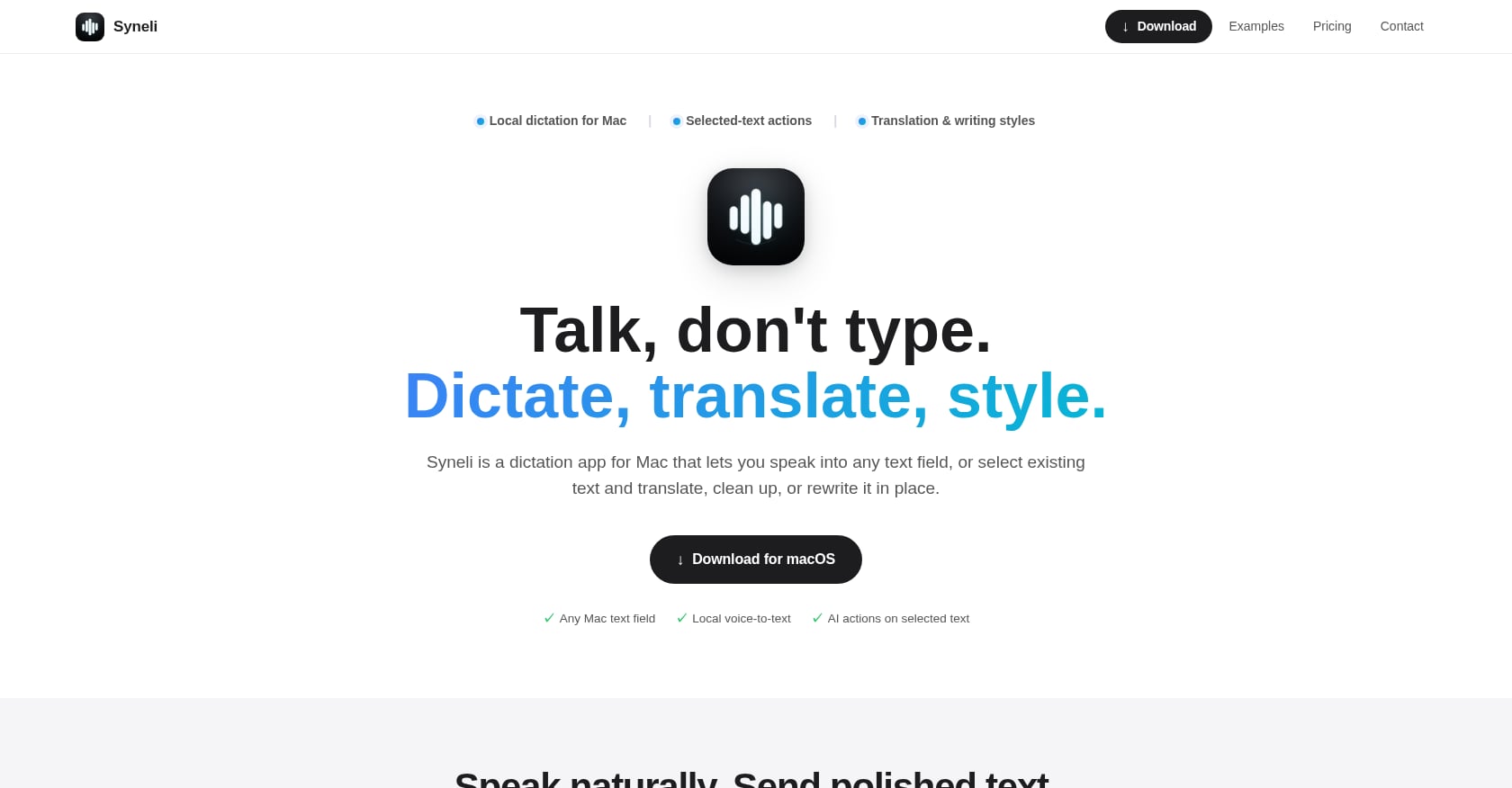
Best for: Mac users who want local dictation plus shortcut-based rewriting and translation in any text field.
Pricing: Free plan includes local dictation plus 10 AI actions per day. Syneli Pro costs $9.99/month for unlimited dictation and AI translation, styling, and selected-text actions.
Syneli is built around a simple idea: place your cursor, press a shortcut, speak, and the text appears where you are writing. Core dictation runs locally on your Mac. It works in any Mac text field, whether that is Notes, email, Slack, a browser, an IDE, or a document editor.
What separates Syneli from most Wispr Flow alternatives for Mac is what happens after text hits the page. You can select existing text and use shortcuts to translate it or rewrite it in place. Want a rough paragraph turned professional? Press a shortcut. Need to translate a sentence from Russian to English without opening Google Translate? Highlight it and press a different shortcut. This in-place text transformation workflow is what makes it more than a dictation tool.
Key features:
Local core dictation on Mac, no copy-paste
Dictate into any Mac text field at the cursor
Translate speech before insertion (dictate in one language, insert in another)
Rewrite or translate selected text in place
Tone and style shortcuts: professional, concise, friendly, clear
Separate hotkeys for dictation, translation, and styling
Tradeoffs:
Mac-only. No Windows, iOS, or Android apps advertised.
Advanced AI features (translation, restyling) use cloud processing when triggered. Core dictation is local.
No meeting recording, diarization, or file transcription.
Less public review history than older alternatives. The best proof is testing the free tier yourself.
If your Wispr Flow frustration is switching apps to clean up, translate, or restyle text, Syneli is the natural first stop. It handles both the Grammarly-style rewriting and the dictation in one shortcut-first workflow.
Try Syneli’s free tier to test it in the apps you already use.
2. Superwhisper
Best for: Privacy-first power users who want local model control, custom modes, and prompt-driven output.
Pricing: Third-party sources commonly report around $8.49/month, with annual and lifetime options (some sources cite $249 lifetime). Verify current plans before purchasing.
Superwhisper is the power-user’s Wispr Flow alternative on Mac. It runs local Whisper models on your hardware, gives you control over which model to use, and lets you create custom modes with prompt presets. A user on r/macapps described configuring it with presets for formal, friendly, humorous, and translation-style output.
Andrew Wilkinson posted on X that Superwhisper is “phenomenal” for mode-based workflows, like converting spoken thoughts into better prompts when ChatGPT is the active window.
Key features:
Local/offline model options with model size selection
Custom prompt modes per app or task
Translation and formatting workflows
Built-in meeting assistant in some plans
Deep customization for users who like tinkering
Tradeoffs:
More complex than plug-and-play dictation apps. Setup and model management are part of the deal.
A r/superwhisper user reported that the Ultra model had noticeable latency, and the Parakeet model missed technical phrasing. Local models create speed-versus-accuracy tradeoffs.
Lifetime license pricing feels expensive to some users.
Long-form dictation can still need manual editing.
Superwhisper is better if you want to tune models and build custom modes. Syneli is better if you want a simpler Mac-first workflow focused on local dictation and selected-text rewriting with practical style shortcuts.
3. VoiceInk
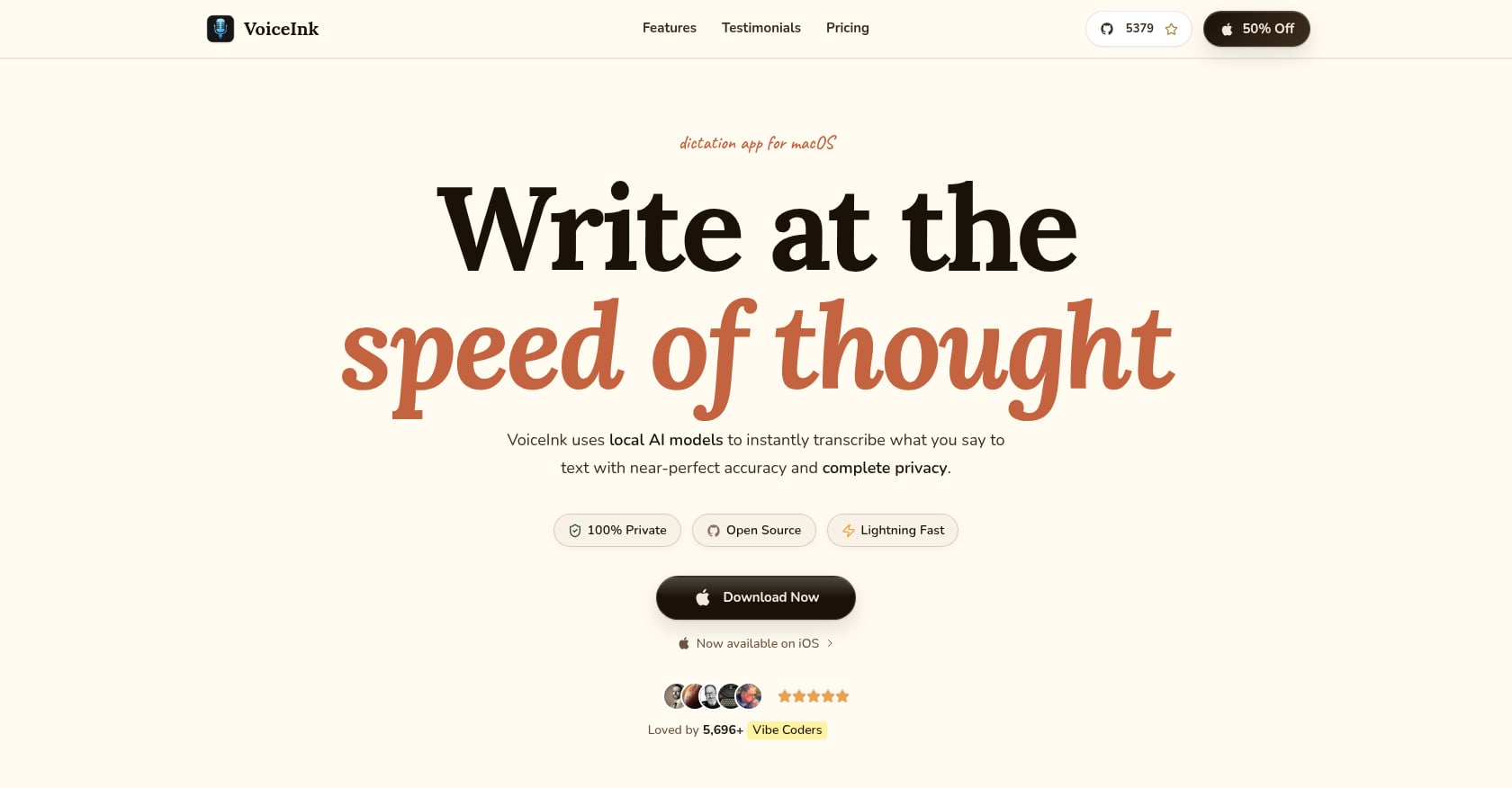
Best for: Mac users who want open-source, local dictation at a one-time price.
Pricing: Third-party sources cite approximately $25 one-time for lifetime use on one device. Requires Apple Silicon and macOS 14.4+.
VoiceInk is the budget-conscious, privacy-friendly pick. It is open-source, runs entirely on-device, and costs a flat fee instead of a monthly subscription. For Mac users who hate recurring charges, this is the most attractive Wispr Flow alternative for Mac on price alone.
A Reddit user comparing Whisper-based apps called VoiceInk “great value at $25” but noted it lacks polish compared to consumer-grade tools. Another user asked why VoiceInk did not type live while speaking like built-in Mac dictation, suggesting live-dictation expectations may not be met for everyone.
Key features:
Open-source and fully local
One-time purchase, no subscription
Strong privacy story (no data leaves your Mac)
Mac-native
Tradeoffs:
Less polished UX than Wispr Flow or Syneli.
Requires Apple Silicon and a recent macOS version.
Limited AI cleanup compared to tools with LLM post-processing.
Not ideal if you need advanced rewriting, selected-text styling, or a guided workflow.
VoiceInk wins on open-source transparency and one-time pricing. Syneli is the better fit if you want local dictation plus a more guided shortcut workflow for rewriting, styling, and translating text in place.
4. MacWhisper
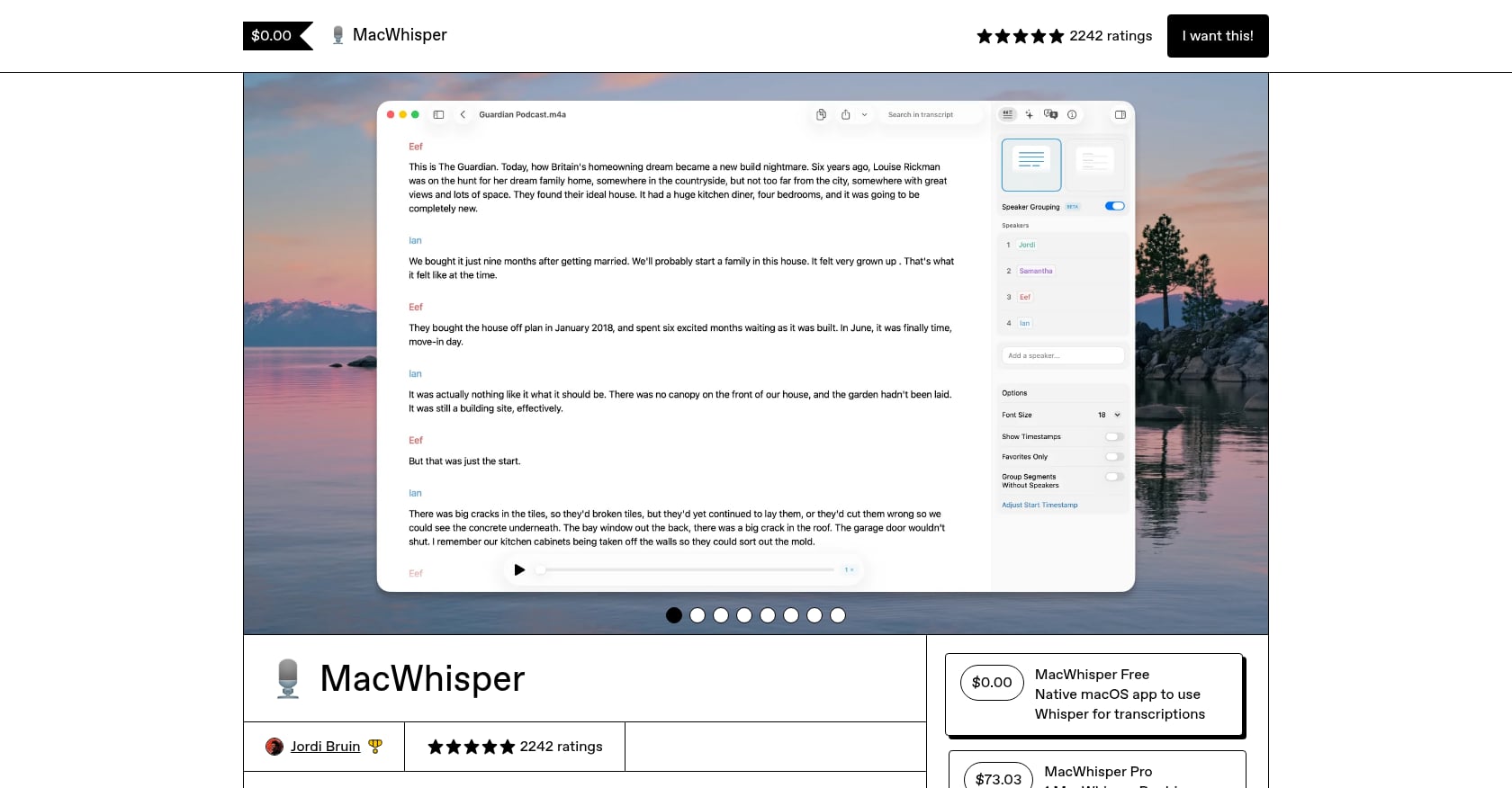
Best for: Offline transcription of audio and video files, not live system-wide dictation.
Pricing: Free tier available. One-time Pro pricing reported, though third-party sources disagree on the current amount (some cite $29, others $64). Verify before purchasing.
MacWhisper is excellent at one thing: taking a recorded audio or video file and turning it into a text transcript using local Whisper models. It supports speaker diarization, batch processing, and works entirely offline. Journalists, podcasters, researchers, and students who need transcripts from existing recordings should look here.
But MacWhisper is not a Wispr Flow replacement for live dictation. A Reddit user who tried multiple Mac voice-to-text tools put it clearly: MacWhisper is great for batch file transcription, but their real gap was dictating into Notion, Obsidian, Slack, email, and Cursor without clipboard friction.
Key features:
Local Whisper-based file transcription
Speaker diarization
Offline processing
Supports many audio/video formats
Tradeoffs:
Not designed for system-wide live dictation into arbitrary text fields.
If you want to press a key and speak into any app, use Syneli, Superwhisper, VoiceInk, or Apple Dictation instead.
Pricing details vary by source and edition.
MacWhisper is for recorded files. If you need live writing and editing inside the apps you already use, it is the wrong tool.
5. Aqua Voice
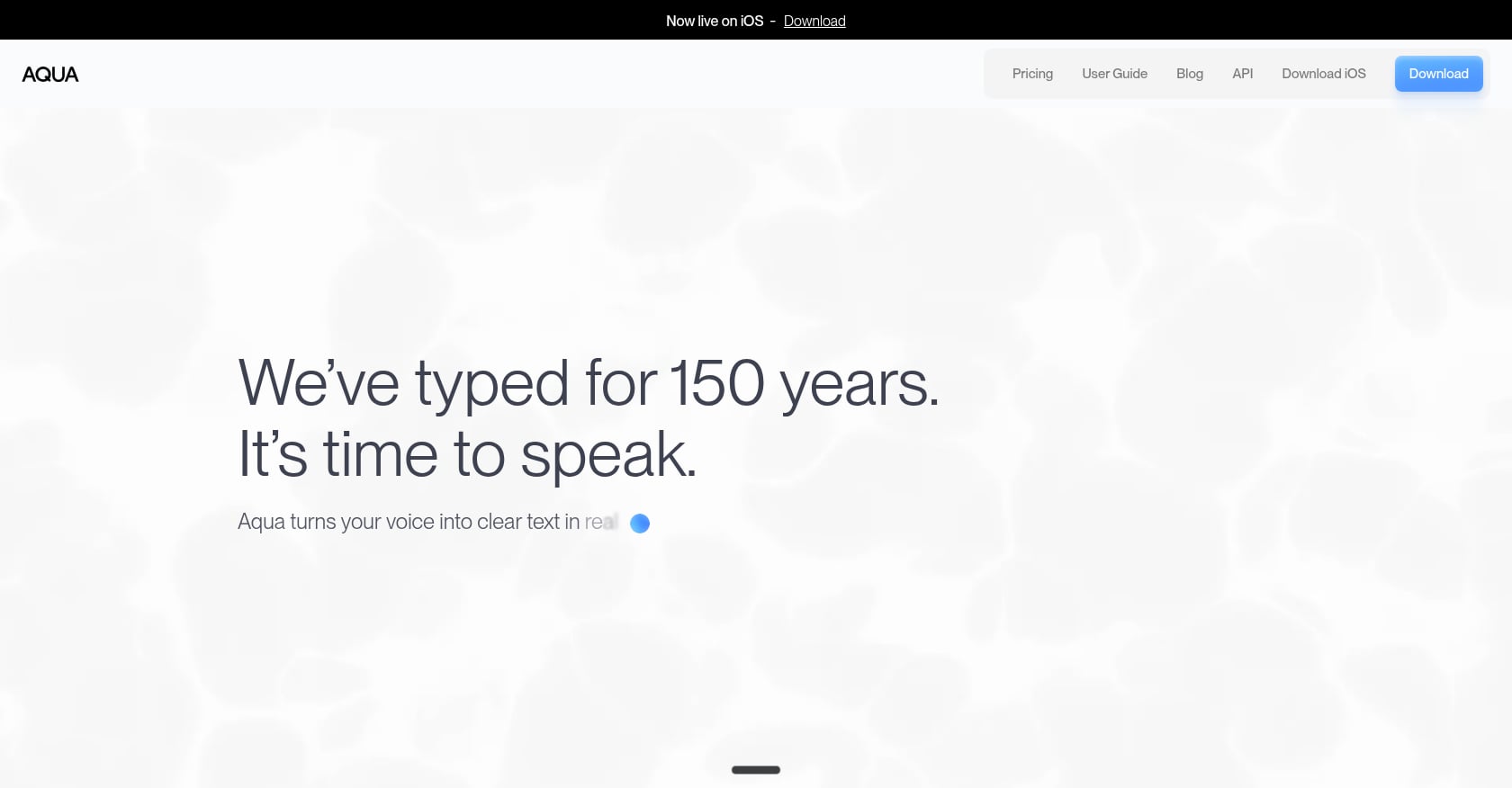
Best for: Developers and users who want cloud-powered speed with live transcription feedback.
Pricing: Third-party sources cite around $8/month billed annually, with a free plan capped at approximately 1,000 words.
Aqua Voice has carved out a niche among developers. According to ToolFinder, it handles syntax, library names, and framework terms better than most dictation apps. It runs on cloud infrastructure, which means fast processing without taxing your Mac’s hardware, and it shows a live floating transcription window so you can see and correct text as you speak.
In a r/WisprFlow thread from June 2026, a long-time Wispr Flow user frustrated with declining quality said they became an Aqua Voice advocate quickly. The same thread included pushback from Wispr loyalists, which shows how subjective dictation preferences are.
Key features:
Cloud-based dictation with live text feedback
Developer-oriented handling of code syntax
Custom prompts
Cross-platform: Mac, Windows, Linux, iOS
Tradeoffs:
Cloud-based, so not suitable for strict privacy or offline requirements.
Subscription-only, no lifetime option reported.
No Android support according to third-party sources.
If local core dictation matters, Aqua is not the right fit.
Aqua is stronger if you want cloud live feedback and dev-friendly recognition. Syneli is stronger for Mac-first local dictation and shortcut-based rewriting in your existing text fields.
6. Willow Voice
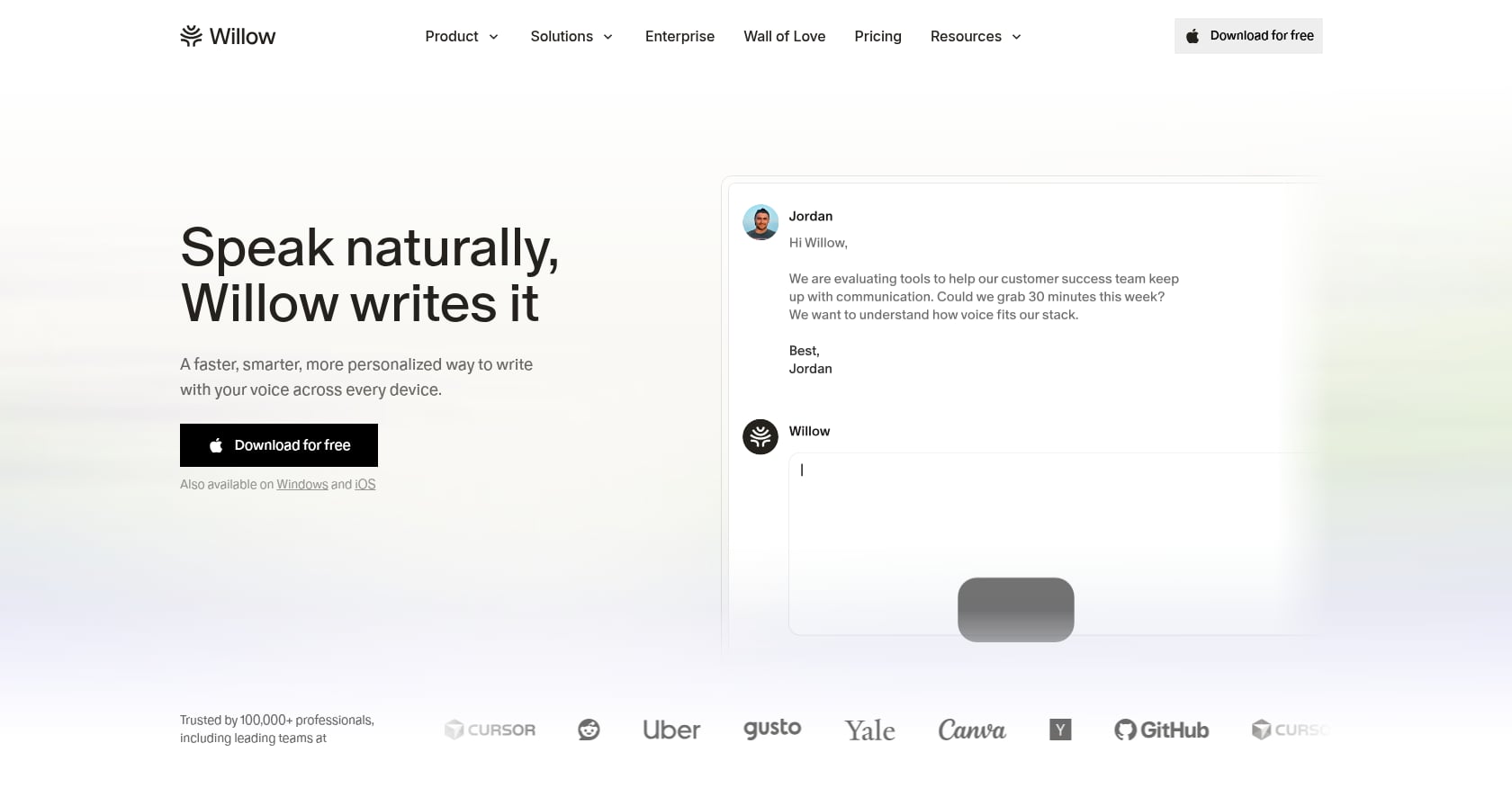
Best for: Users who want a polished, cross-device dictation experience with personalization.
Pricing: Third-party sources cite from $12/month on annual billing, with 2,000 free words per week.
Willow Voice feels closest to Wispr Flow’s polished consumer approach. It offers context-aware dictation, a Scribe writing assist feature, personal dictionary, and style matching across Mac, Windows, and iOS. If you like Wispr’s feel but want a different product, Willow is the most similar Wispr Flow alternative for Mac in overall approach.
However, a Reddit user reported that after loving Willow for months, a macOS Sonoma update left the app opening to a blank screen. For dictation tools that become daily muscle memory, reliability after OS updates is not a minor concern.
Key features:
Cross-device support (Mac, Windows, iOS)
Personalization and style matching
Scribe writing assistant
Personal dictionary
Tradeoffs:
No Android support.
Primarily cloud-oriented.
Update reliability has been an issue for at least some users.
$12/month is cheaper than Wispr but still a recurring cost.
Willow is broader across devices. Syneli is narrower but more Mac-focused, with local core dictation and selected-text actions that Willow does not emphasize.
7. Typeless
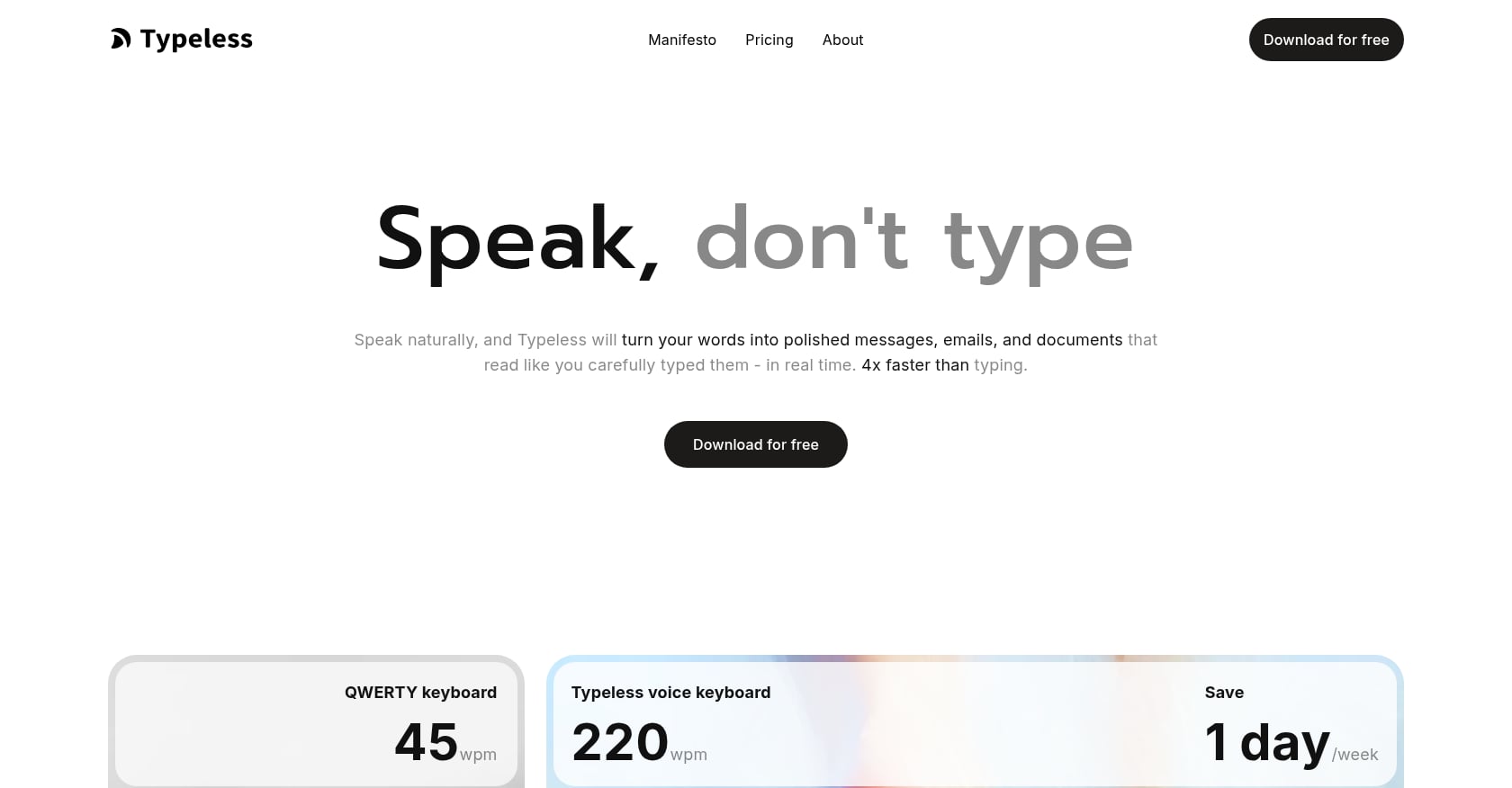
Best for: Users who want the largest free tier and cross-platform coverage including Android.
Pricing: 8,000 free words per week. Paid plans start at $12/month billed annually or $30 month-to-month.
Typeless stands out for its free tier generosity. At 8,000 words per week without paying, it gives casual and moderate users enough room to evaluate voice dictation seriously. It also supports Android, which most Mac dictation tools skip entirely. Its “Messy Thoughts” feature restructures rambling speech into organized text.
A Reddit user testing AI dictation apps for fantasy novel writing said Typeless was the clear winner for their specific use case.
Key features:
8,000 free words per week
Cross-platform including Android
“Messy Thoughts” mode for restructuring
Cloud-based
Tradeoffs:
Accuracy reportedly trails top tools like Willow and Wispr Flow.
Month-to-month pricing ($30) is steep compared to annual.
Cloud-based, so not ideal for privacy-first or offline Mac users.
Not Mac-specific in design or optimization.
Typeless is attractive if free words and Android matter. Syneli is the better Mac Wispr Flow alternative if you want local dictation and shortcut-based AI actions without needing cross-platform support.
8. Apple Dictation
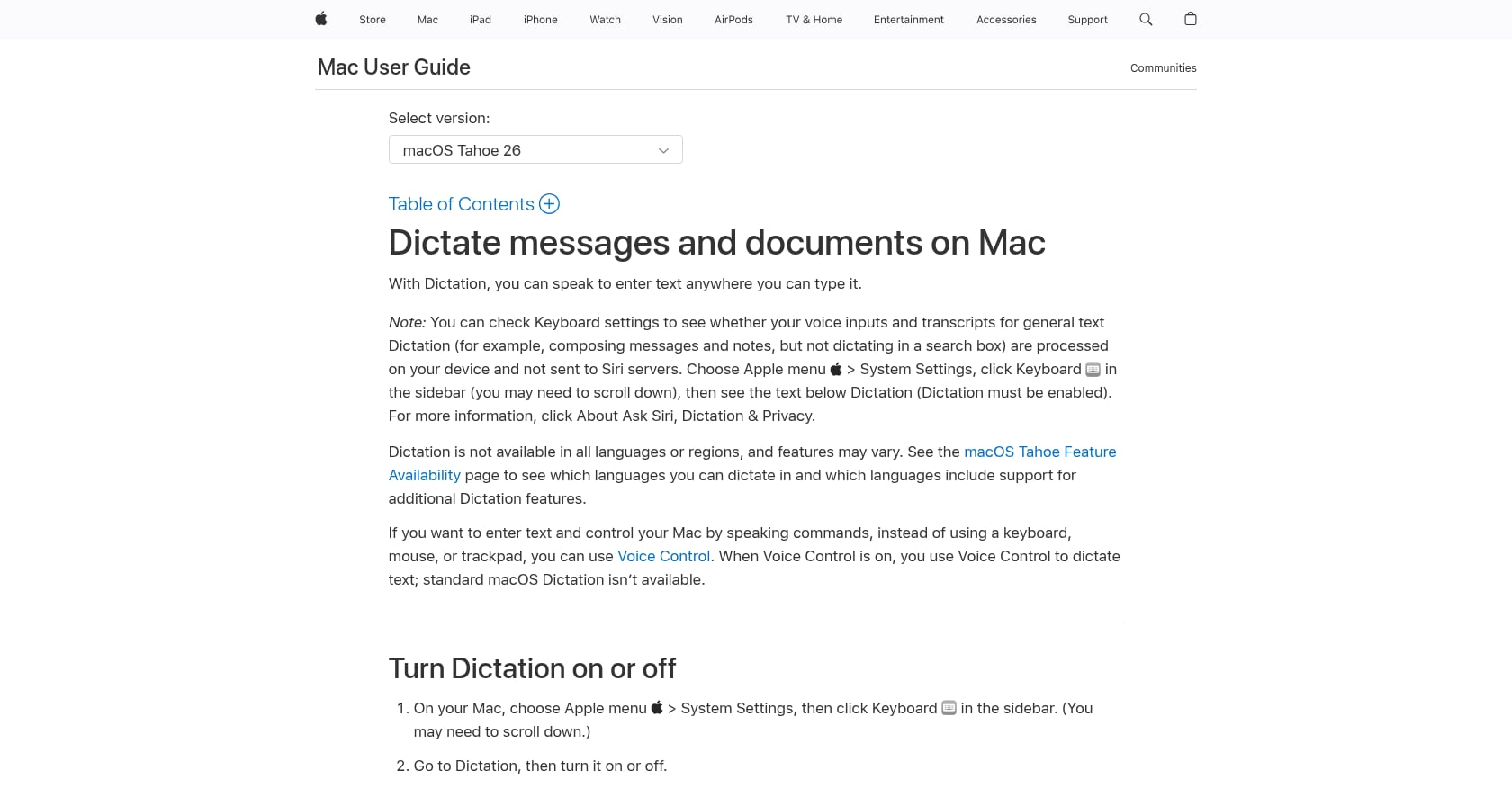
Best for: Free, casual, built-in dictation for Mac users who do not need AI cleanup.
Pricing: Free, included with macOS.
Apple Dictation is the baseline every Mac user should try before paying for anything. It lets you speak to enter text anywhere you can type, and your Keyboard settings show whether general text dictation is processed on-device or requires an internet connection.
A Japanese X user shared that after testing Superwhisper and Aqua Voice, they went back to recommending built-in Mac voice input for most non-heavy users because simple setup matters in professional environments. On the r/macapps alternatives thread, sentiment was split: one commenter asked why people do not just use Apple’s built-in dictation, while another replied that it did not work well enough for their needs.
Key features:
Free and built into macOS
Works in most text fields
On-device processing option available in system settings
Zero setup required
Tradeoffs:
No AI rewrite, style, or tone actions.
No specialized selected-text workflow.
No prompt-based cleanup or translation.
Not enough for anyone who dictates messy thoughts that need polishing before sending.
Apple Dictation is the free baseline. Syneli is the upgrade when you want the same cursor-first convenience plus local core dictation, translation, selected-text rewriting, and style shortcuts.
Honorable Mention: Otter.ai
Best for: Meeting transcription and searchable meeting notes, not system-wide Mac dictation.
Pricing: Free basic plan with 300 monthly transcription minutes. Pro reportedly $16.99/month or $8.33/month annually.
Otter.ai appears on many Wispr Flow alternative lists, but it solves a different problem. It transcribes meetings, labels speakers, and generates summaries. It does not let you dictate into email, Slack, Notes, or an IDE the way Wispr Flow or Syneli does.
Reddit threads on Otter show recurring complaints: unreliable transcripts, missing audio chunks, hard cancellation processes, and meeting bots joining calls unexpectedly. If your real problem is meeting notes, Otter may help. If your problem is writing faster in Mac apps, look at the eight tools above instead.
Privacy Is Not One Setting: Questions to Ask Before Dictating
Privacy comes up in nearly every discussion about Wispr Flow alternatives for Mac. But “local” versus “cloud” oversimplifies things. Before dictating sensitive text through any tool, ask:
Does raw audio leave your Mac?
Does the transcript text leave your Mac?
Does the app capture screenshots or active-window context?
Is history stored locally or synced to servers?
Can cloud features be disabled when you do not need them?
Does the app offer formal compliance (BAA, SOC2) if your work requires it?
Syneli’s approach is to run core dictation locally while making AI features like translation and restyling optional. You can read the details on Syneli’s privacy page to understand what stays on-device and what does not.
The broader market trend is clear. On Reddit, developers of newer tools like Purr and TypeWhisper have built free, open-source dictation apps specifically because they disliked sending audio to servers and did not want to rent a utility indefinitely.
How to Test a Wispr Flow Alternative in 15 Minutes
Most listicles compare features on paper. Here is a practical test script you can run with any tool’s free tier:
Open Slack or Messages and dictate a short casual reply.
Open email and dictate a professional reply.
Open Notes or Docs and dictate a messy paragraph of unstructured thoughts.
Select that messy paragraph and try to make it concise or professional using the app’s rewriting features.
Dictate a sentence with a proper noun, a technical term, or a non-English phrase.
Turn Wi-Fi off and test whether core dictation still works.
Check whether text inserts at the cursor or forces copy-paste.
Check whether undo works cleanly after insertion.
Glance at CPU and RAM usage if you plan to leave the app running all day.
Review privacy settings before dictating anything sensitive.
A LinkedIn user noted that Wispr Flow’s hardest adoption challenge is literally remembering to use the tool. The same applies to any alternative. Run this test in one sitting to build the muscle memory that makes dictation stick.
Final Recommendation
If you want the closest cloud-polished Wispr-style experience, look at Willow, Aqua, or Typeless. If you want maximum local control, look at Superwhisper or VoiceInk. If you need file transcription, use MacWhisper.
But if you are a Mac user who wants fast local dictation plus the ability to translate or rewrite selected text without leaving the app you are in, start with Syneli. The free tier gives you local dictation and 10 AI actions per day, which is enough to know within a single work session whether it fits.
Download Syneli free and test it with the 15-minute script above.
FAQ
What is the best Wispr Flow alternative for Mac?
It depends on your priority. For local dictation with shortcut-based rewriting and translation, Syneli is the strongest Mac-first option. For power-user model control, Superwhisper. For one-time pricing, VoiceInk. For file transcription, MacWhisper. For a generous free tier, Typeless.
Is there a free Wispr Flow alternative for Mac?
Yes. Apple Dictation is completely free and built into macOS. Syneli offers a free tier that includes local dictation plus 10 AI actions per day. Typeless provides 8,000 free words per week according to third-party sources.
Which Wispr Flow alternative works offline on Mac?
Syneli’s core dictation runs locally on your Mac. Superwhisper and VoiceInk also offer local, on-device processing. MacWhisper transcribes files offline. Apple Dictation has an on-device processing option in system settings. Cloud tools like Aqua, Willow, and Typeless generally require an internet connection.
Which Mac dictation app is best for privacy?
Tools with local core processing (Syneli, Superwhisper, VoiceInk) keep audio on your machine for basic dictation. However, AI features like translation or rewriting may use cloud processing depending on the app. Check each tool’s privacy policy and ask the six privacy questions outlined above before dictating sensitive content.
Is Apple Dictation good enough?
For casual use like quick messages and short notes, yes. Apple Dictation is free, built in, and requires zero setup. It falls short when you need AI cleanup, translation, tone presets, or the ability to rewrite selected text in place. If you find yourself editing every dictated sentence, it is time to try a dedicated tool.
Which app is best for transcribing audio files on Mac?
MacWhisper. It is built specifically for offline transcription of audio and video files using local Whisper models. It is not designed for live system-wide dictation, so pair it with a separate dictation app if you need both workflows.
Can I rewrite or translate selected text on Mac without copy-paste?
Yes. Syneli lets you highlight existing text in any Mac text field and use a shortcut to rewrite or translate it in place. This eliminates the need to copy text into a separate AI tool, wait for output, and paste it back.
How much does a Wispr Flow alternative cost?
Prices range from free (Apple Dictation) to around $25 one-time (VoiceInk) to $8 to $12 per month for subscription tools like Superwhisper, Aqua, and Typeless. Syneli Pro is $9.99/month with a meaningful free tier. Wispr Flow itself costs $15/month according to third-party sources. Pricing changes frequently, so verify current rates before committing.