7 Best Offline Dictation Apps for Mac (2026 Guide)
Our 2026 guide to offline dictation compares private, on‑device voice‑to‑text for Mac and more—features, pricing, and picks. Choose your best fit.

TL;DR
Offline dictation means speech recognition runs on your device, not a remote server. The best offline dictation app depends on your workflow: live writing at the cursor, file transcription, or full voice control. For Mac users who want local dictation with in-place text rewriting and translation, Syneli is the top pick. Apple Dictation is a solid free baseline, MacWhisper handles recorded files, and Superwhisper suits power users who want deep model configuration.
At-a-Glance Comparison
Pricing last checked: July 2026.
Tool | Best for | Platforms | Offline scope | Pricing | Main tradeoff |
|---|---|---|---|---|---|
Syneli | Local Mac dictation + in-place rewriting | macOS | Core dictation local | Free (10 AI actions/day); Pro $9.99/mo | Mac-only; no file transcription |
Apple Dictation | Free Mac baseline | macOS | Depends on settings/language | Included | Limited cleanup; timeouts on long sessions |
Windows Voice Access | Free Windows offline control + dictation | Windows 11 | On-device; works without internet | Included | Windows-only |
Superwhisper | Power users and custom modes | Mac, Windows, iPhone | Local models available; cloud options exist | Free; Pro $8.49/mo; $249.99 lifetime | Complex setup; expensive lifetime tier |
MacWhisper | Audio/video file transcription | macOS | Local transcription | Free + Pro ~€59–64 one-time | Not built for live cursor-first writing |
VoiceInk | Budget local Mac dictation | macOS | Local/offline | Free tier; paid plans vary | Pricing signals inconsistent; verify before buying |
Google AI Edge Eloquent | Free mobile offline polished dictation | iPhone/iPad | Core ML local; optional cloud | Free | iOS-only; rough edges in testing |
You are writing an email, a Slack reply, a technical note, or a client message, and then dictation stops. Or it mangles a name. Or you realize your voice just traveled to a server you did not choose.
This is why people search for offline dictation. They want voice-to-text that works without Wi-Fi, keeps audio on the device, and does not charge a monthly fee for something their own machine can handle locally. Practitioners on a MacOS Reddit thread argue that paying monthly for Mac dictation feels unreasonable when open-source speech models run locally on Apple Silicon.
The problem is that “offline” means different things depending on the app. Some tools run speech recognition locally but send your transcript to a cloud AI for cleanup. Others are fully local but require you to copy-paste from a separate window. A few handle the entire pipeline on-device, from microphone to cursor.
This guide compares the best offline dictation apps by what actually matters: where your audio goes, where text lands, how much cleanup you control, and what it costs.
Try Syneli free on Mac to see how local dictation with in-place text actions works in your actual writing apps.
What Offline Dictation Actually Means
Most comparison pages slap a “yes/no” label on offline support and move on. That is not enough. Offline dictation has four distinct layers, and a tool can be offline at one layer while sending data to the cloud at another.
The 4-layer offline test:
Speech recognition. Does the speech-to-text model run on your device? This is the layer most people think of.
AI cleanup. If the app removes filler words, changes tone, or rewrites your speech, does that also happen locally? Many tools use cloud AI for this step even when raw transcription is local.
Text insertion. Does the result appear directly at your cursor, or do you have to copy it from a separate app window? This is not a privacy issue, but it determines whether the tool fits a real writing workflow.
Storage and history. Are your recordings and transcripts stored locally, synced to the cloud, or retained by the vendor?
Apple itself tells Mac users to check Keyboard settings to see whether Dictation needs an internet connection and whether voice inputs are processed on-device rather than sent to Siri servers. Even built-in tools do not guarantee offline processing in every configuration.
Before trusting any app’s “offline” claim, run it through all four layers. For a closer look at how Syneli handles privacy across these layers, see the Syneli privacy page.
Offline Dictation vs Offline Transcription: Do Not Buy the Wrong Tool
This is where many buyers make an expensive mistake. “Offline dictation” and “offline transcription” solve different problems.
Live dictation means you speak and text appears in the field where your cursor already sits. You are writing an email, a note, a prompt, or a message, and the words show up as you talk.
File transcription means you have a recording (an interview, a lecture, a meeting, a voice memo) and you want a text transcript afterward.
Voice control means you operate your computer by voice: clicking, scrolling, navigating, editing, and issuing commands alongside dictation.
A file transcription app can be excellent at turning a podcast into a transcript and still be the wrong tool if you want to write directly into Gmail or VS Code. Comparison guides that separate these categories match what buyers actually need. The ones that lump everything together create confusion.
If your work starts with a cursor, you need a dictation tool. If it starts with a saved recording, you need a transcription tool. Knowing the difference before you buy will save you money and frustration.
How We Evaluated These Apps
Six criteria drove the rankings.
Offline scope. Speech recognition, AI cleanup, and storage: which layers actually run locally?
Cursor insertion. Does text land where you are writing, or does it require copy-paste?
Accuracy and correction. Punctuation handling, technical vocabulary, and whether the app learns from corrections.
Workflow fit. Short notes, long writing, emails, code, recorded audio, accessibility control.
Pricing. Free tier, monthly, annual, lifetime, and hidden costs like API keys or limited minutes.
Meaning control. Can you choose between faithful (verbatim) output and polished (rewritten) output?
That last point matters more than most people realize. Practitioners on Reddit warn that AI polishing can silently change meaning. One user in a MacOS apps discussion pointed out that polishing models can “smooth” a transcript into something the speaker did not say. For legal notes, medical documentation, code comments, and any work where exact wording matters, this is a real concern.
The best offline dictation apps give you control: faithful transcription by default, with intentional rewriting only when you trigger it.
Best Offline Dictation Apps Compared
1. Syneli
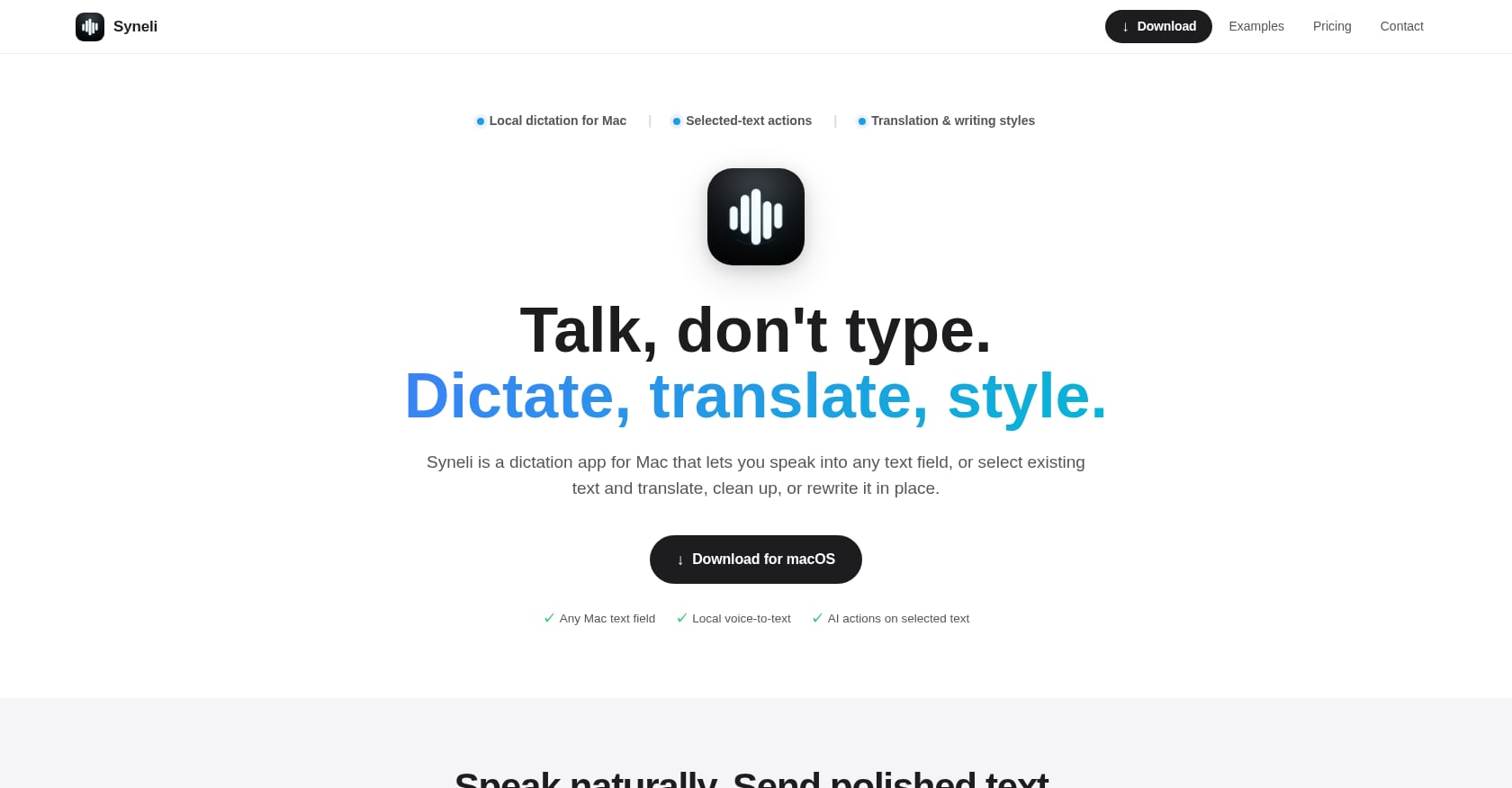
Best for: Mac users who want local-first dictation plus in-place rewriting and translation shortcuts.
Pricing:
Free: local dictation plus 10 AI actions per day
Syneli Pro: $9.99/month for unlimited dictation plus AI translation and styling
Key features:
Core dictation runs locally on your Mac
Dictate directly into any Mac text field (email, browser, Slack, IDE, Notes, documents)
Press a shortcut, speak naturally, text inserts at your cursor
Translate speech before it is inserted into the active field
Select existing text and translate or rewrite it in place using keyboard shortcuts
Separate shortcuts for dictation, translation, and text styling
Style presets: professional, concise, friendly, clear
No complex model setup required for core local dictation
Tradeoffs:
Mac-only. No Windows, iOS, or Android app.
Advanced AI features (translation, restyling) can use cloud processing. For strict local-only work, stick to core dictation.
No meeting recording, speaker identification, or file transcription.
Newer product with limited third-party reviews as of mid-2026.
User perspective:
Syneli does not yet have the independent review footprint of older tools. The practical way to evaluate it is through the free tier with your real writing apps. The selected-text workflow, where you highlight existing text and rewrite or translate it in place, is the feature that separates it from most offline dictation tools that stop at raw voice-to-text.
Why it is the top pick:
Many offline dictation apps handle the speech-to-text step and leave you on your own. Syneli handles what comes next: cleaning up rough dictated text, adjusting tone, or translating a passage, all without copy-paste or switching apps. For Mac users whose daily work is writing, that next step is where the time savings actually land.
2. Apple Dictation + Voice Control
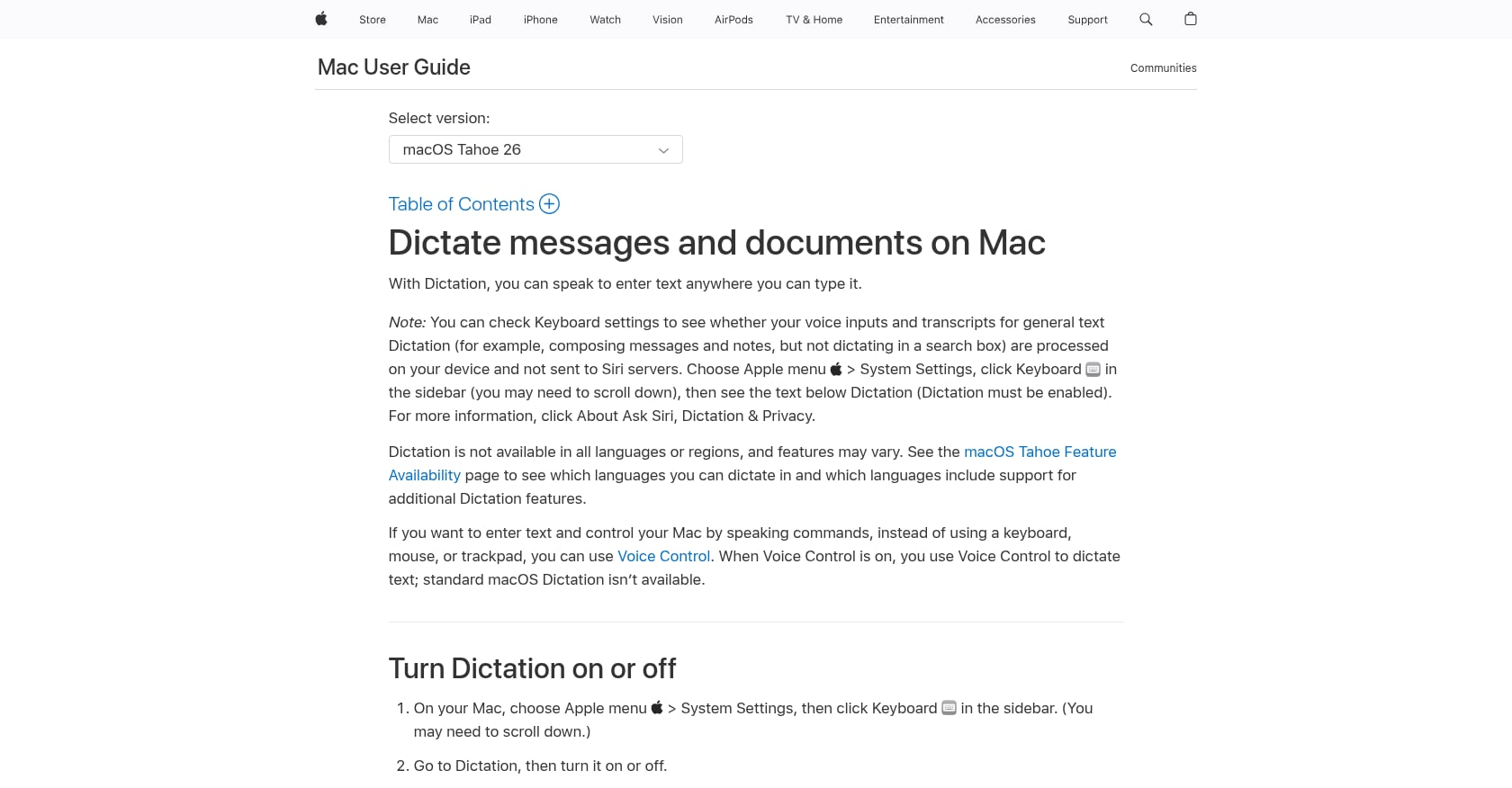
Best for: Free, built-in Mac dictation for occasional and casual use.
Pricing: Included with macOS.
Key features:
Speak to enter text anywhere you can type on a Mac
On Apple Silicon Macs, you can keep using the keyboard while dictating
Voice Control adds dictation mode, spelling mode, command mode, and text editing commands
On-device processing available depending on settings and language
Tradeoffs:
On-device availability varies by language, settings, and context. Apple tells users to check their Keyboard settings to confirm.
No AI writing assistance, no tone styling, no translation shortcuts.
Standard Dictation is not available while Voice Control is on (they are separate modes).
Users frequently report timeouts during longer dictation sessions.
User perspective:
Reddit discussions and comparison guides consistently surface frustrations with Apple Dictation stopping mid-sentence, struggling with technical vocabulary, and lacking modern AI editing features. It works fine for short messages and quick notes, but it was not designed for sustained writing workflows.
Bottom line:
Try Apple Dictation first. If it handles your short notes, you may not need another app. Upgrade when you need longer sessions, better cleanup, translation, or the kind of Mac writing shortcuts that turn rough drafts into polished text.
3. Windows Voice Access
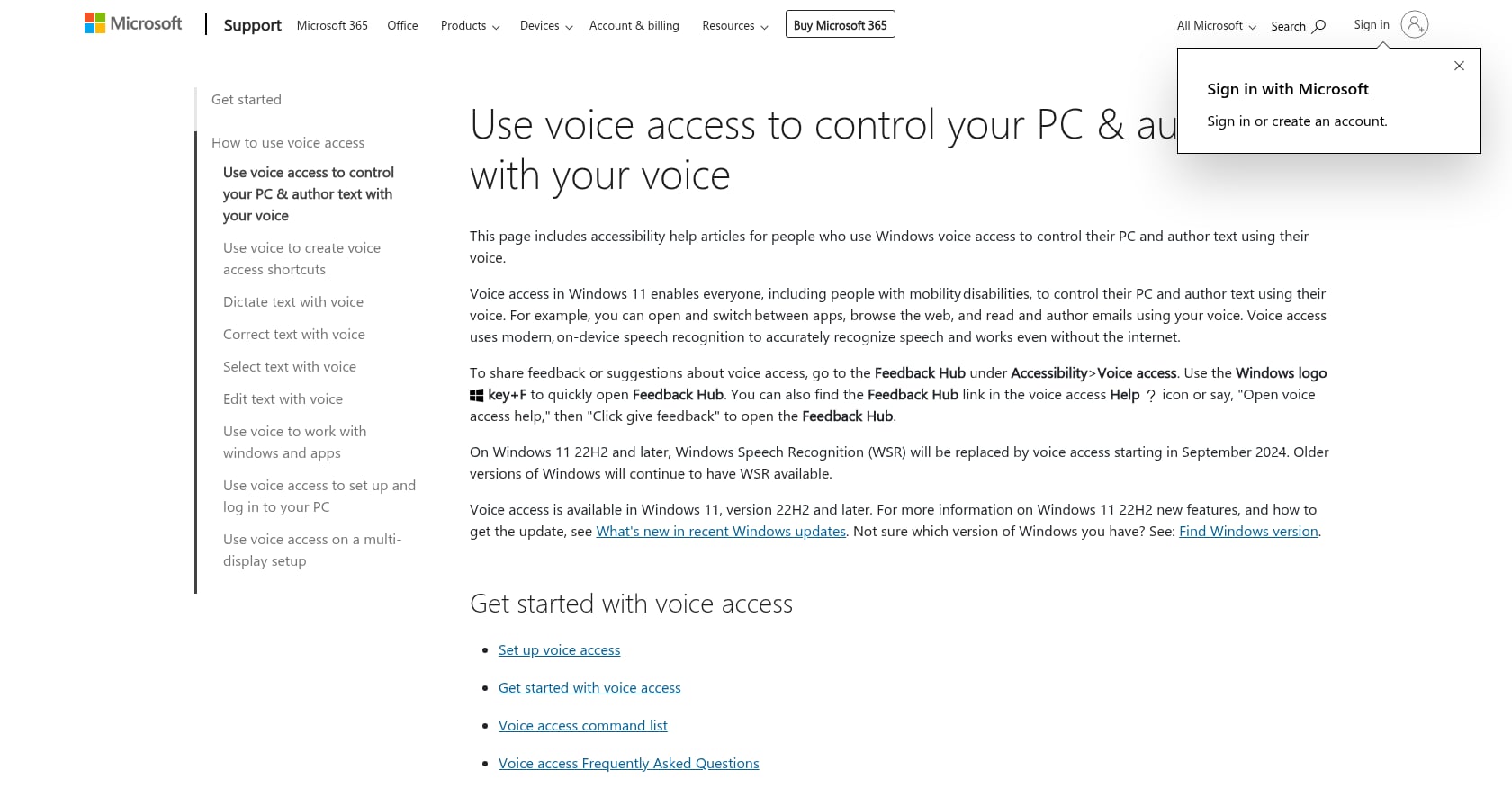
Best for: Free offline voice control and dictation on Windows 11.
Pricing: Included with Windows 11.
Key features:
Uses on-device speech recognition and works without internet
Controls the PC and authors text by voice
“Fluid dictation” automatically corrects grammar, spelling, and punctuation as you speak
Combines dictation with full system navigation and commands
Tradeoffs:
Windows-only. Not relevant for Mac users.
Windows “Voice Typing” and “Voice Access” are easily confused. Voice Typing requires an internet connection. Voice Access is the offline option.
No translation, no tone styling, no selected-text rewrite shortcuts.
Some users on Reddit report regressions and bugs after Windows updates.
User perspective:
Voice Access is the strongest free offline dictation option on Windows, particularly for accessibility workflows. For Mac users reading this guide, it serves as context rather than a direct recommendation.
4. Superwhisper
Best for: Technical users who want configurable local models, custom dictation modes, and cross-platform support.
Pricing:
Free tier available
Pro: $8.49/month, $84.99/year, or $249.99 lifetime
One license covers Mac, Windows, and iPhone
Key features:
Local-first AI dictation with selectable speech models
Custom modes and workflows for repetitive dictation tasks
Cross-platform: Mac, Windows, iPhone
Offline operation available with local models (cloud options also exist)
Strong workflow automation for power users
Tradeoffs:
More setup and tuning than simpler dictation apps. Configuration flexibility comes at the cost of simplicity.
The $249.99 lifetime price creates pushback. One Reddit user who relied on Superwhisper daily said the shift to a $250 lifetime license felt hard to justify even for a tool they liked.
Cloud model and API features can add privacy and cost considerations beyond the base subscription.
May be too much product for users who simply want “press shortcut, speak, text appears.”
User perspective:
Superwhisper is respected in the offline dictation community for its depth. But depth is not always what people need. If you want a configurable local dictation system with cross-platform support, it is a strong choice. If you want a simpler Mac writing workflow with cursor-first dictation and in-place text actions, compare it against Syneli.
5. MacWhisper
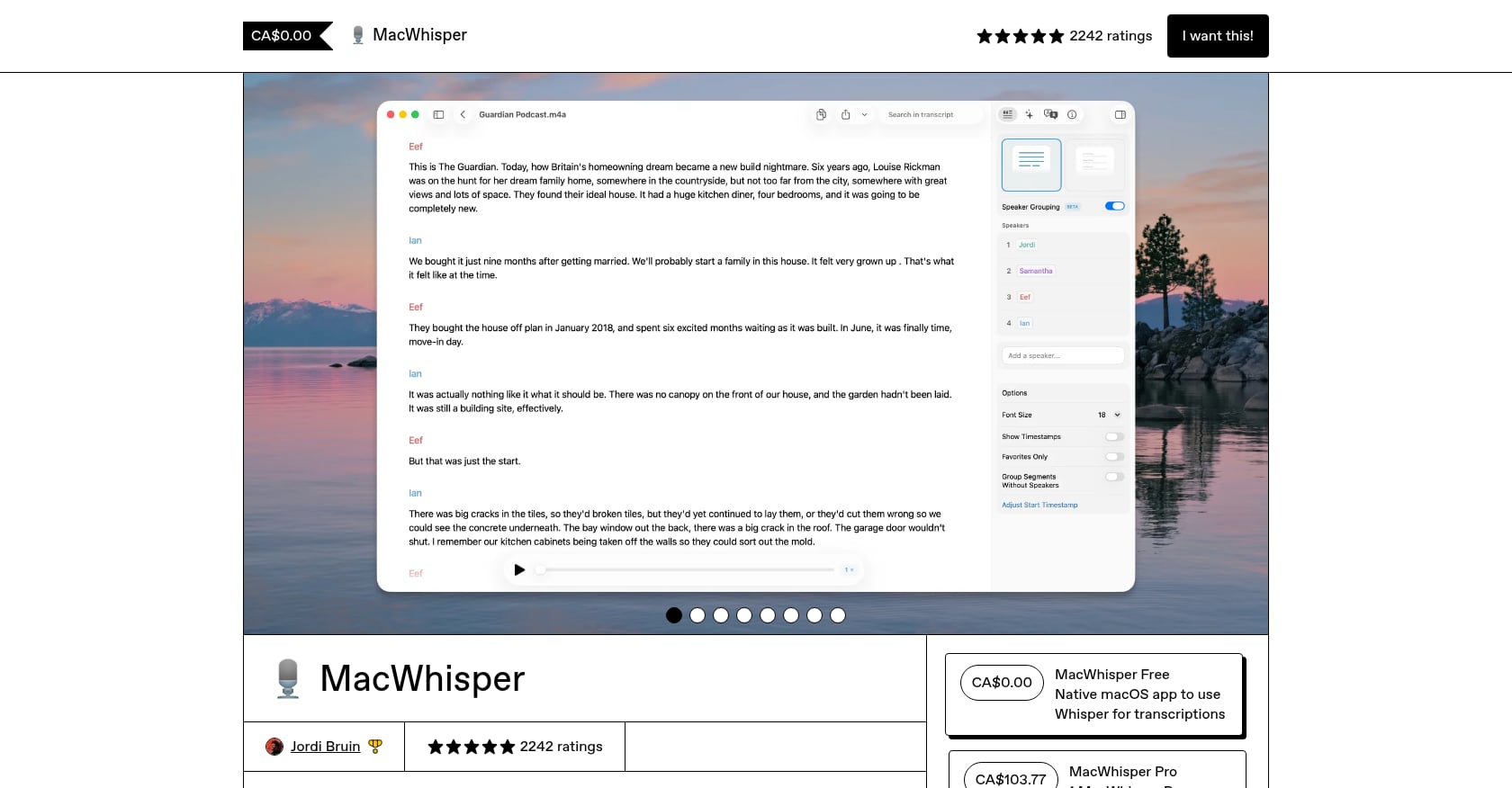
Best for: Offline audio and video file transcription on Mac.
Pricing:
Free version available
Pro: approximately €59 to €64 one-time (varies by region and distribution channel)
App Store variants may use monthly, yearly, or lifetime pricing
Key features:
Offline transcription powered by Whisper models
Strong for audio files, interviews, podcasts, lectures, and voice memos
Supports multiple model sizes, batch transcription, and export formats
Privacy-friendly local processing for sensitive recordings
Tradeoffs:
Not built for live cursor-first dictation. If you want to speak directly into Gmail, Slack, or a code editor, this is the wrong category.
Pricing varies between the website and App Store, which confuses some buyers.
Some Reddit users report friction around the free vs Pro upselling experience.
User perspective:
A LinkedIn practitioner described MacWhisper as “life-changing” for workflows involving ADHD and dyslexia, emphasizing its offline functionality and reduced cleanup time. For the right use case (turning recordings into text), it is excellent. Just do not buy it expecting a live writing tool.
Bottom line:
If your work starts with a recording, MacWhisper is the better fit than any live dictation app. If your work starts with a cursor, you need something else.
6. VoiceInk
Best for: Budget-conscious Mac users who prioritize local processing and transparency.
Pricing:
Pricing signals are inconsistent across sources. Some describe one-time lifetime tiers ($25/$39/$49), while the current website shows a free tier with 20 offline transcriptions per day and Pro at $5.75/month billed annually. Verify the live pricing page before buying.
Key features:
Local Whisper-based offline dictation on Mac
Custom vocabulary support
Free offline tier available
Open-source (GPL v3) positioning in some references
Tradeoffs:
Pricing and licensing signals are inconsistent, which makes evaluation harder.
May be less polished than higher-priced commercial alternatives.
One Reddit user testing VoiceInk reported it did not type live while speaking the way built-in Mac dictation does.
Community support expectations differ from those of commercial products.
User perspective:
Reddit sentiment is generally positive on VoiceInk’s value proposition. One user said that after months of refinements, VoiceInk had become better than Superwhisper for their workflow at a much lower price. Choose VoiceInk if price and local processing are your top priorities.
7. Google AI Edge Eloquent
Best for: Free offline polished dictation on iPhone and iPad.
Pricing: Free on the App Store. Rated 3.9 stars with 148 ratings at time of research.
Key features:
Powered by Google’s Gemma technology
Machine learning runs locally on iOS devices
Removes filler words and cleans messy speech automatically
Works offline after model download
Audio and personal data do not leave the device for core processing
Tradeoffs:
iOS and iPadOS only. Not a system-wide Mac cursor tool.
Optional advanced features require cloud, complicating the “fully offline” claim.
Rough edges in practice: one Reddit user benchmarking Eloquent said it returned complete transcripts in only 15 of 50 tests, though completed transcripts were competitive.
No translation, no tone presets, no selected-text editing.
User perspective:
Google entering offline dictation validates where the category is heading: local transcription plus cleanup as a baseline expectation. But for Mac users who need text inserted into any desktop field, a Mac-native tool is still the more practical choice.
Tools Worth Watching
Two newer projects showed up in research but lack enough independent feedback to rank in the main list.
Dictus claims 100% offline voice dictation across macOS, Windows, Linux, and a mobile beta. It positions itself as open source and says no data leaves the device. Limited third-party discussion exists so far.
Purr is a free, MIT-licensed macOS dictation tool described in a late-June 2026 Reddit post. It runs on Apple Neural Engine, works fully offline after a roughly 450 MB model download, and inserts text into the focused field. Too new for a confident recommendation, but worth tracking.
Which Offline Dictation App Should You Choose?
The best offline dictation app is not the one with the longest feature list. It is the one that matches how you actually work.
Choose by what you do:
Writing in any Mac app (email, Slack, browser, IDE, notes): Syneli. Local dictation at the cursor, plus shortcuts to translate or restyle text in place.
Free quick Mac dictation for short messages: Apple Dictation. Good enough for casual use.
Windows accessibility and voice control: Windows Voice Access. On-device, free, works offline.
Power-user custom modes and cross-platform: Superwhisper. More configuration, more flexibility.
Transcribing audio and video files: MacWhisper. Built for recordings, not live writing.
Lowest-cost local Mac dictation: VoiceInk. Good value, but verify current pricing.
Free mobile offline polished dictation: Google AI Edge Eloquent. Promising, with rough edges.
Choose by privacy level:
Strict local-only: Use core local dictation with no AI rewrite or translation features active.
Local speech recognition + optional AI actions: Tools like Syneli, where advanced transformations are intentional and separate from core dictation.
Fully cloud: Convenient and often more accurate, but not offline.
Hybrid: Local models plus optional cloud cleanup. Read the settings carefully.
Choose by output risk:
Dictation speed matters, but trust matters more. A Stanford/Baidu study found speech text entry was about 3x faster than keyboard input for English in a mobile text-entry study (161 WPM vs 53 WPM). That speed advantage disappears if you spend the saved time fixing errors.
One productivity-focused Reddit user confirmed this: they said the breakthrough was not raw speed but building enough trust in the output to stop proofreading every sentence. Custom vocabulary, correction habits, and controllable cleanup are what make voice input stick as a daily habit.
For exact wording (legal, medical, code, quotes), use faithful dictation and avoid always-on AI rewriting. For polished emails and messages, use style cleanup or tone presets. For translation, use a tool that translates before or after insertion.
What to Check Before Trusting an Offline Dictation App
Before committing to any tool, run this checklist.
Test in airplane mode. Download the model, disconnect Wi-Fi, and dictate a full paragraph. Practitioners on Reddit specifically recommend this because some apps keep the UI offline while transcription quietly falls back to the cloud.
Test where you actually write. Open your email client, your Slack window, your code editor, your browser. Dictate into each one. A tool that only works in its own window is not a dictation app; it is a transcription app with extra steps.
Test technical vocabulary. Say a product name, a medical term, a programming keyword. If the app consistently mangles specialized words, correction costs will eat your time savings.
Compare raw vs polished output. Dictate the same paragraph with AI cleanup on and off. If the polished version changes your meaning, you need a tool that keeps cleanup optional and intentional.
Read the privacy policy. “Offline” in marketing copy does not always mean “offline” in the privacy policy. Check whether audio is retained, whether transcripts are uploaded, and whether AI features use cloud processing.
Check pricing renewal terms. Monthly, annual, and lifetime plans have different tradeoffs. A $250 lifetime deal is cheaper than $8.49/month over three years, but only if you keep using the tool that long. A meaningful free tier removes the risk entirely for initial evaluation.
Start with Syneli’s free plan and test it in your real writing apps. Local dictation and 10 AI actions per day, no credit card required.
FAQ
Is offline dictation actually private?
It can be, but only if speech recognition and any AI cleanup both run locally, and the app does not upload audio or transcripts. Some tools are hybrid: local dictation but cloud AI rewriting. Always test with Wi-Fi off and read the privacy policy, not just the marketing page.
Is Apple Dictation offline?
Sometimes. Apple says Mac users can check Keyboard settings to see whether Dictation needs an internet connection and whether general text Dictation is processed on-device. The answer depends on your Mac model, macOS version, language, and configuration.
What is the difference between offline dictation and offline transcription?
Offline dictation inserts spoken words into a text field as you write. Offline transcription turns existing audio or video files into text. If your work starts with a cursor, you need dictation. If it starts with a recording, you need transcription. MacWhisper is better for the second job. Syneli, Apple Dictation, and similar tools are built for the first.
Can offline dictation translate speech?
Some tools support translation, but this step may involve cloud AI depending on the app. Syneli supports translating speech before insertion and translating selected text in place, with core dictation running locally on Mac. Check whether the translation feature works offline or requires a connection.
Is AI-polished dictation safe for sensitive work?
Use caution. Community discussions warn that polishing can subtly change meaning. This matters for legal text, medical notes, code, quotes, names, and exact instructions. Use faithful dictation for exact wording and trigger rewriting only when you intentionally want transformation.
How accurate is local dictation in 2026?
Local models have improved significantly, especially on Apple Silicon. But accuracy is not the whole decision. A slightly less accurate tool that inserts text exactly where you type can save more time than a more accurate tool that forces you to copy-paste from a separate window. Workflow fit matters as much as word error rate.
Why do offline dictation users care so much about pricing?
People accept subscriptions for cloud AI services because the compute happens on someone else’s hardware. When speech recognition runs on your own Mac using open-source models, paying monthly feels different. This is why one-time pricing and meaningful free tiers have become major factors in the offline dictation market.
Should I choose offline dictation or cloud AI dictation?
If privacy, reliability without Wi-Fi, and avoiding subscription fatigue are priorities, choose offline. If you need the most advanced AI rewriting, multi-device sync, or always-updated models, cloud tools may be worth the tradeoffs. Many users land in between: local dictation for everyday writing, with optional cloud features for specific tasks like translation or heavy editing.