Best Privacy Focused Offline Dictation for Mac Users (2026)
2026 guide to Privacy Focused Offline Dictation for Mac Users: 8 on-device apps compared for security, accuracy, and price. See our picks.

TL;DR
Cloud dictation tools send your voice to remote servers, creating real privacy risks. Modern Mac apps powered by Whisper models now run entirely on Apple Silicon, keeping audio on your device. This guide ranks eight privacy focused offline dictation options for Mac users, from free open-source tools to polished apps with AI text actions. Syneli tops the list for users who want local dictation plus the ability to translate or rewrite selected text in place without leaving their current app.
Try Syneli free for local Mac dictation with 10 AI actions per day.
Why Privacy Matters More Than Ever for Mac Dictation
Voice data is not like a password. You can reset a password after a breach. You cannot reset your voice. Every dictation session carries your biometric voiceprint, background conversations, and identifiable personal information that remains permanently compromised if it leaks.
For professionals handling HIPAA-protected health information, attorney-client privileged communications, or NDA-covered product discussions, the risk is not theoretical. Sending voice data to cloud servers without explicit authorization can create legal liability. Data that never leaves your device cannot be subpoenaed from a server, which is why privacy focused offline dictation for Mac users has become a mainstream concern rather than a niche one.
Cloud-dependent tools also carry practical risks. Wispr Flow, one of the most popular cloud dictation apps, experienced multi-day dictation degradation in late May and June 2026. Multiple practitioners on Reddit also documented that the app captures screenshots of your active window every few seconds for “context awareness” and transmits them to cloud servers. Even Apple’s own dictation system retains voice data for up to two years, according to Apple’s legal disclosures.
The bottom line: if you dictate anything you wouldn’t paste into a public Google Doc, you should care about where your audio goes.
How Offline Dictation Actually Works on Mac
Most offline dictation apps for Mac in 2026 run on the same foundation: OpenAI’s open-source Whisper speech recognition models, executed directly on your Mac’s Apple Silicon Neural Engine. Audio is processed in RAM and discarded immediately. No network requests, no server storage, no third-party access.
This matters because every Mac sold since late 2020 has Apple Silicon, making on-device speech-to-text accessible to the vast majority of Mac users today. Three years ago, only Whisper’s tiny and base models were realistic for real-time dictation. Now, most users can comfortably run the small model for general dictation and the medium model for high-accuracy work.
The accuracy numbers are strong. Whisper Large V3 achieves a 2.7% word error rate on clean English audio benchmarks. Real-world English error rates climb to 8 to 12%, depending on accent, background noise, and vocabulary. An emerging competitor, NVIDIA’s Parakeet TDT model, is reportedly 10x faster than Whisper Large V3 Turbo for English and more accurate, so the local dictation floor keeps rising.
The Privacy Spectrum
Not every “offline” dictation app is equally private. Think of it as a spectrum:
Fully offline: Audio never leaves your Mac. No cloud fallback. No telemetry on content.
Local-first with optional cloud: Core dictation runs locally, but advanced features (translation, AI rewriting) may use cloud processing when invoked.
Cloud with privacy mode: Audio goes to servers, but the company promises encryption and deletion policies.
Cloud-dependent: Audio is always sent to remote servers. Often with retention policies lasting months or years.
Most listicles treat “offline” as binary. It’s not. Understanding where each tool sits on this spectrum is the single most important decision factor for privacy focused offline dictation for Mac users.
At-a-Glance Comparison Table
Tool | Starting Price | Fully Offline? | AI Text Actions | System-wide? | Best For |
|---|---|---|---|---|---|
Syneli | Free; $9.99/mo Pro | Core dictation: Yes | Translate, restyle, rewrite selected text | Yes | Local dictation + in-place text transformation |
Apple Dictation | Free | Mostly (caveats) | No | Yes | Casual, short notes |
SuperWhisper | Free; $8.49/mo Pro | With 2 local models only | Custom modes, AI cleanup | Yes | Power users, cross-platform |
VoiceInk | $25 one-time | Yes | BYOK only | Yes | Budget buyers |
Voibe | $7.50/mo; $149 lifetime | Yes | No | Yes (+ IDE) | Developers |
Speakmac | $29 one-time | Yes | No | Yes | Cheapest dedicated tool |
MacWhisper | Free; ~$69 Pro | Yes | Optional cloud add-on | Limited | File transcription |
whisper.cpp | Free (open source) | Yes | No | No (CLI) | DIY technical users |
1. Syneli
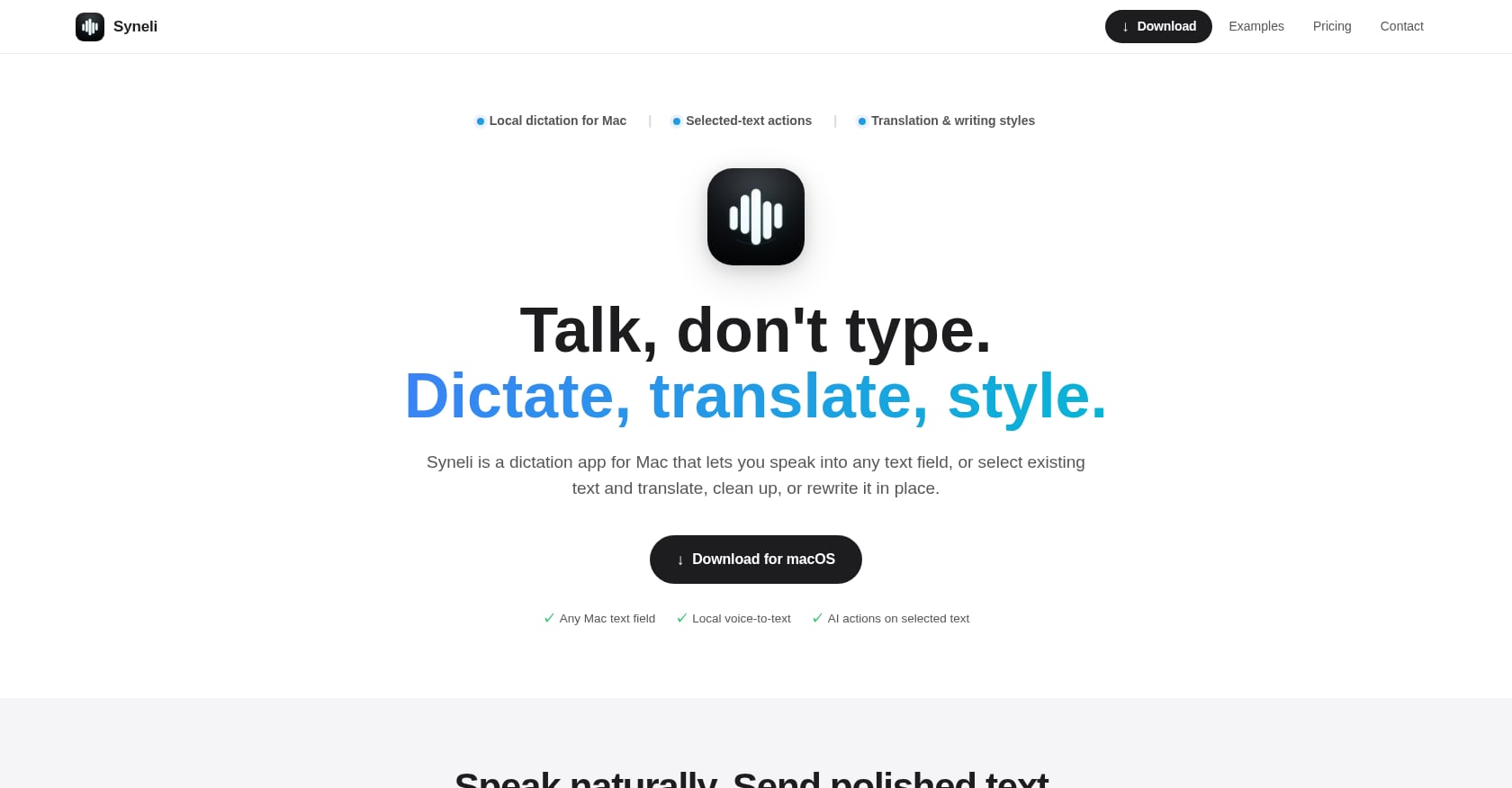
Best for: Local dictation plus in-place text translation and rewriting
Syneli is a macOS dictation app that combines local, on-device voice-to-text with something no other tool in this list offers: the ability to select existing text and translate or rewrite it in place using keyboard shortcuts.
Place your cursor in any text field, press a shortcut, and speak. Syneli inserts the result exactly where you’re typing. When text is already on the page, select it and use the same shortcuts to translate or rewrite selected text without switching apps or copy-pasting into a separate tool.
Pricing:
Free tier: Local dictation plus 10 AI actions per day
Syneli Pro: $9.99/month for unlimited dictation plus AI translation and styling
Key features:
Core dictation runs locally on your Mac with no cloud dependency
Separate shortcuts for dictation, translation, and writing styles (professional, concise, friendly, clear)
System-wide insertion into any Mac text field: browsers, IDEs, email, Slack, notes
Translate speech before insertion or translate existing selected text in place
Direct download DMG, simple onboarding
Privacy model: Core dictation is processed on-device. Advanced AI features (translation, restyling) use cloud processing when invoked. You can learn how Syneli handles your voice data on their privacy page.
Tradeoffs:
Mac-only, no Windows or iOS apps
AI translation and styling features use cloud when activated (local dictation remains private)
No published accuracy benchmarks or third-party reviews yet
No meeting transcription or file transcription
Why it stands out for privacy focused offline dictation: The selected-text workflow is genuinely unique. Most dictation apps only create new text. Syneli also transforms existing text. If you regularly need to clean up rough drafts, change tone, or translate passages between languages, doing that locally (or with a single shortcut) without routing your text through a separate cloud service is a meaningful privacy and workflow win.
2. Apple Dictation
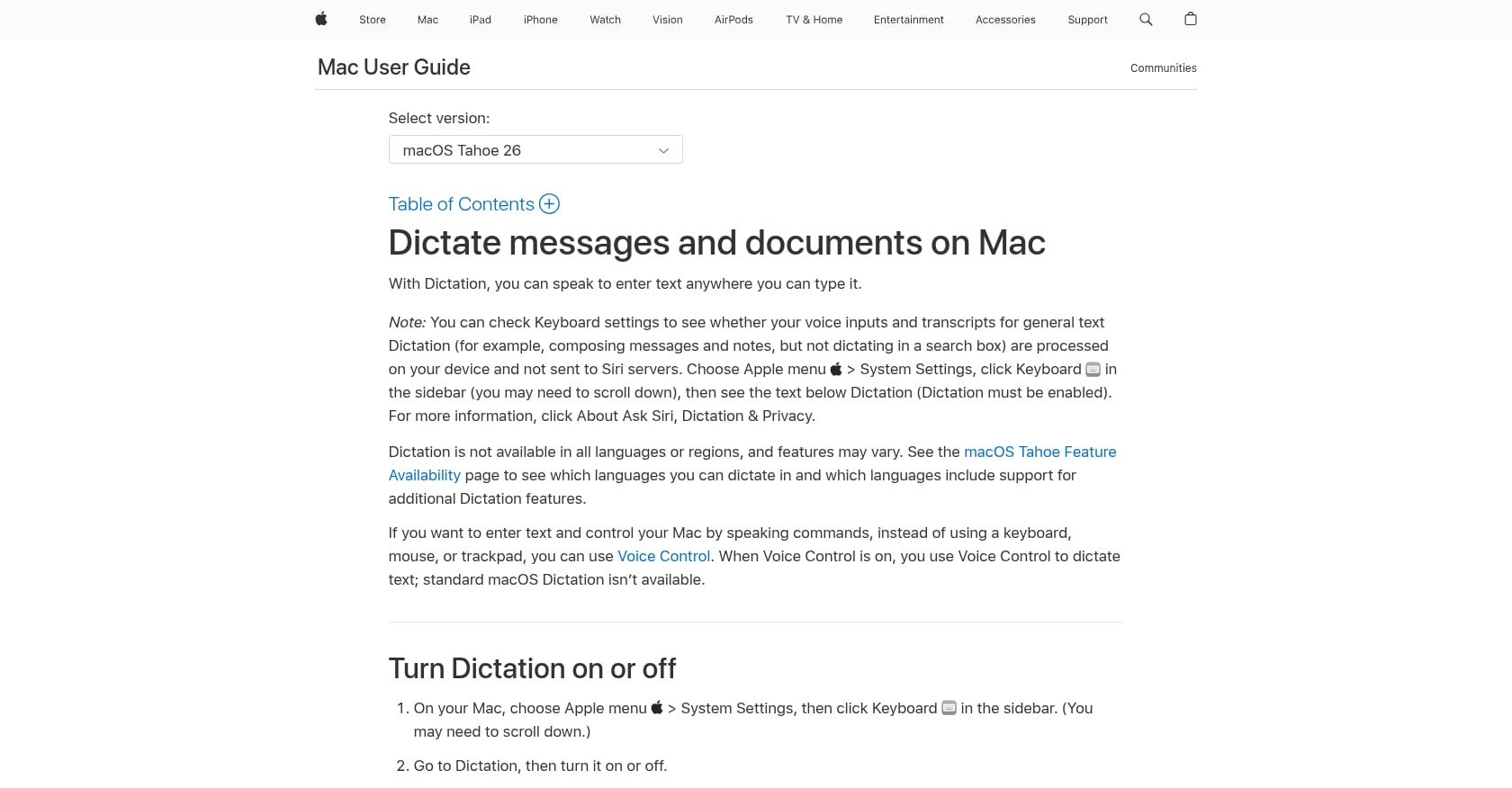
Best for: Zero-setup casual dictation for short notes
Apple Dictation is the default starting point. It’s free, built into macOS, and on Apple Silicon Macs (M1 and later running macOS 13+), it processes speech on-device by default. Reddit communities treat it as the baseline, the thing everyone tries first and everything else gets measured against.
Pricing: Free, included with macOS.
Key features:
Built into every Mac, no installation needed
On-device processing on Apple Silicon
Works in most text fields system-wide
Privacy model (the caveats most listicles skip):
Apple Dictation’s privacy story is more complicated than “it’s on-device.” The system processes locally when conditions are met, but falls back to cloud without notice. There is no visual indicator when this happens. Language coverage is incomplete: if your primary language isn’t in the on-device group, your audio is sent to the cloud every time you dictate, with no warning.
Apple’s own policy states it may retain and use voice data for up to two years to develop and improve Siri, Dictation, and Search. Apple does not sign Business Associate Agreements, making Apple Dictation unsuitable for HIPAA-regulated work.
Tradeoffs:
Roughly 30-second timeout you cannot disable (some sources report up to 60 seconds)
15 to 18% word error rate on technical and accented speech
No custom vocabulary and no per-app features
Silent cloud fallback undermines privacy assumptions
If you’re dictating grocery lists, Apple Dictation is fine. For anything sensitive or requiring accuracy on specialized vocabulary, it is not a reliable choice for privacy focused offline dictation on Mac.
3. SuperWhisper
Best for: Power users who want maximum model control and cross-platform support
SuperWhisper runs Whisper models on-device and provides system-wide dictation in any app. It offers the deepest model selection of any tool in this category, with options for Whisper variants, NVIDIA’s Parakeet, and cloud-enhanced models.
Pricing:
Free basic tier
Pro: $8.49/month, $84.99/year, or $249.99 lifetime
Covers Mac, Windows, and iPhone
Key features:
Multiple model options (Whisper, Parakeet, cloud)
Custom “Modes” for different dictation contexts
Cross-platform support
AI cleanup and formatting options
Privacy model: SuperWhisper can work fully offline, but only with two on-device models. Everything else uses the cloud. Importantly, it saves recordings to your iCloud Documents folder by default, so with iCloud Drive enabled, those files sync to Apple’s servers.
Accuracy: Using the large-v3 model, testers measured 95 to 96% raw accuracy, which is 3 to 4 percentage points lower than cloud-enhanced tools but impressive for fully offline processing.
User perspective: One professional writer on the App Store said SuperWhisper “completely sped up my workflows” and described it as a “game-changer for talking with LLMs.”
Tradeoffs:
New users face a steep learning curve configuring Modes and choosing between model options
$249.99 lifetime cost is steep
iCloud recording sync is a hidden privacy gap
Only two models are truly offline
SuperWhisper is the right pick for technical users who want granular control over their dictation engine and don’t mind spending time on configuration. For simpler needs, it’s overkill.
4. VoiceInk
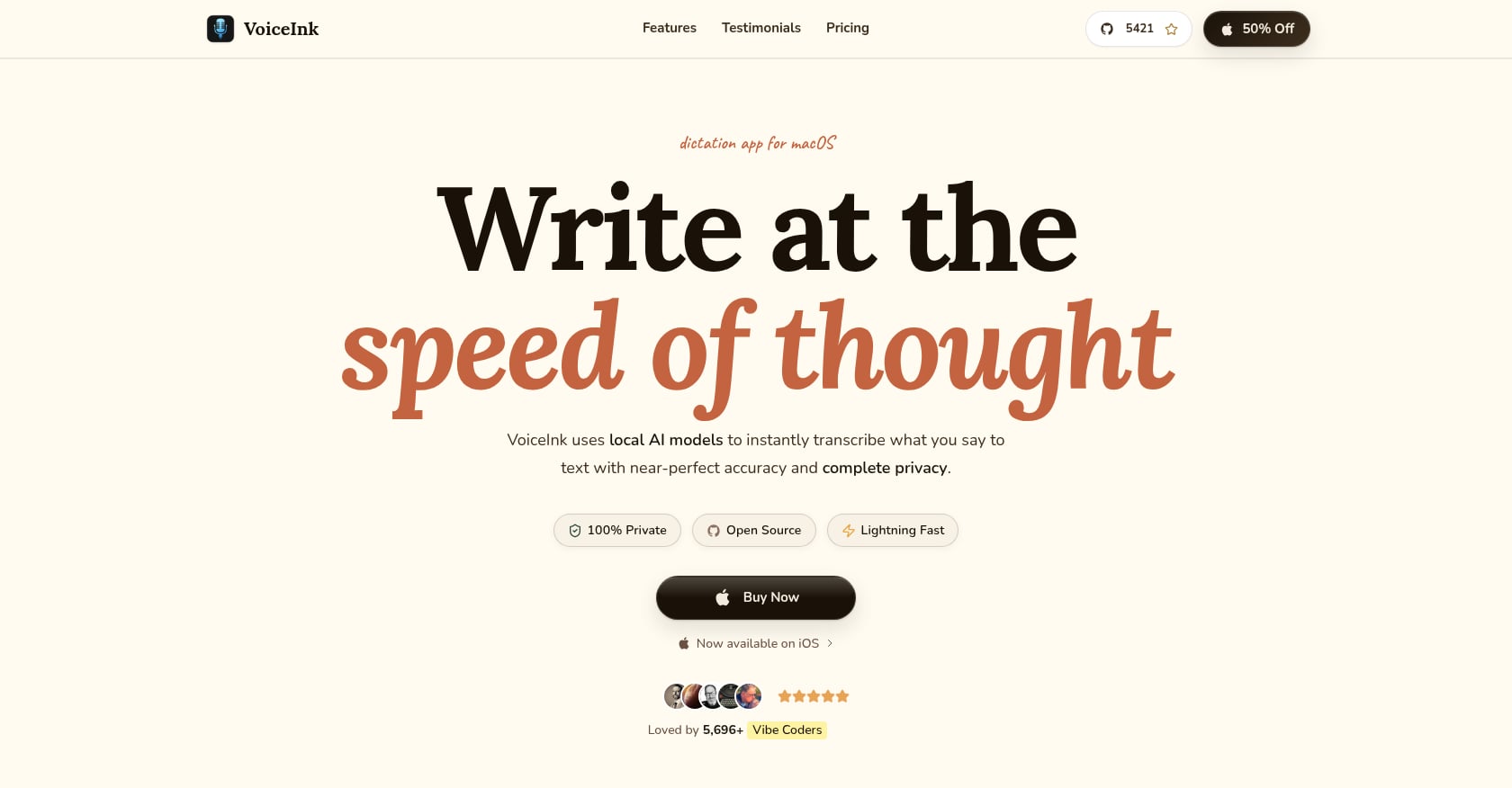
Best for: Budget-conscious privacy-first users who want a one-time purchase
VoiceInk is open-source (GPL v3) and processes all voice transcription locally on your device. Your voice data never leaves your Mac. It’s also the cheapest commercial offline dictation option available.
Pricing:
$25 for a single Mac (Solo)
$39 for two Macs (Personal)
$49 for three Macs (Extended)
Can be built from source for free
Key features:
100% local processing, no cloud fallback
Context-switching “Power Mode” that auto-adjusts by active app or URL
Open-source transparency
System-wide dictation
User perspective: One user wrote: “What shocked me most was the pricing. At just $25 for a lifetime license, I barely hesitated.”
Tradeoffs:
Specialized vocabulary gets mangled without cloud-based AI models or custom dictionaries
Requires Apple Silicon and macOS 14.4 or later
No built-in AI rewriting or translation (BYOK only)
Smaller development team than commercial competitors
For users who want straightforward, private, offline dictation for Mac without recurring costs, VoiceInk is hard to beat on value. If you also need text transformation features like translation or tone adjustment, you’ll want something like Syneli’s selected-text actions.
5. Voibe
Best for: Developers who dictate code comments, documentation, and AI prompts
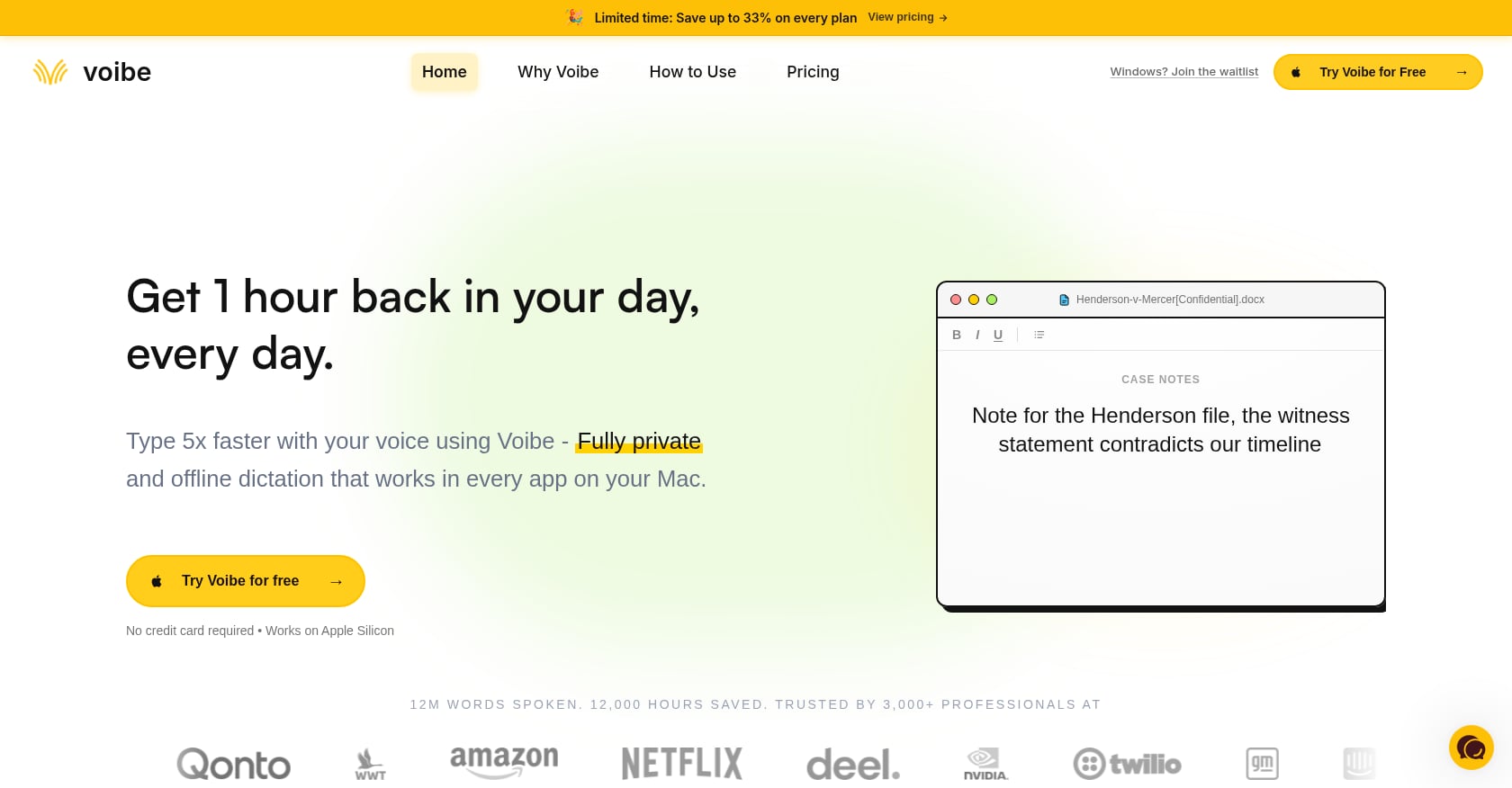
Voibe runs entirely on-device using OpenAI’s Whisper models on Apple Silicon. All audio processing happens locally. What sets it apart is its developer-specific integration with VS Code and Cursor.
Pricing:
$7.50/month, $59/year, or $149 lifetime
Key features:
IDE integration (VS Code + Cursor)
On-device Whisper processing
System-wide dictation across all apps
Optimized for coding workflows
Tradeoffs:
No AI text actions (translation, rewriting)
IDE integration is the main differentiator; without it, the tool is less distinctive
Monthly pricing adds up versus one-time alternatives
If you spend your days in an IDE and want to dictate documentation, comments, or prompts directly into your editor, Voibe is purpose-built for that workflow. For general writing and communication tasks, other options offer more.
6. Speakmac
Best for: Users who want the cheapest dedicated offline dictation tool, no frills
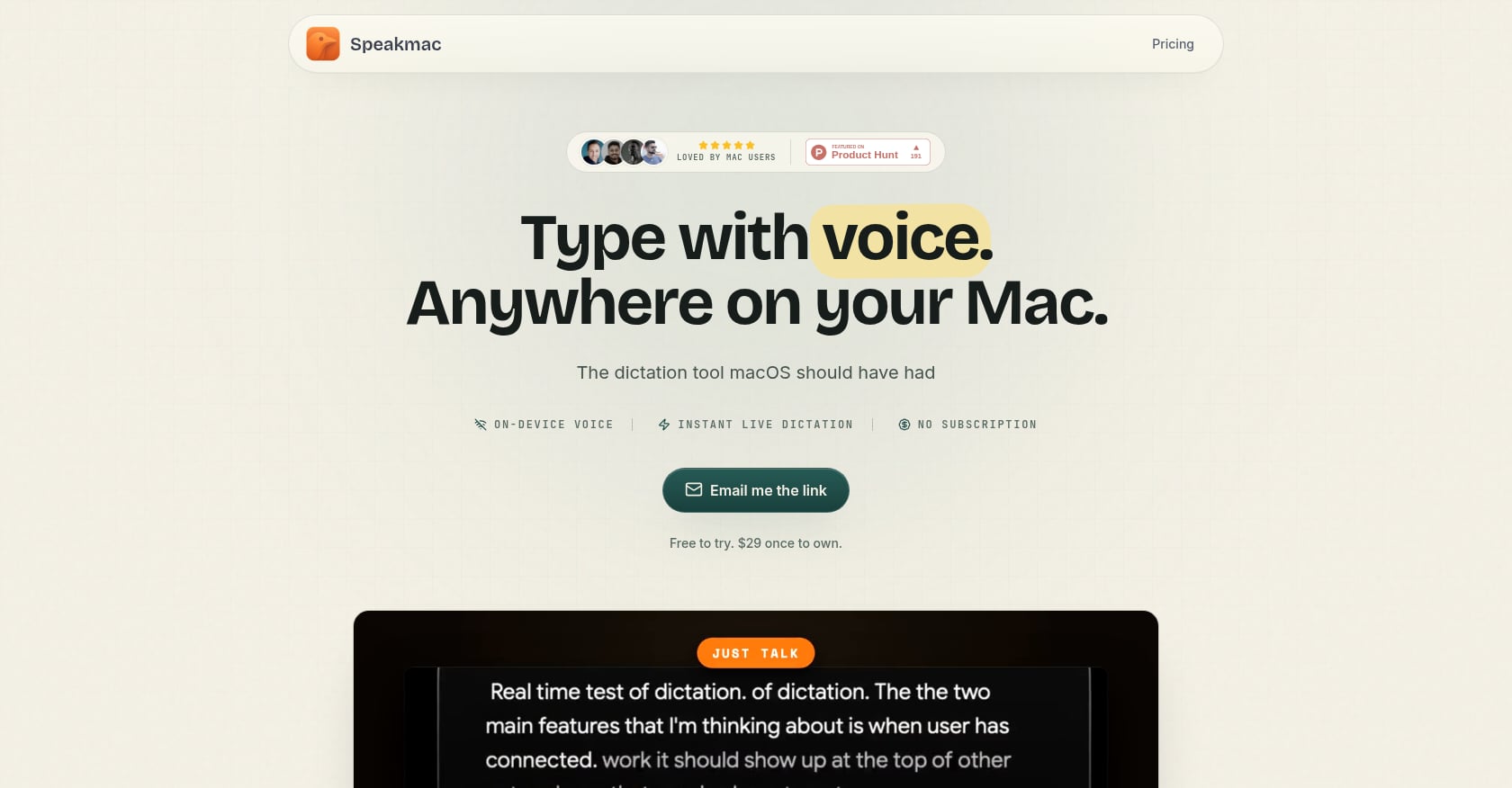
Speakmac is 100% offline with zero cloud by design. It does one thing (speech-to-text) and does it cleanly.
Pricing:
Free tier available
$29 one-time for 1 Mac
$49 for 2 Macs
Key features:
Live preview while speaking
Custom word replacements
Hands-free mode
Snippets and regex cleanup
25+ languages supported
User perspective: One user noted: “I didn’t expect to use SpeakMac this much, but it’s become my go-to for writing content ideas, captions, and quick drafts.”
Tradeoffs:
Pure speech-to-text with no AI rewriting, formatting, or processing
Only 25+ languages versus 100+ for many competitors
No translation capability
Basic feature set compared to AI-enhanced alternatives
Speakmac is the “does exactly what it says” option. If you want offline dictation for Mac users at the lowest possible price and don’t need any AI features, it delivers.
7. MacWhisper
Best for: Journalists, researchers, and podcasters who need batch offline transcription
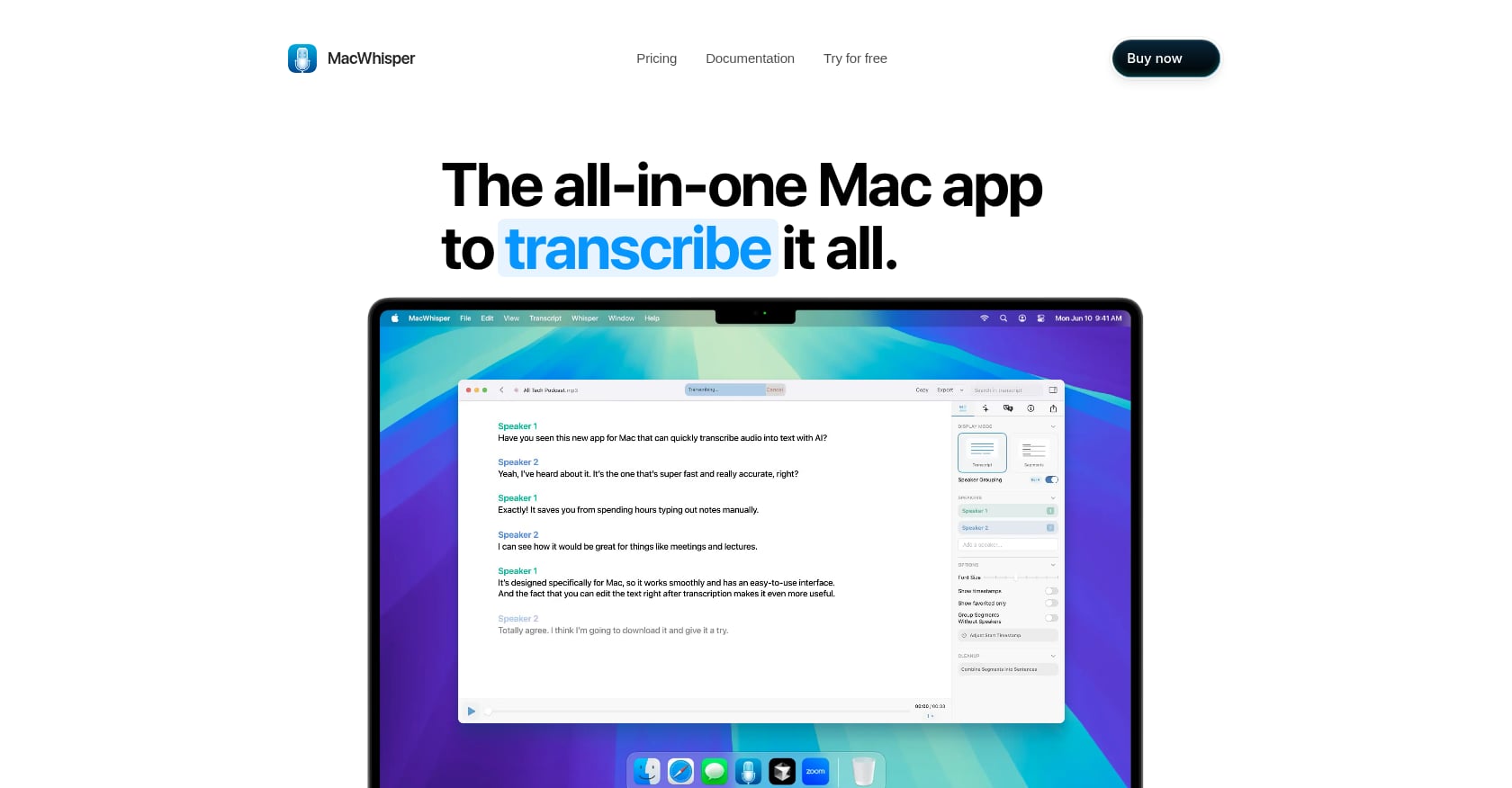
MacWhisper is built for transcribing audio files, not for live dictation into apps. It runs Whisper models entirely on your Mac via whisper.cpp. It does have a secondary system-wide dictation feature, but that’s not its strength.
Pricing:
Free tier available
Pro: approximately €59 (~$69 USD) one-time on Gumroad
App Store version available with subscription options
Key features:
Batch file transcription
Multiple Whisper model options
Export in various formats
Speaker labeling for interviews
Tradeoffs:
Primarily a transcription tool, not a live dictation tool
System-wide dictation is a secondary feature with limited polish
Not the right tool if your goal is dictating into emails and messages
Including MacWhisper here because many people searching for privacy focused offline dictation for Mac also need file transcription. If you’re transcribing recorded interviews or podcasts, MacWhisper is the stronger choice. For real-time dictation into apps, look at the other tools on this list.
8. whisper.cpp
Best for: Technical users who want zero-cost, maximum-privacy transcription
whisper.cpp is the open-source C++ port of OpenAI’s Whisper model. Install it via Homebrew and you can transcribe any audio file locally, for free, with top-tier accuracy. No internet connection needed.
How to set it up:
Install via Homebrew (
brew install whisper-cpp)Download a Whisper model file
Run transcription from the terminal
Tradeoffs:
Command-line only, no graphical interface
No system-wide hotkey dictation
No live “press and hold” dictation workflow
Requires comfort with the terminal
This is the foundation that most commercial tools on this list build upon. If you’re comfortable in the terminal and want maximum privacy with zero cost, whisper.cpp is as good as it gets. But for everyday dictation into text fields across your Mac, a dedicated app will save you significant friction.
A Note on Dragon for Mac
Dragon still comes up in nearly every Reddit dictation thread. Not because it’s currently an option, but because older Mac users remember it fondly. Nuance discontinued Dragon for Mac in 2018, and Microsoft (which acquired Nuance) hasn’t released a new Mac version. If you’re here because you miss Dragon, the tools above are your modern replacements, and the local Whisper-based options now match or exceed Dragon’s accuracy on most English speech.
How to Choose the Right Tool
The best privacy focused offline dictation app for Mac depends on your workflow, not just your budget. Here’s a quick decision framework:
You dictate AND need to translate or rewrite text: Syneli is the only tool that combines local dictation with in-place selected-text actions. If you regularly polish drafts, switch between languages, or adjust tone, this workflow eliminates the need for separate AI writing tools. See how Syneli compares to Wispr Flow or works as a Grammarly alternative with voice.
You want maximum customization and cross-platform: SuperWhisper, if you’re willing to invest time in configuration and accept the higher price.
You want the cheapest possible offline dictation: VoiceInk at $25 or Speakmac at $29, both one-time purchases.
You code for a living: Voibe, for its IDE integration.
You transcribe recorded files: MacWhisper.
You want free and don’t mind the terminal: whisper.cpp.
The local vs. cloud processing question is the single most debated point in dictation threads on Reddit. Community members consistently care about three things: keyboard shortcut activation, system-wide insertion, and accuracy on technical terms. Every tool on this list handles the first two. Accuracy varies by model size and your specific vocabulary.
Download Syneli free and test whether local dictation plus AI text actions fits your Mac workflow.
FAQ
Is Apple Dictation truly offline on Mac?
On Apple Silicon Macs running macOS 13 or later, Apple Dictation processes speech on-device by default. However, it silently falls back to cloud processing when conditions aren’t met (unsupported language, certain system states), and there’s no visual indicator when this happens. Apple may also retain your voice data for up to two years. It is not fully offline in all scenarios.
What accuracy can I expect from offline dictation on Mac?
Whisper Large V3 achieves a 2.7% word error rate on clean benchmark audio, translating to roughly 97% accuracy in ideal conditions. In real-world use with natural speech, background noise, and varied accents, expect 88 to 92% accuracy. Apple Dictation runs at roughly 82 to 85% accuracy on technical and accented speech. These numbers improve with each model generation.
Can I translate text while dictating on Mac?
Syneli offers this workflow natively. You can dictate in one language and have the translated result inserted directly, or select existing text and translate it in place using a keyboard shortcut. Most other offline dictation tools on this list do not include built-in translation.
Do offline dictation apps work without an internet connection?
Tools that use local Whisper models (VoiceInk, Speakmac, Voibe, whisper.cpp, and Syneli’s core dictation) work fully without internet. SuperWhisper works offline only with its two on-device models. Any AI features that involve translation or rewriting may require a connection depending on the app’s architecture.
Is offline dictation fast enough for real-time use?
Yes. On Apple Silicon Macs, Whisper’s small and medium models run in real time or faster for press-and-hold dictation. Most users experience negligible lag. Speaking is roughly 3 to 4 times faster than typing (150+ WPM dictated versus about 40 WPM typed), so even with processing time, dictation is substantially faster.
What happened to Dragon Dictation for Mac?
Nuance discontinued Dragon for Mac in 2018. Microsoft acquired Nuance in 2022 and has not released a new Mac version. The Whisper-based tools listed in this guide are the modern replacements, and they match or exceed Dragon’s historical accuracy for most English dictation tasks.
Can I use offline dictation for HIPAA-regulated work?
Apple does not sign Business Associate Agreements, ruling out Apple Dictation for HIPAA compliance. Tools that process audio 100% locally (VoiceInk, Speakmac, whisper.cpp, and Syneli’s core dictation mode) keep data on your device, which removes the server subpoena and breach vector. However, consult your compliance officer, because the broader workflow (where transcribed text goes next) also matters.
How much does privacy focused offline dictation for Mac cost?
Prices range from free (Apple Dictation, whisper.cpp, Syneli’s free tier) to $249.99 (SuperWhisper lifetime). The sweet spot for most users is $25 to $29 one-time (VoiceInk or Speakmac) for basic offline dictation, or $9.99/month for Syneli Pro if you also want unlimited AI translation and text styling.