8 Best On Device Dictation Apps for Mac (2026, Tested)
We tested 8 Mac apps for On Device Dictation in 2026—speed, privacy, and accuracy. See top picks, pricing, and who each is best for before you choose.
TL;DR
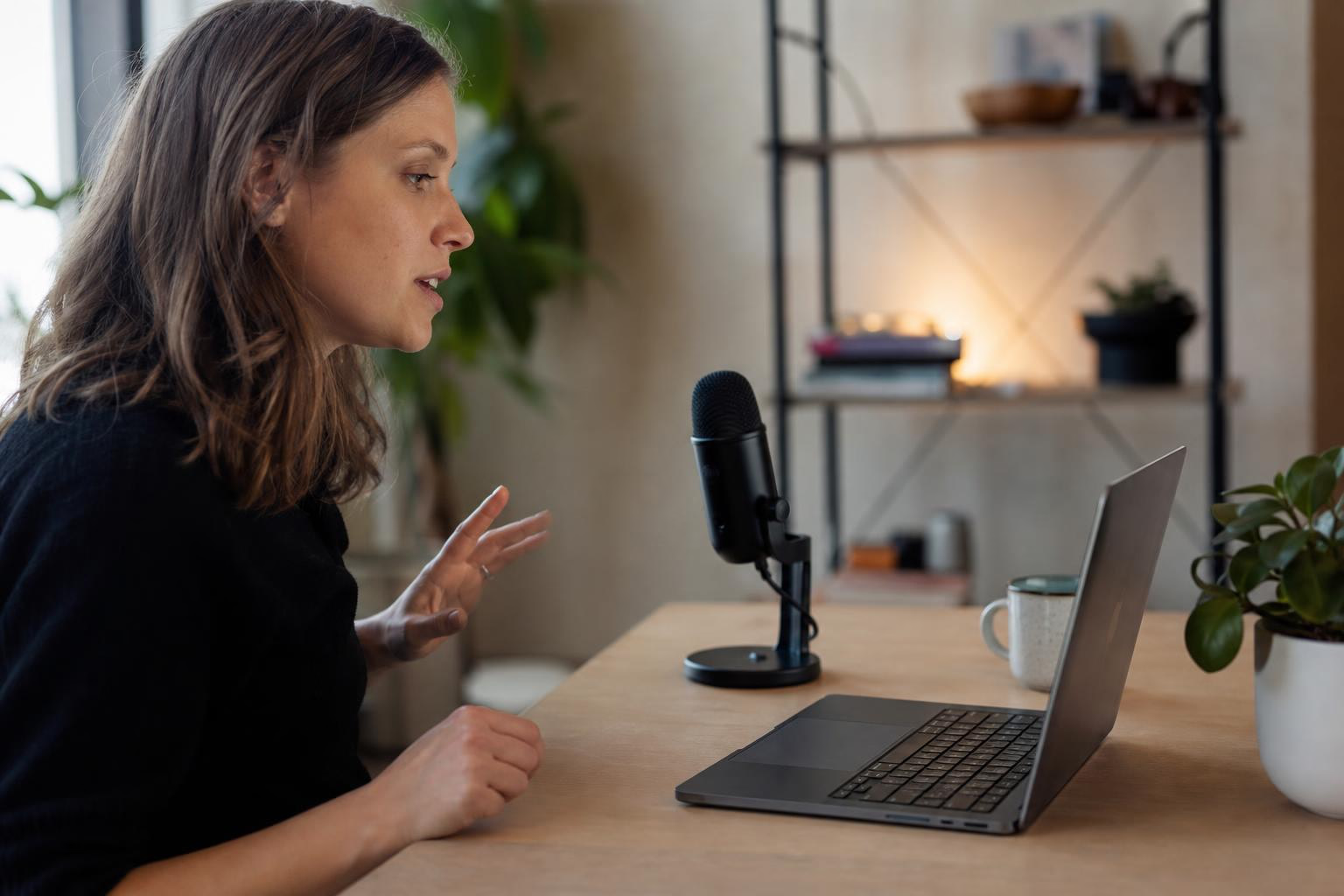
On-device dictation means your voice is processed entirely on your Mac’s chip, with no audio sent to the cloud. Apple Silicon made this category viable, and privacy settlements totaling over $1.4 billion made it urgent. This guide ranks eight Mac dictation tools by how well they keep your voice local. Syneli is the top pick for users who need both dictation and text transformation (translate, restyle) in one shortcut-driven workflow, while Apple Dictation remains the free baseline, and VoiceInk wins on budget.
Quick Comparison Table
| Tool | Price | On-Device? | Best For | Free Tier | Platform |
|---|---|---|---|---|---|
| Syneli | Free / $9.99/mo Pro | Core dictation: Yes | Dictation + text transformation | Yes (10 AI actions/day) | Mac |
| Apple Dictation | Free | Yes (Apple Silicon) | Casual short-form | Built-in | Mac |
| Superwhisper | Free / ~$8.49/mo / $249.99 lifetime | Yes (local models) | Power users, model tinkerers | Yes (small models) | Mac, Win, iOS |
| VoiceInk | $25–$49 one-time | Yes | Budget-conscious, open-source fans | Build from source | Mac |
| Wispr Flow | Free (2K words/wk) / $15/mo | No (cloud-only) | AI cleanup, cross-platform | Yes (capped) | Mac, Win, iOS, Android |
| SpeakMac | ~$29 one-time | Yes | Simplicity seekers | Unknown | Mac |
| Spokenly | Free (BYOK) / $9.99/mo | Yes (local models) | Developers, BYOK users | Yes (unlimited local) | Mac |
| Paraspeech | One-time purchase | Yes (Apple Silicon) | EU privacy-conscious pros | Unknown | Mac |
What “On-Device Dictation” Actually Means (And Why You Should Care)
On-device dictation processes your speech entirely on your Mac’s processor. Audio never leaves the machine. No server receives your voice, no company stores your recordings, and no round-trip to the cloud adds latency.
The technology behind this shift is straightforward. Modern offline dictation apps run open-source speech recognition models like OpenAI’s Whisper directly on Apple Silicon’s Neural Engine. These models range from 600MB to 2.3GB depending on the engine, and they convert speech to text locally in real time. Nvidia’s Parakeet models push response times down to roughly 80ms, which feels instantaneous.
Before Apple Silicon, on-device speech recognition was a compromise. Accuracy was poor enough that cloud processing was essentially mandatory for real work. That changed when the Neural Engine made local models competitive with the best cloud systems for typical workloads.
The privacy case is not theoretical
In 2025, Google agreed to a $1.375 billion settlement with Texas for unlawfully collecting biometric data including voiceprints. Apple paid $95 million to settle a lawsuit over Siri recording users without consent. Voice recordings contain biometric data that cannot be changed after a breach, unlike a password.
For anyone working with confidential material (legal documents, medical notes, financial data), cloud dictation creates an attack surface that simply does not need to exist. On-device processing eliminates it entirely. For a deeper look at why this matters, see this guide on privacy-focused offline dictation for Mac.
The speed advantage is real too
Cloud-based transcription adds 200 to 500ms of latency per utterance. That sounds trivial, but it is enough to break the feeling of direct control when you are dictating into a text field. Local processing removes that delay completely.
How to verify an app’s on-device claims
The first mistake, as practitioners on Reddit frequently point out, is assuming “Mac app” means on-device. Plenty of Mac apps are polished fronts for cloud transcription.
Two practical tests:
- Airplane mode test. Turn off Wi-Fi and Bluetooth. If the app still transcribes accurately, it is running locally.
- Network monitoring. Use a tool like Little Snitch or Wireshark to watch for outgoing connections during dictation. A genuinely offline app will show zero network activity while processing speech.
These tests take two minutes and tell you more than any marketing page.
The Best On-Device Dictation Apps for Mac
1. Syneli
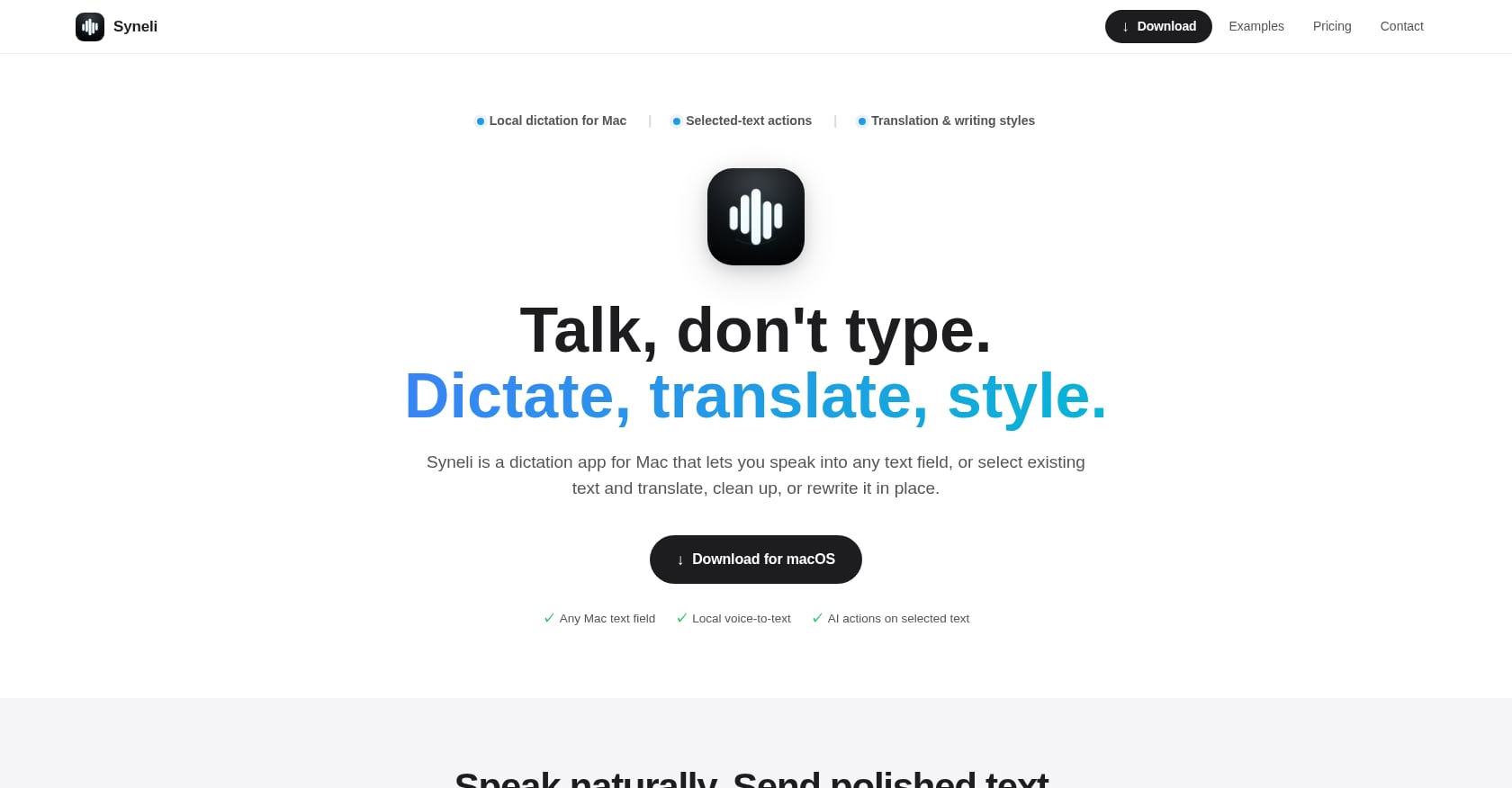
Best for: Mac users who need voice-to-text AND text transformation (translate, restyle, clean up) in one shortcut-driven tool.
Pricing: Free plan with local dictation plus 10 AI actions per day. Syneli Pro at $9.99/mo for unlimited dictation and AI translation/styling.
Key features:
- Core dictation runs locally on your Mac, no internet required
- Dictates into any Mac text field at the cursor position
- Selected-text actions: highlight existing text, press a shortcut, and it gets translated or rewritten in place
- Translation before insertion (dictate in one language, insert in another)
- Writing style presets: professional, concise, friendly, clear
- Separate hotkeys for dictation, translation, and styling
What makes it genuinely on-device: Core dictation processing happens locally on your Mac. Advanced AI features like translation and styling use cloud processing when triggered, but the distinction is explicit. This is a “local-first, not local-only” architecture, and Syneli is transparent about where each feature runs. You can review the details in Syneli’s privacy policy.
Why it’s the top pick: Most dictation apps only create new text. Syneli also transforms existing text. Highlight a rough paragraph, press a shortcut, and it gets replaced with a cleaner version. That dual capability fills a gap between pure dictation tools and text editing tools. No other on-device dictation app offers this shortcut-driven translate or rewrite workflow.
Limitations:
- Mac-only, no Windows or iOS
- No published accuracy benchmarks or independent third-party reviews yet
- No meeting recording or file transcription features
- AI-powered features (translation, styling) require cloud processing
User perspective: The free tier includes local dictation and 10 AI actions daily, which is enough to evaluate the full workflow before deciding on Pro.
2. Apple Dictation
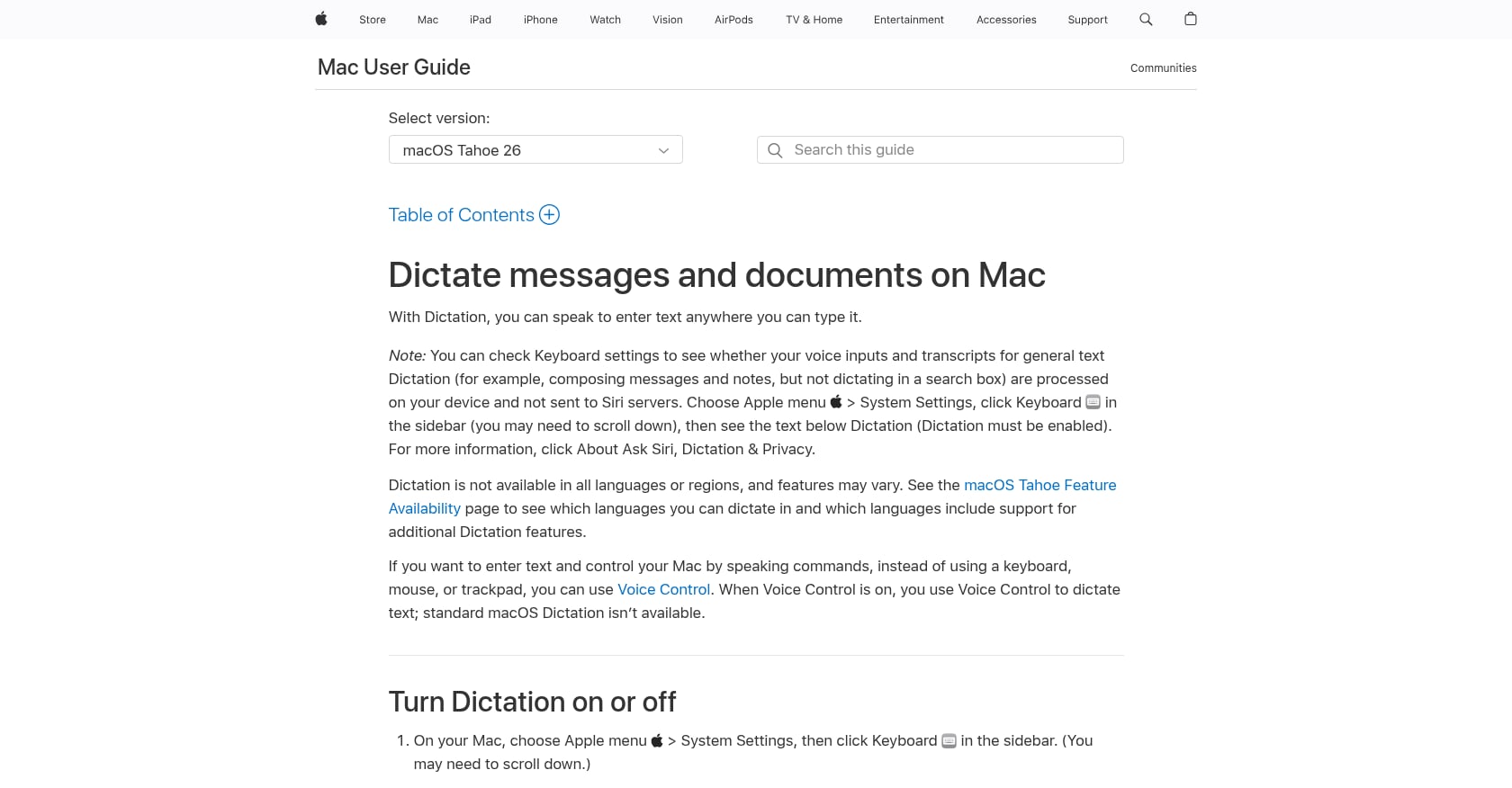
Best for: Casual dictation for short emails, quick messages, and brief notes.
Pricing: Free, built into macOS.
Key features:
- Works system-wide in any text field on Apple Silicon Macs
- Runs entirely on-device (with caveats, see below)
- Auto-punctuation for commas, periods, and question marks
- Supports roughly 50 languages
- No setup required
What makes it genuinely on-device: On Apple Silicon Macs, speech processing runs on the Neural Engine. However, an undocumented cloud fallback can activate for complex phrases even on supported hardware.
Limitations:
- Hard timeout of roughly 30 seconds that cannot be disabled
- No custom vocabulary
- Accuracy drops noticeably on technical jargon, proper nouns, and accented English (estimated 15-18% word error rate on difficult content)
- No developer or per-app customization
User perspective: Practitioners on Reddit treat Apple Dictation as the baseline: the thing everyone tries first, and the thing everything else gets measured against. For quick messages and short notes, it works fine. Where it falls apart is longer passages, where accuracy degrades after a few sentences and auto-punctuation becomes unreliable.
3. Superwhisper
Best for: Power users who want deep model control, per-app configuration, and cross-platform coverage.
Pricing: Free tier plus Pro at roughly $8.49/mo, $84.99/year, or $249.99 as a one-time lifetime license. Students get 40% off. All plans carry a 30-day refund.
Key features:
- Full local model lineup: Whisper Tiny through Large V3 Turbo, Parakeet V2 and V3
- Customizable per-app modes system
- Single license covers Mac, Windows, and iOS
- Custom vocabulary with CSV import
- Claude Code and Open Code agent integration
- 100+ languages
What makes it genuinely on-device: Users choose which Whisper or Parakeet model to run locally. Larger models are more accurate but use more RAM and processing power.
Limitations:
- Setup is heavy for non-technical users
- Privacy defaults deserve scrutiny: audio saved to disk by default, plaintext API keys
- Highest price in the category if choosing lifetime
- Windows and iOS versions lag behind the Mac app
- No Android version
- 15-minute Pro trial is too short to evaluate depth
User perspective: Reddit sees Superwhisper as “solid” if you want more control over models and settings. It holds 4.4 stars on the App Store and a near-perfect Product Hunt score. The learning curve is the main complaint.
4. VoiceInk
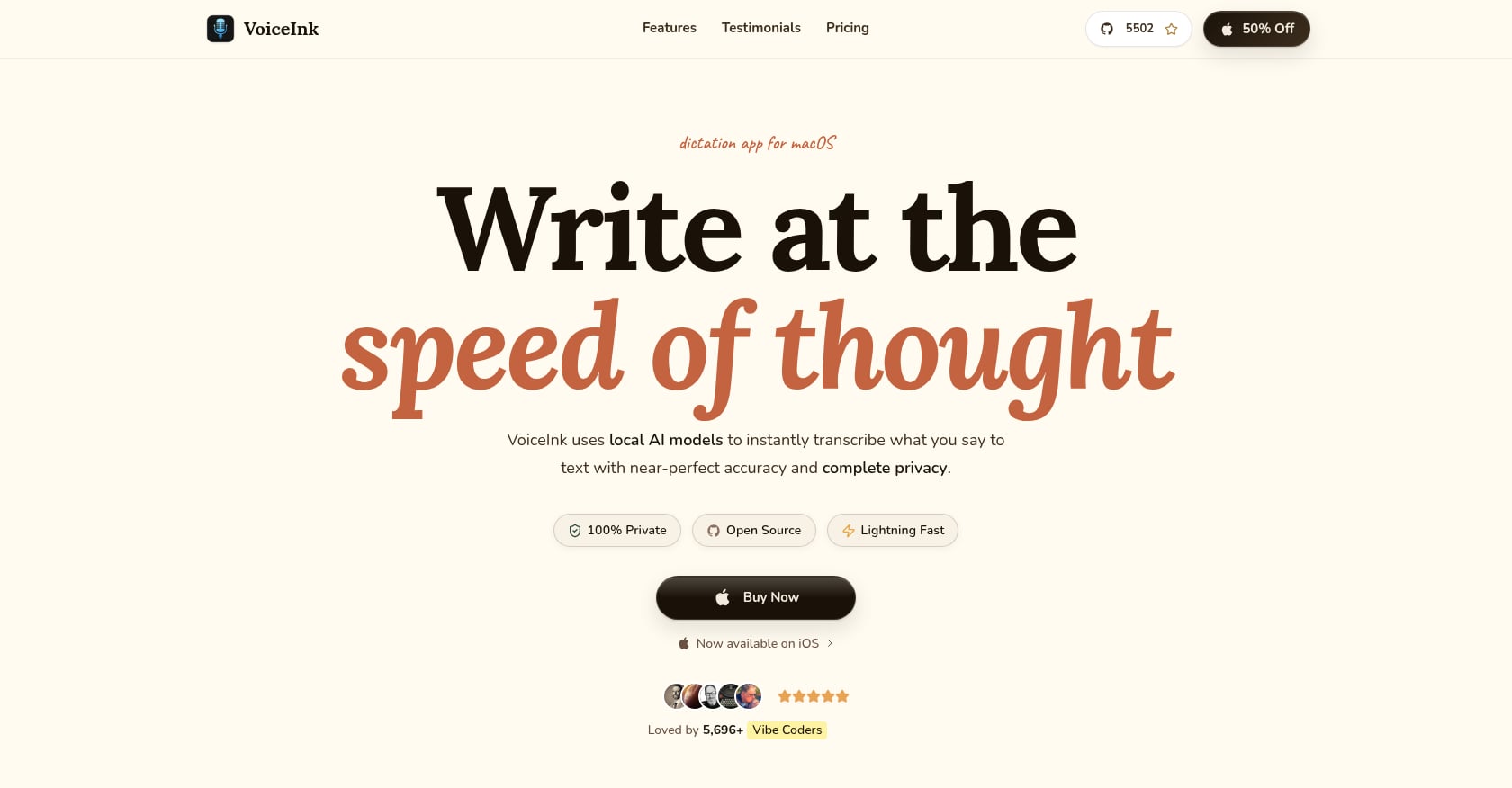
Best for: Budget-conscious Mac users who want one-time pricing and open-source transparency.
Pricing: One-time purchase: $25 (Solo, one Mac), $39 (Personal, two Macs), or $49 (Extended, three Macs). Can also be built from source for free under GPL v3.
Key features:
- Local Whisper AI models via whisper.cpp, processing audio entirely on Mac
- Power Mode with per-app and per-URL configuration
- Custom dictionary
- Optional cloud AI enhancement via bring-your-own-key
- Open-source with 4,300+ GitHub stars and 570+ forks
What makes it genuinely on-device: Whisper models run locally through whisper.cpp. No audio leaves the Mac during dictation. The optional AI enhancement layer uses cloud processing, but only when explicitly configured with your own API key.
Limitations:
- Requires Apple Silicon and macOS 14.4 or later
- No developer IDE integration
- Solo developer, which affects support response times
- Less polished UX compared to commercial alternatives
User perspective: App Store reviewers report it as “just as good as paid AI dictation apps” with praise for writing style options and local processing. One user noted Apple Dictation was “nowhere near as accurate as VoiceInk” for their use case. For more on how these tools compare, see this overview of macOS local dictation apps.
5. Wispr Flow
Best for: Users who prioritize polished AI-cleaned output and need cross-platform support, and who accept cloud processing.
Important: Wispr Flow is NOT an on-device dictation app. It is included here as a contrast point because it is the most visible dictation tool in the market, and many people searching for on-device dictation are specifically trying to find alternatives to cloud-dependent tools like this one.
Pricing: Free Basic plan with 2,000 words/week. Flow Pro at $15/user/month (monthly) or $12/user/month (annual). No lifetime option.
Key features:
- AI cleanup removes filler words, auto-capitalizes, adds punctuation, and adjusts tone per app
- Cross-platform: Mac, Windows, iOS, Android (beta)
- 100+ languages
Why it is NOT on-device: Wispr Flow routes audio through both OpenAI and Meta models on external servers. More concerning, it captures screenshots of the active window every few seconds to send as context for its AI cleanup layer. This screenshot-capture behavior became a viral privacy concern in the dictation community.
Limitations:
- Cloud-only with no offline mode
- Most expensive option at $15/mo
- Holds a 2.7/5 Trustpilot rating as of April 2026
- Screenshot capture raises serious privacy questions for anyone working with confidential material
User perspective: Reddit concerns focus on price and privacy. At $10/month or more, it feels expensive for what some users consider a utility. The cloud dependency is a dealbreaker for privacy-focused users. If you are evaluating whether to switch, this comparison of Wispr Flow alternatives provides a useful starting point.
6. SpeakMac
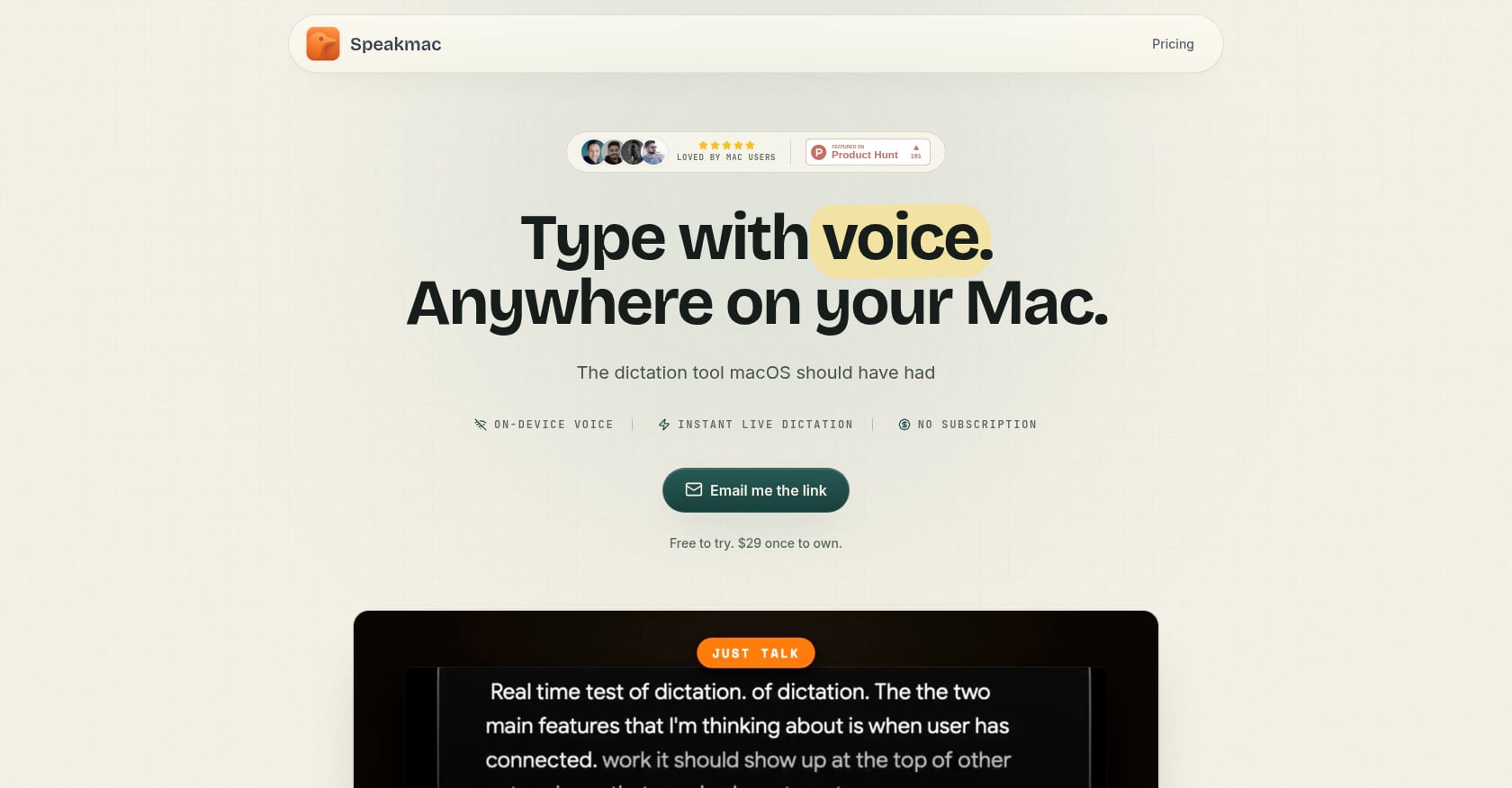
Best for: Users who want the simplest possible on-device dictation with one-time pricing and zero configuration.
Pricing: One-time purchase, reported around $29. License covers two Macs. No subscription.
Key features:
- Local transcription in less than half a second
- Text cleanup runs on Mac after dictation (removes repeated words, fixes grammar, smooths phrasing)
- Push-to-talk with hotkey activation
- Complete privacy, no data leaves the machine
What makes it genuinely on-device: Audio processing and text cleanup both happen locally on the Mac.
Limitations:
- Requires Apple Silicon (2020 or newer Macs only)
- Newer to market with less feature depth than Superwhisper or Syneli
- No cross-platform support
- Smaller community and fewer resources
7. Spokenly
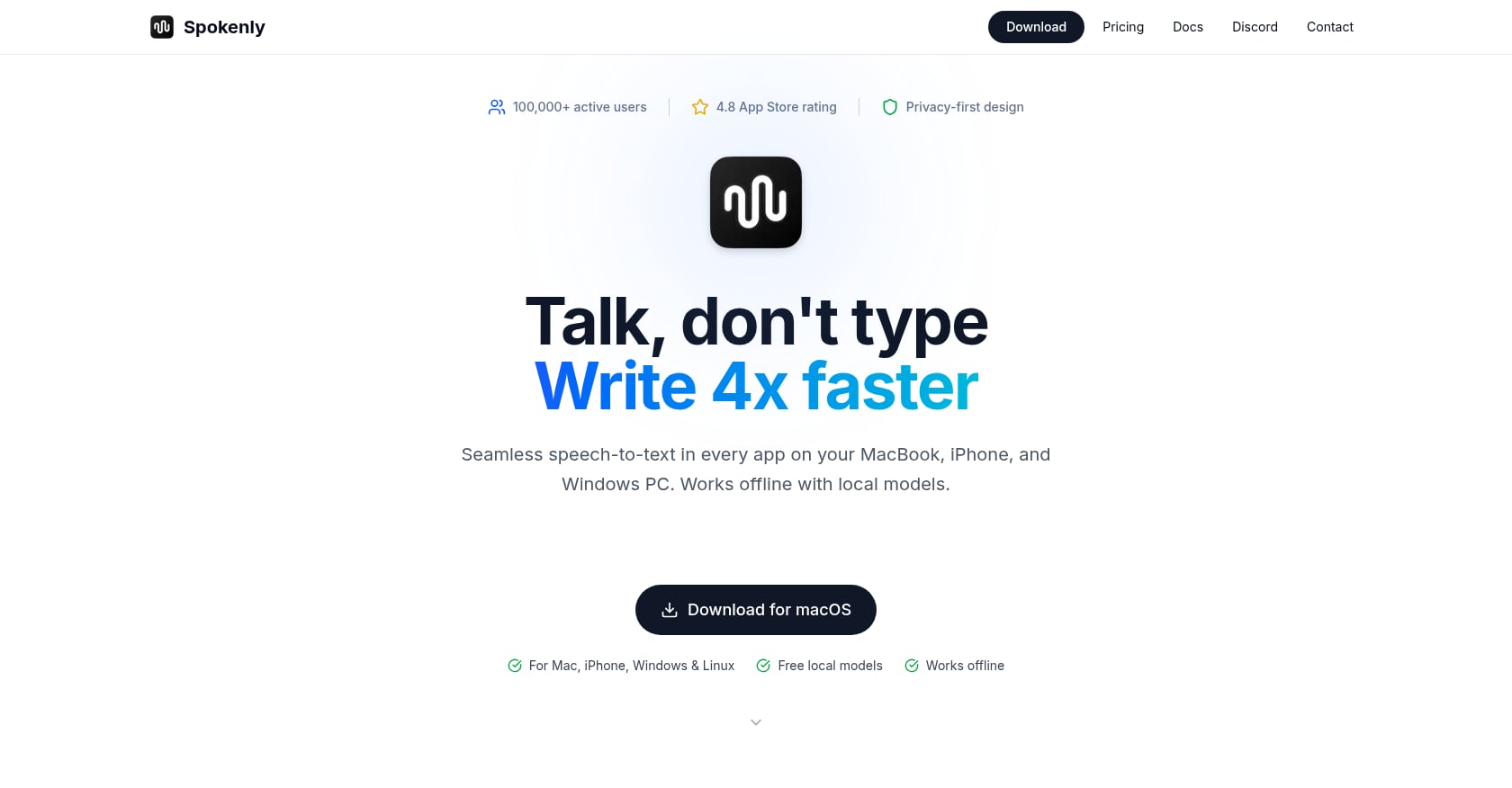
Best for: Developers and technical users who have API keys and want maximum flexibility at zero cost.
Pricing: Free with bring-your-own-key: 100+ languages, local Whisper and Parakeet, custom vocabulary, no timeout. Pro at $9.99/mo adds managed cloud transcription.
Key features:
- Local models include Parakeet V3, Apple Speech Analyzer, and Qwen3-ASR
- MCP server for AI coding agents
- BYOK to OpenAI, Deepgram, Groq at zero markup
- Intel Mac support via cloud models (not on-device for older hardware)
What makes it genuinely on-device: On Apple Silicon, Parakeet and Whisper models run fully locally. Intel Mac users fall back to cloud models.
Limitations:
- BYOK model requires comfort with API keys
- Some features rely on cloud processing
- Newer product with less track record
8. Paraspeech
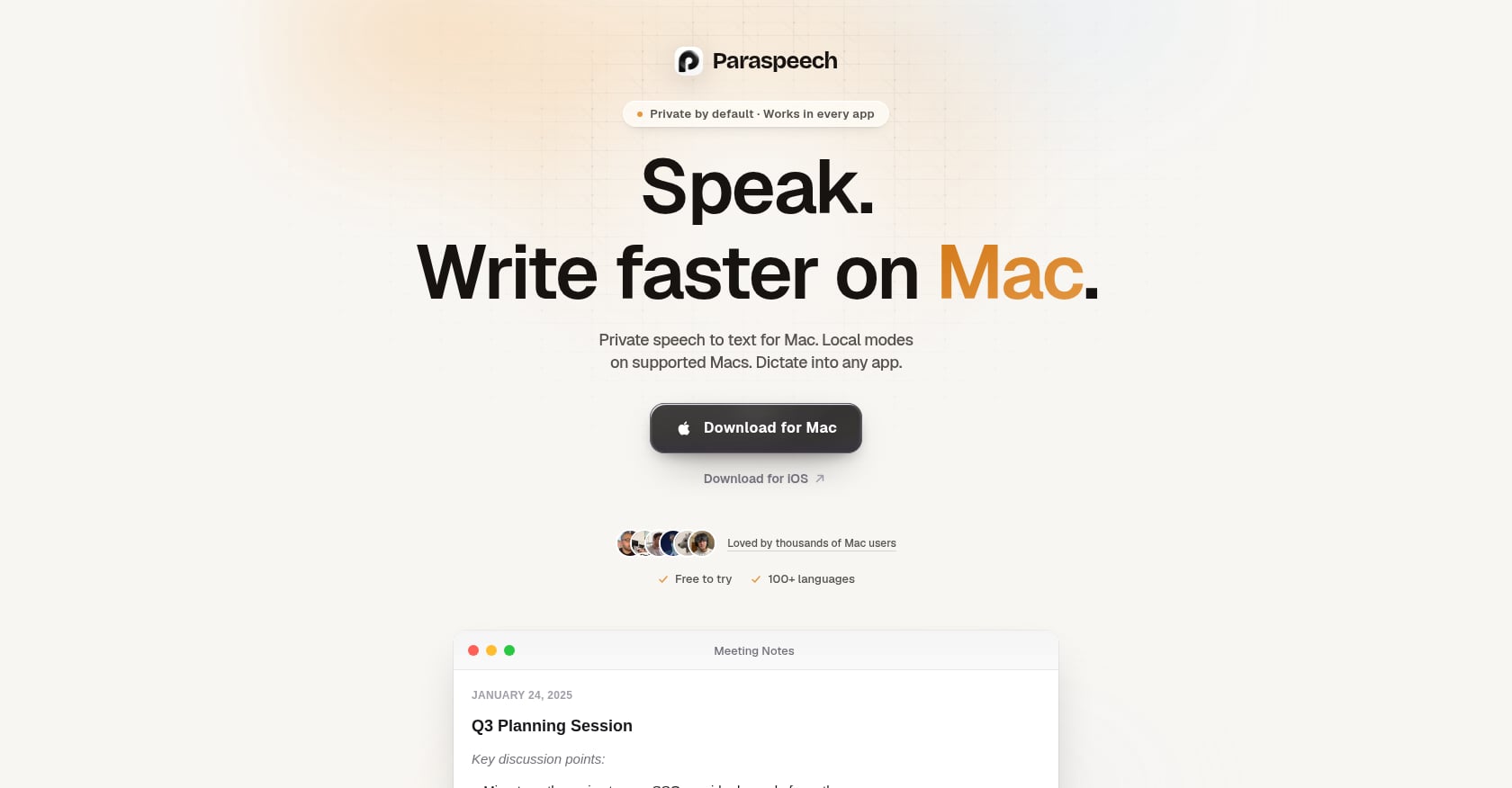
Best for: EU-based professionals who need clear privacy-by-design architecture and GDPR-aligned workflows.
Pricing: One-time purchase (specific pricing not confirmed).
Key features:
- Local-first architecture that treats on-device processing as the default
- Cloud-backed modes are explicitly labeled when used
- Designed with European privacy sensibilities in mind
What makes it genuinely on-device: The app defaults to local processing on Apple Silicon Macs and makes any cloud fallback behavior transparent.
Limitations:
- Intel Macs rely on cloud-backed models instead of local processing
- Less community discussion compared to Superwhisper or VoiceInk
- Smaller feature set than more established tools
On-Device vs. Cloud Dictation: The Real Tradeoffs
The accuracy gap is closing but has not fully closed. Cloud leaders like GPT-4o Transcribe and Deepgram Nova-3 achieve 5-9% word error rates, beating Apple Dictation’s estimated 15-18% on technical and accented speech. But for everyday English dictation (emails, notes, messages), local models are accurate enough that most users will not notice a difference.
Where on-device wins clearly:
- Privacy. No contest. Your voice stays on your machine.
- Latency. Sub-100ms local vs. 200-500ms cloud round-trip.
- Reliability. Works on airplanes, in basements, during internet outages.
- Cost structure. On-device tools tend toward one-time pricing. Cloud tools tend toward subscriptions. With 41% of consumers reporting subscription fatigue, the one-time model has real appeal.
Where cloud still has an edge:
- Accuracy on edge cases (heavy accents, niche technical vocabulary, noisy environments)
- AI-powered cleanup that restructures and reformats dictated text
- Cross-platform support (cloud processing is hardware-agnostic)
The “local-first, not local-only” approach is the most practical middle ground. Keep core dictation on-device for privacy and speed. Use cloud AI selectively for features like translation or tone adjustment, but only when you choose to trigger them. This is exactly how Syneli’s architecture works: dictation runs locally, and optional AI features use cloud processing when activated by a separate shortcut. For a broader look at offline dictation options, there are several tools worth comparing.
How to Choose the Right On-Device Dictation App
Start with your budget:
- Zero dollars: Apple Dictation (already on your Mac) or Spokenly with BYOK
- Under $50 one-time: VoiceInk or SpeakMac
- Under $10/month: Syneli Pro or Spokenly Pro
- Willing to pay more for depth: Superwhisper
Then consider your use case:
- Casual, short-form dictation (texts, quick emails): Apple Dictation is fine. Start there.
- Professional writing with cleanup needs (reports, client communications, multilingual work): Syneli’s combination of on-device dictation and text transformation shortcuts handles this without app-switching.
- Technical/developer workflows (coding agents, API integration, model customization): Superwhisper or Spokenly.
- Budget-conscious, privacy-first, open-source values: VoiceInk.
- Simplicity above all else: SpeakMac.
When cloud is acceptable:
If you are dictating non-sensitive content (personal blog posts, social media drafts, grocery lists) and need cross-platform support across Mac, Windows, and mobile, a cloud tool might be worth the privacy tradeoff.
When on-device is non-negotiable:
Legal work. Medical documentation. Financial analysis. Anything covered by attorney-client privilege, HIPAA, or fiduciary duty. Any situation where a subpoena of cloud-stored voice data would be a problem. The keyboard shortcut UX also matters more than people expect. Practitioners on Reddit consistently emphasize that dictation activation should be one key to start, one key to stop. Not a menu click, not a dock icon, not a three-key combo. The best on-device dictation tools feel invisible.
Try Syneli’s local dictation free
FAQ
Does Apple Dictation actually run on device?
On Apple Silicon Macs (M1 and later), Apple Dictation processes speech locally using the Neural Engine. However, there is an undocumented cloud fallback that can activate for complex phrases. If you need guaranteed local processing, test with Wi-Fi disabled.
Is on-device dictation as accurate as cloud dictation?
For everyday English (emails, notes, messages), the gap is small enough that most users will not notice. Cloud models still lead on accented speech, technical jargon, and noisy environments. GPT-4o Transcribe and Deepgram Nova-3 achieve 5-9% word error rates, compared to Apple Dictation’s estimated 15-18% on difficult content. Local models like Whisper Large V3 and Parakeet V3 sit somewhere in between.
Can I use on-device dictation completely offline?
Yes. That is the whole point. Apps like Syneli, VoiceInk, SpeakMac, and Superwhisper (with local models) process speech without any internet connection. Features that use cloud AI (translation, tone adjustment) will not work offline, but core voice-to-text will.
What hardware do I need for on-device dictation?
Apple Silicon is the practical minimum. Any Mac with an M1 chip or later (2020 onward) has the Neural Engine needed for real-time local speech recognition. Intel Macs can run some tools, but they either fall back to cloud processing or run local models much more slowly.
Can on-device dictation translate my speech?
Core on-device dictation converts speech to text in the language you speak. Translation typically requires an additional AI processing step. Syneli handles this with a dedicated shortcut that translates speech before insertion or translates selected text in place. This translation step uses cloud AI, but it is triggered separately from the local dictation core.
How do I know if a dictation app is truly processing on device?
Two quick tests. First, enable airplane mode (turn off Wi-Fi and Bluetooth) and try dictating. If it works, it is running locally. Second, use a network monitoring tool like Little Snitch to watch for outgoing connections during dictation. A genuinely on-device app will show zero network activity during speech processing.
Is on-device dictation useful for preventing RSI?
Absolutely. Typing fatigue and repetitive strain injury are among the most common reasons people adopt dictation. On-device dictation is particularly good for this because the low latency makes speaking feel natural. The 200-500ms delay from cloud processing, while small, creates just enough friction to make the experience feel laggy over long sessions.
What is the difference between “local-first” and “local-only” dictation?
Local-first means the app treats on-device processing as the default and routes speech through local models whenever the hardware supports it. Cloud features exist but are optional and clearly labeled. Local-only means the app never uses any cloud services for anything. Most practical dictation tools in 2026 are local-first, because features like AI translation and tone adjustment benefit from cloud models while core transcription runs perfectly well on your Mac.